
Icon & Wallpaper Packs
Custom icons, widgets, & wallpapers for iPhone, iPad & Notion. Escape the digital overwhelm with form & function in perfect harmony…
On This PAGE: Choose Your Pack, Take The Tour, See Pricing & FAQs!
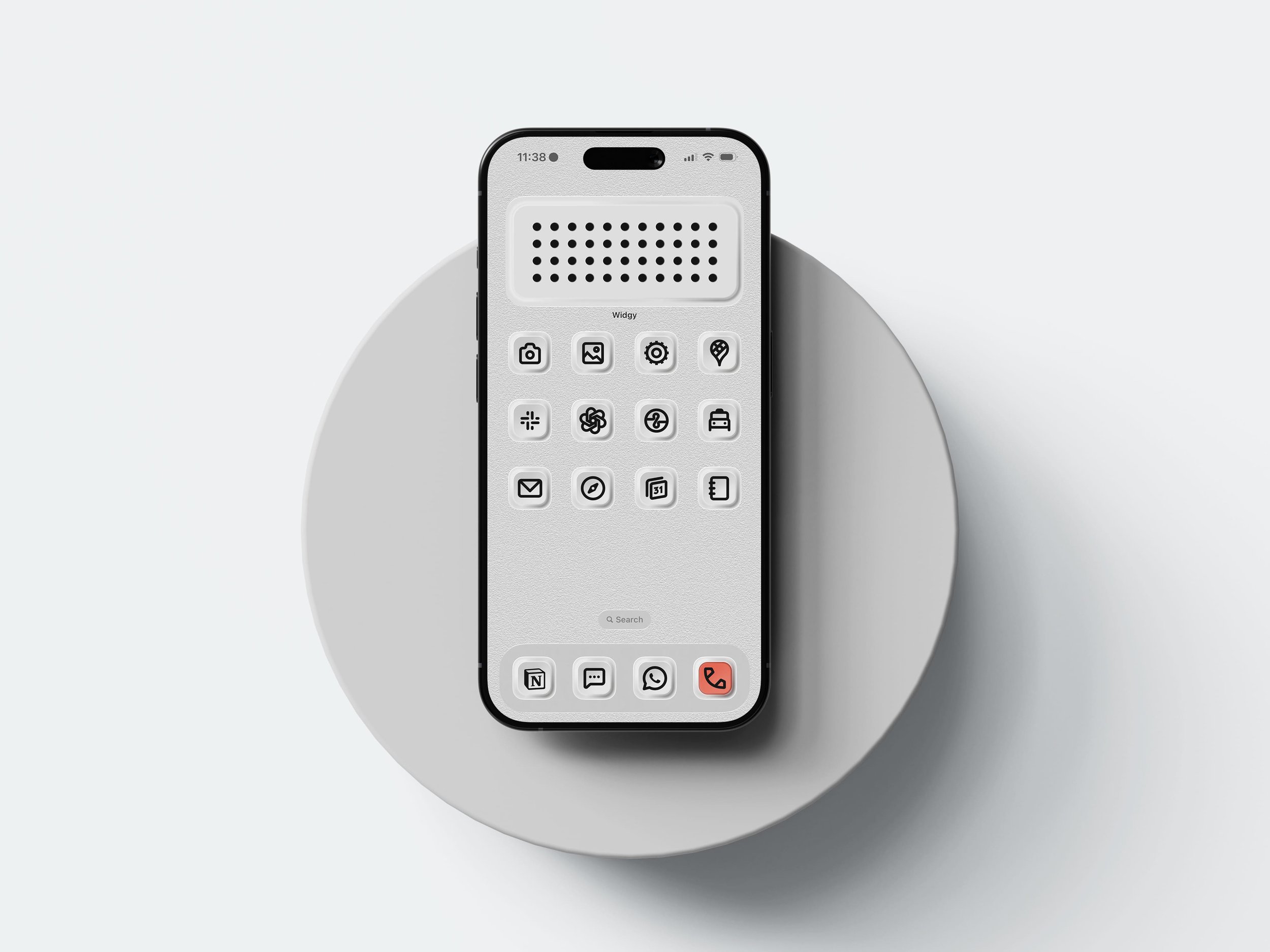
Physical Buttons 2
Inspired by Dieter Rams, Kenya Hara & Teenage Engineering: tactile MODERN aesthetics Updated for iOS26+
$19.50 USD
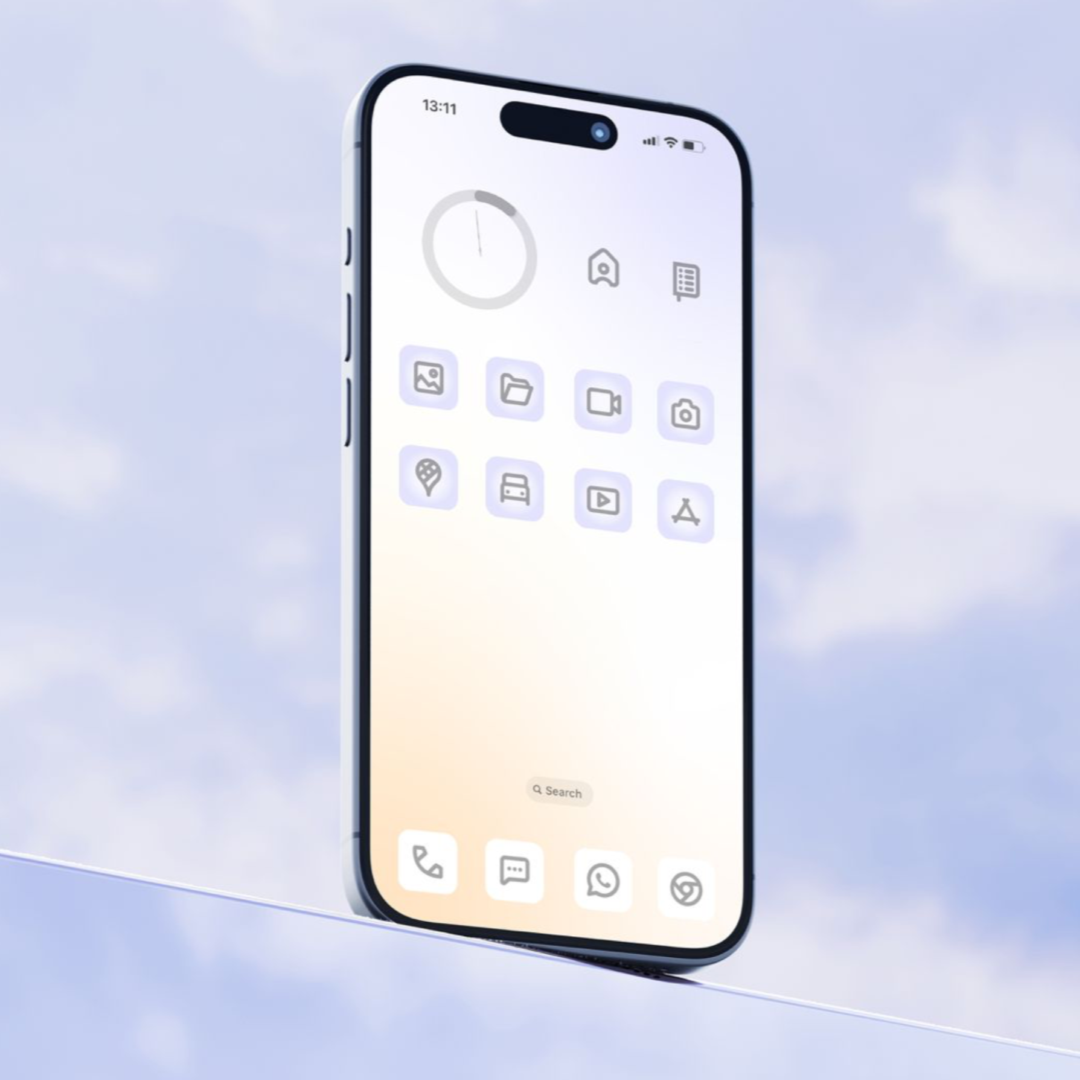
Ambient: calm.
Same icons, new sense of calm. Embrace the clarity of our latest ambient pastels & cloud-like wallpapers! | $19.50 USD
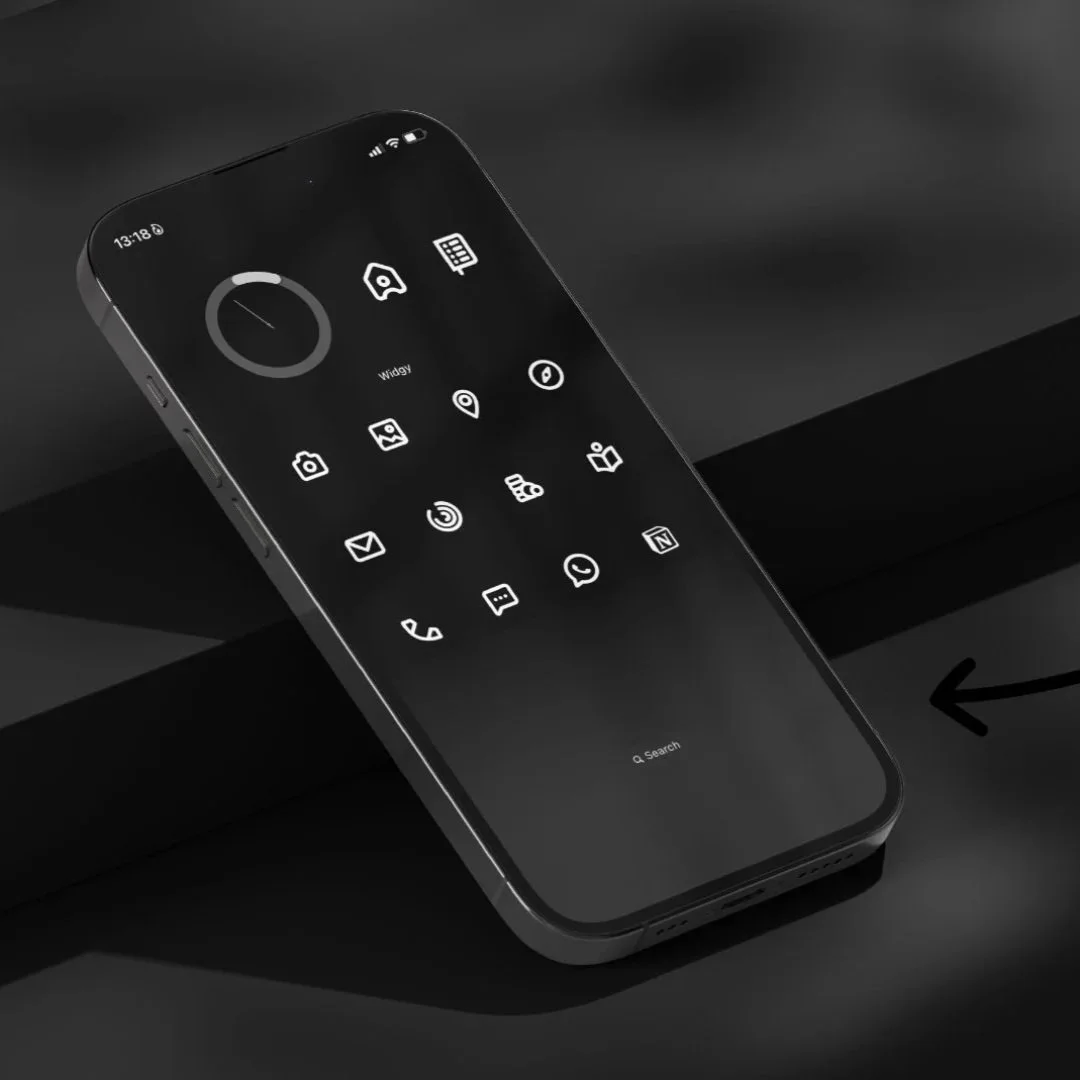
Minimal Originals
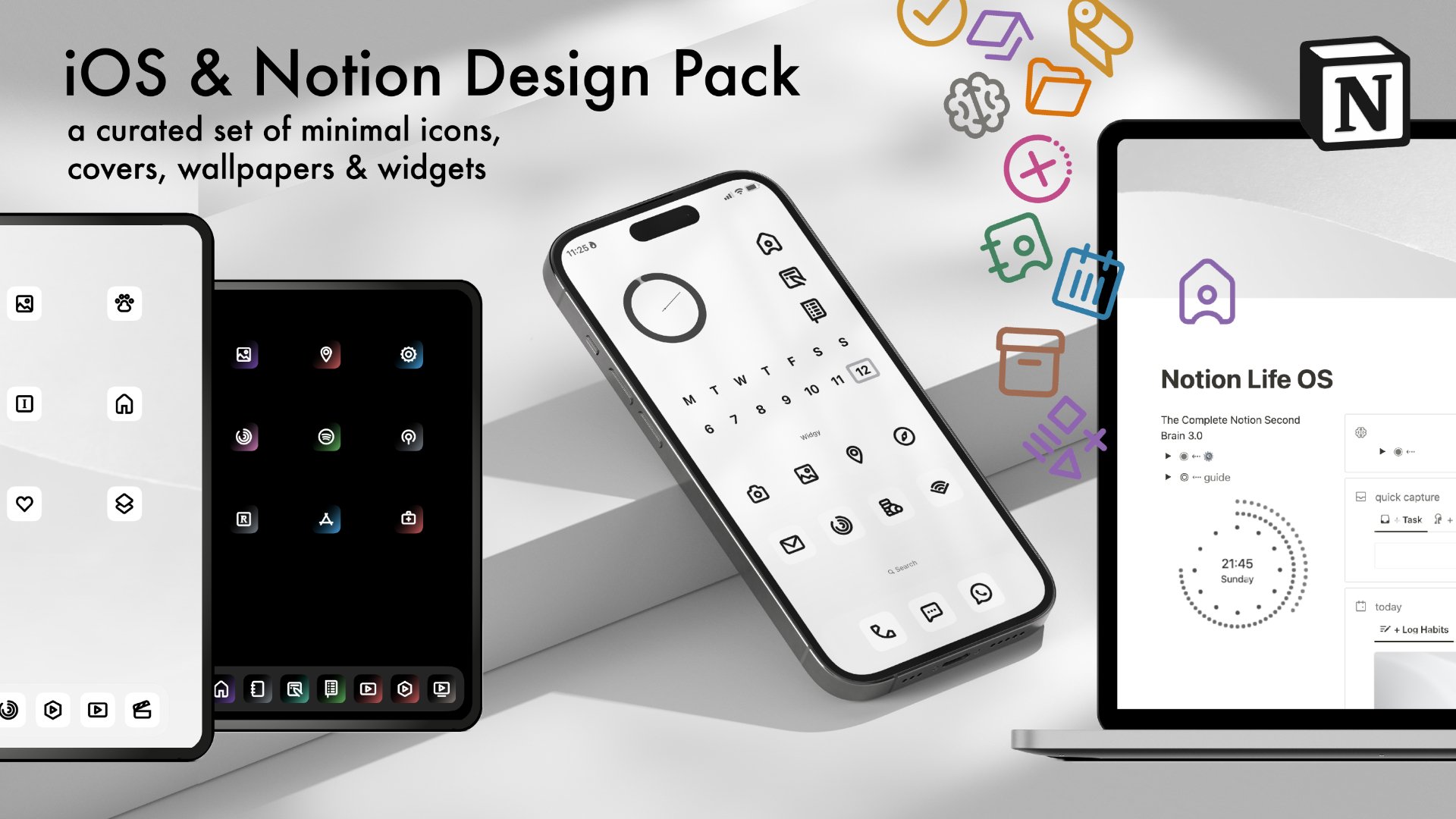
A custom set of minimal icons, covers, wallpapers & widgets to help you get calm & beautiful on your devices | From $25.00 USD

Notion Suite
Transparent icons for Notion in the 10 Native colour-ways + light and dark mode covers $15.00 USD
Watch My iOS Customisation Guide Video
iOS Customisation: If you are new to customising iOS devices using Shortcuts - I recommend you check-out the set-up tutorial on YouTube so you understand the process of customising using the shortcuts method. You should also research ways to manage the shortcut pop-up banners before hand. :)
Bonus Mac Customisation: a small bonus pack of Mac-specific icons with rounded edges is included, but please note that only third-party or downloaded apps on MacOS can be customised.
Take The Tour of the Minimal Packs

Minimal Originals Pack Colour & monochrome gradient option

Ambient Calm Pack on iPad
What’s Included:
192 custom minimal icons in a range of mono and colour gradient designs (9 new colour options for iOS in Dark and Light added)!
The packs includes multi-use custom shortcut icons & popular Apple & 3rd Party App Icons
Each design has wallpapers designed to work with the icons and optimised for light and dark mode options.
Customisable Widgy widget templates. Each Element is clickable and linkable to specific apps
Set of Mac specific Icons to customise your Mac Dock too! *Please note only 3rd Party or downloaded App Icons can be customised on Mac. E.g. Final Cut Pro works, Finder or Notes don’t.
Full set-up guide videos for iOS and onwards, iPadOS, as well as Notion
Add the Notion Extension to get 126 Notion relevant icons resized & recoloured in all 9 native Notion colour-ways!


Minimal Original Pack colour gradients in light mode
Create identical light and dark mode looks that change automatically even more easily in iOS26+
Check Set-up is easy with my included step-by-step video tutorial (on the Better Creating YouTube channel)
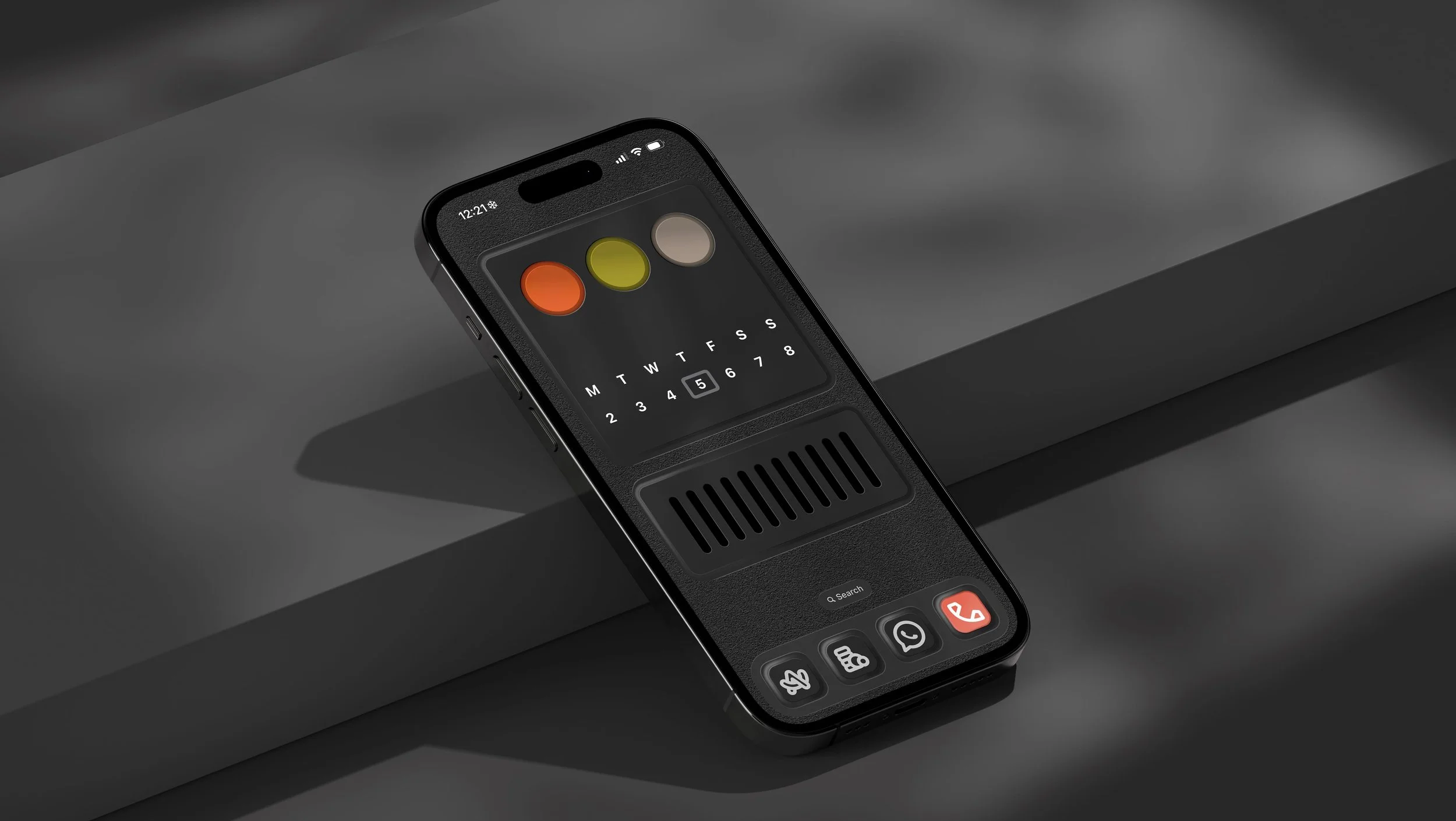
Physical Buttons 2 - 2026 update pack for iOS26+ with new retro widgets pack
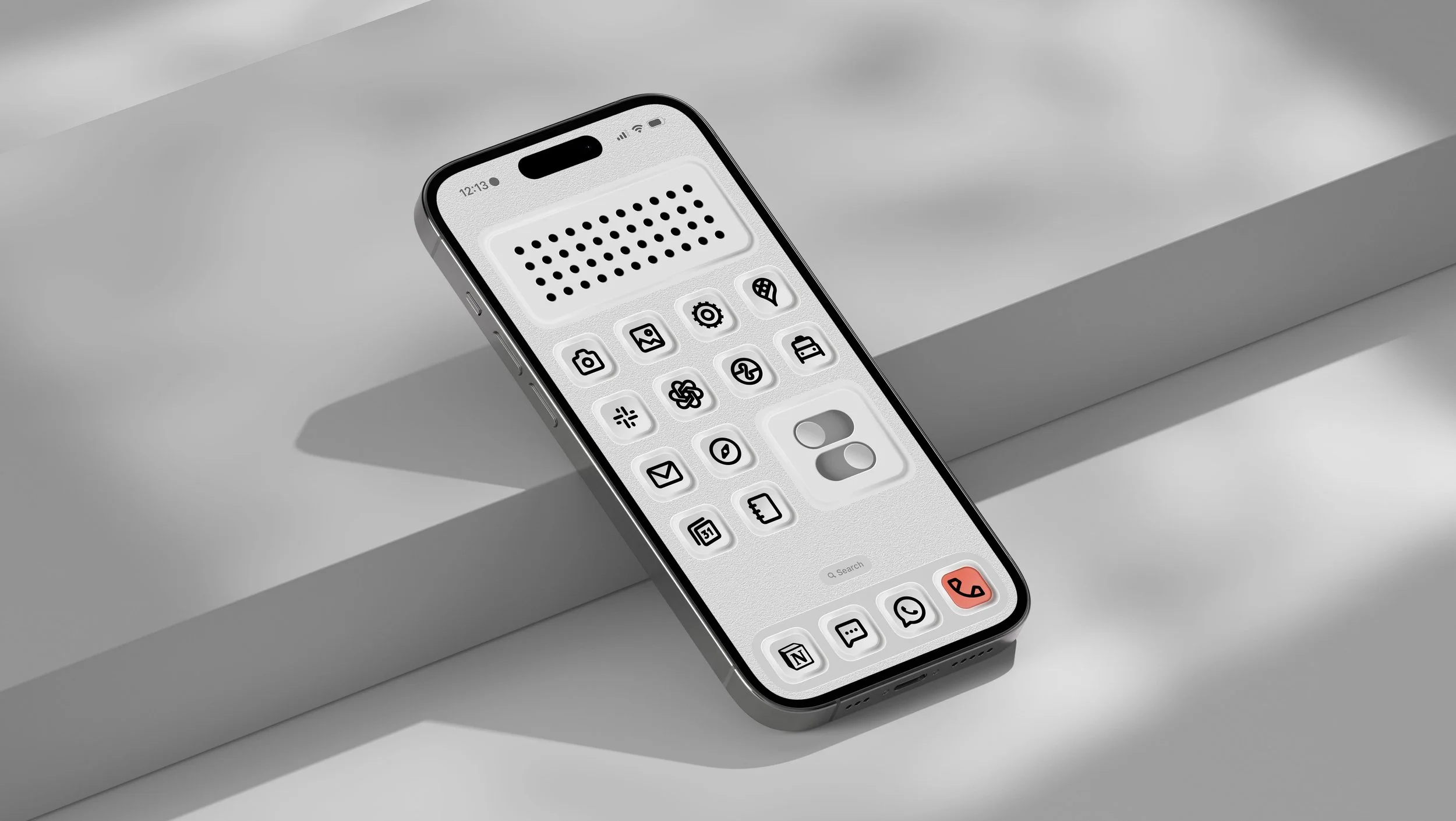
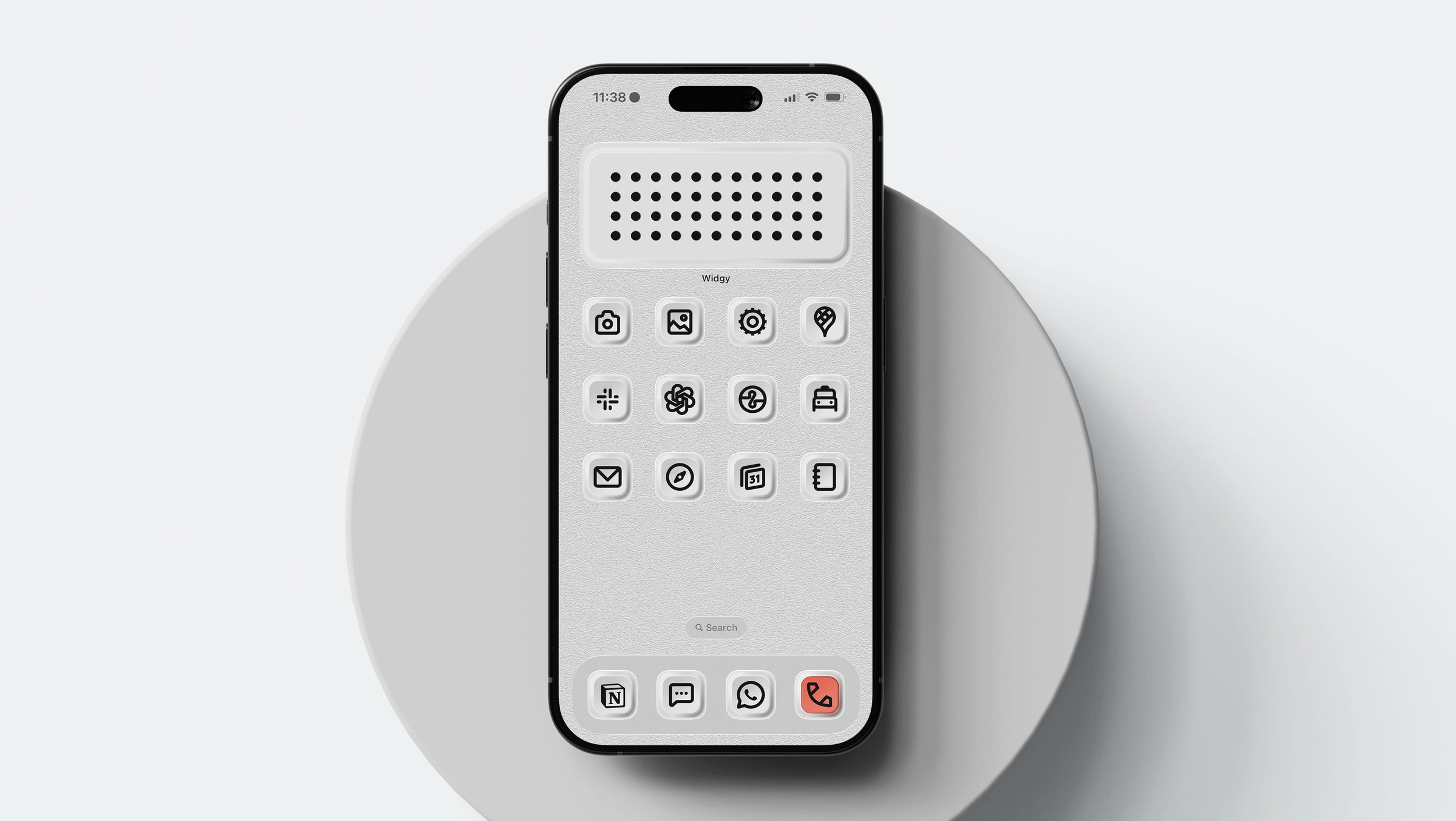
Physical Buttons 2- Loving the new Teenage engineering inspired textured backgrounds!
Carefully custom, yet truly flexible
Light & Dark mode variations so you can design a personal yet seamless look across your devices.

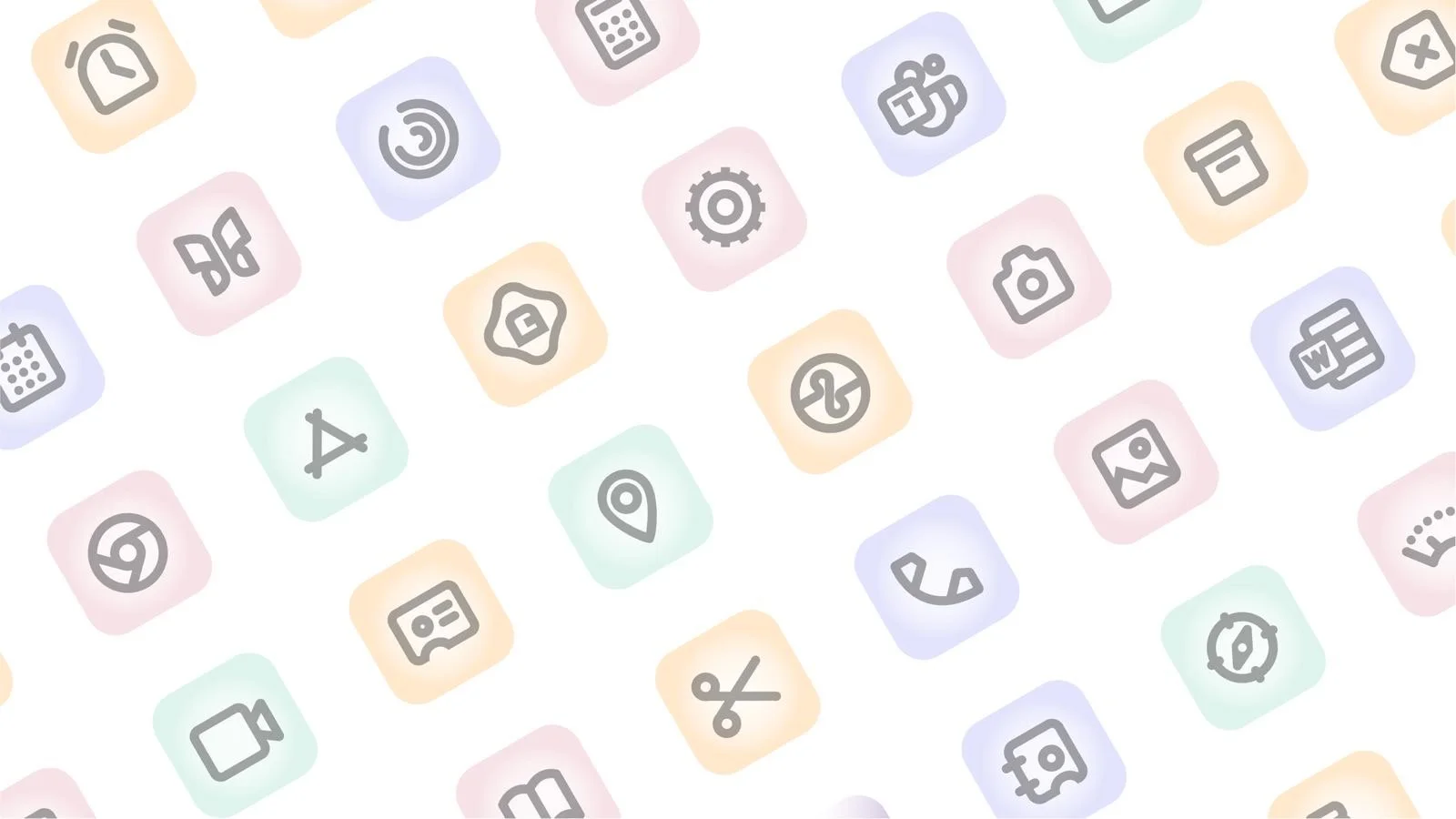
A set of fully customisable Widgy widget templates
Multi-clickable links to your most important apps and websites: Options vary depending on pack

Minimal Originals pack widget templates
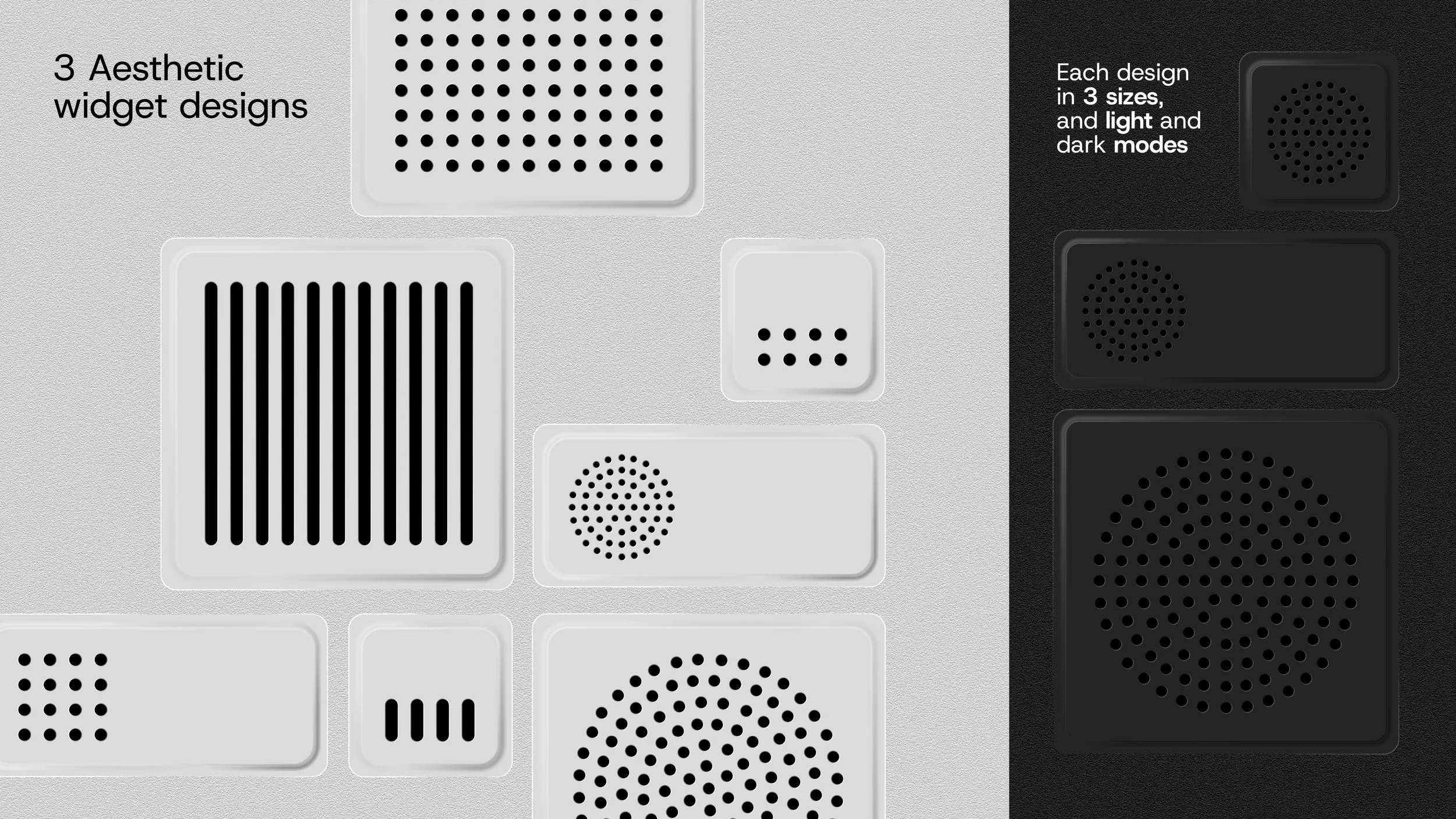
Physical Buttons 2: new widget pack for this pack only!
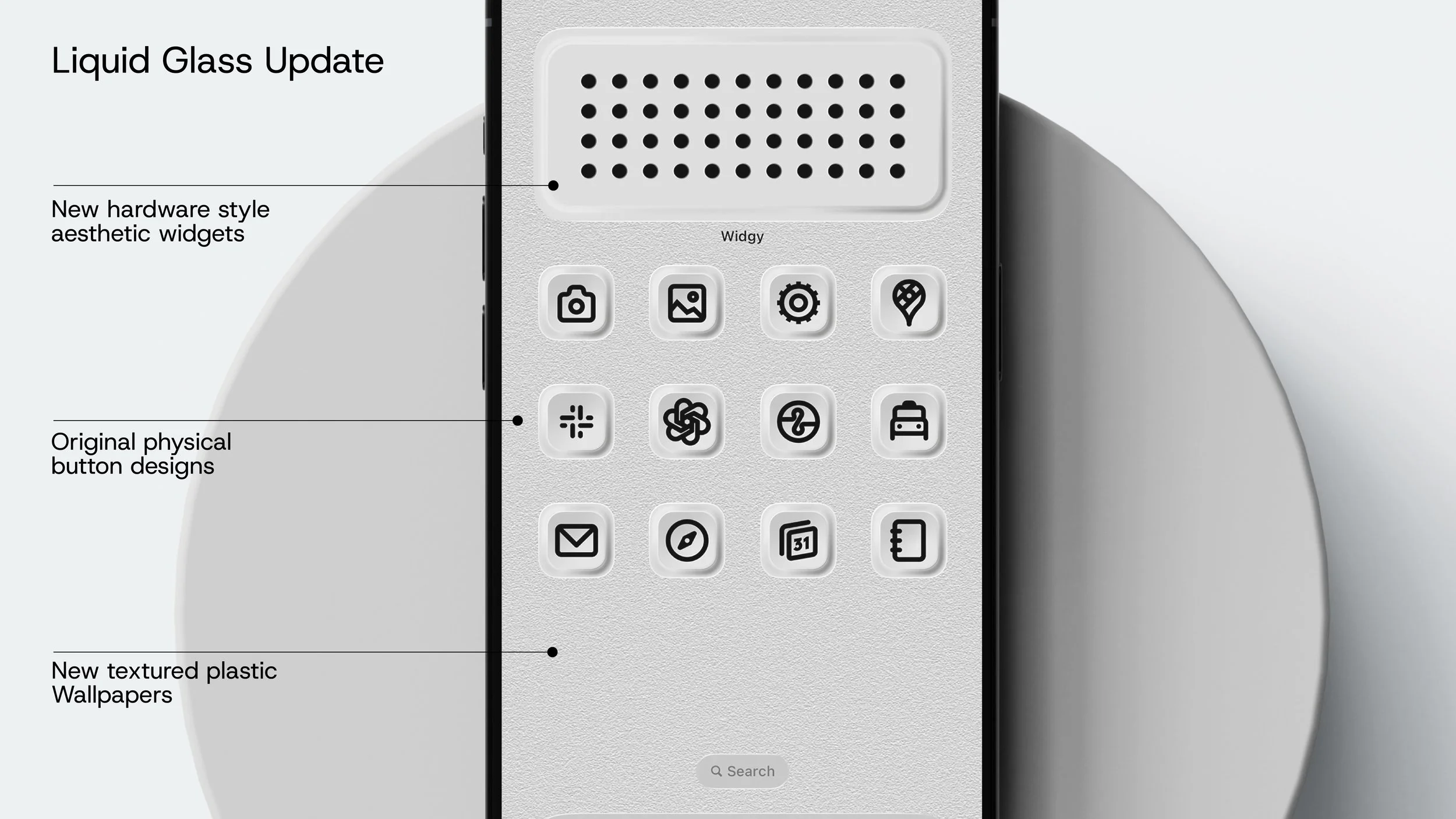
iOS26 Brought the new Liquid Glass Design Language from Apple. We've updated our physical buttons pack for 2026 with this new widget set and textured background to make the design work beautifully with the halo effect animation. All the other packs look great with the halo effect. You just won't be able to disappear the dock or fully blend icons with the background as you could with iOS 18.
Notion User? Upgrade To The Notion Bundle
We’ve added all 126 Icons & Covers rescaled for Notion so you can create a seamless look across your workspaces. There are 13 folders of Notion themed Icons & I've made an icon every page of my Complete Life OS Notion Template.

Get Minimal Today
$19.50
Physical Buttons 2 - Inspired by Teenage Engineering - these physical buttons make your phone feel tactile, and coherent!

$19.50
Ambient Calm - Perfect pastel shades and calm gradients
$25-30 USD
Minimal Originals - Mono, colour and optional Notion icons add-on - the ultimate minimal design pack

$15.00
Notion Suite: Take your Notion design to the next level with native colour matches sets
FAQs
-
Yes, completely. All my transactions go through either Lemon Squeezy or Gumroad, which uses secure encryption and doesn’t store your payment details. I will never receive or see that information.
-
The included video guides (on YouTube) will take you through the design process step by step of adding custom icons in iOS using shortcuts*
-
Shortcuts app pop-up notifications can be triggered when you click a custom bookmark icon. Since iOS26 some solutions I have shared on YouTube have stopped working - so please be aware or this, and that you may need to research other solutions if wish to block the notifications. iPhones with Dynamic Island can try this solution from creator Sam Beckman: https://youtu.be/eLQEnVC54DY
-
Yes! We will release extensions and upgrades in the future if these are successful so you can add more icons and designs to your devices and workspaces in the same style. You will be notified by email when the are available to purchase. Physical Buttons become Physical Buttons 2 as of 04 March 2026 to adjust covers and widgets to work better with iOS26 and Liquid Glass Halo Effect.
-
Since you are able to see the contents clearly on the above guide video + this is a digital product that cannot be returned once downloaded - so I only offer refunds on these icon packs if there is a significant defect of missing element issue with the product that prevents you from using it.
-
They are designed for Apple Devices (iOS, iPad OS) and Notion. You can use them on Android and other devices but we are not providing an installation guide for this. On Apple devices, we recommend using iOS18+ onwards for the best features.
-
Yes, you can use automations in the shortcuts app to do it. iOS18 & iOS26+ also now offer scheduling of focus modes - so super easy!
-
Yes – all digital products sold to EU customers are required to include a VAT charge, and Lemon Squeezy (my payment processor) automatically calculates this charge.
-
I’m looking into it! I’m in the process of changing to a new payment gateway - once that is done I will look at what is possible. In the meantime - if you need help to afford the template due to currency conversion, or you are a student - please contact me at notion@bettercreating.com and I will try to help you out! Thanks!
-
No, we don't think so. Whilst you can no longer disappear the dock, the transparent dock actually worked better with most of the packs. Where any packs were affected negatively by the Halo animation around icons, we have redesigned their backdrops and widgets to make the pack mode more coherent. This is true of physical buttons. All other packs, whilst they won't be completely blended into the background, look fantastic, particularly in dark mode, with the animation around them. We wanted to just give you the best options to design the best home screen, and we think these packs do that for the current design in iOS.