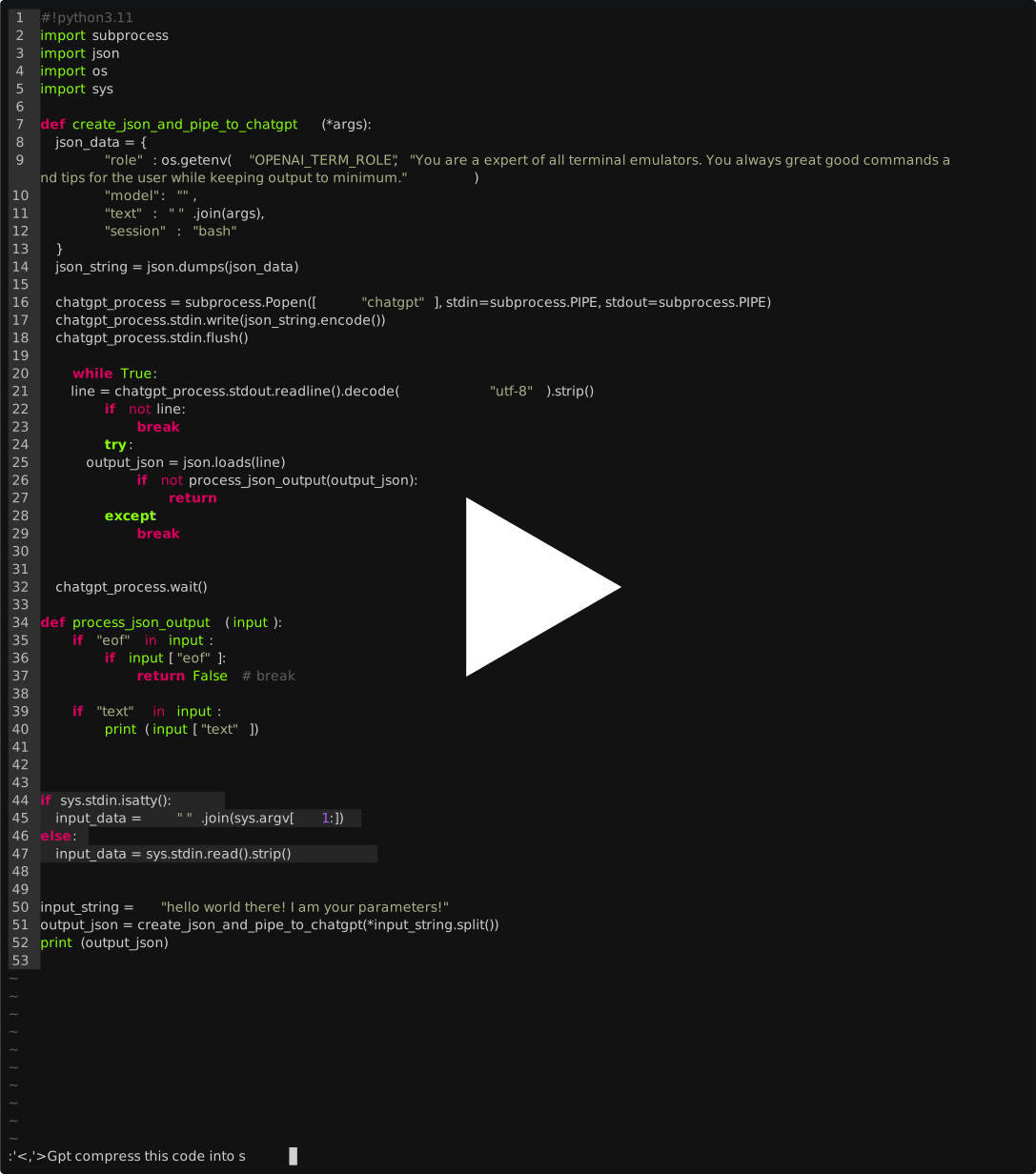
demo backend for this: https://github.com/zutto/gpt.vim
you can try this manually by running:
cat test.json | ./main.py
install requirements
make deps
(or python -m pip install -r requirements.txt)
copy files to $PATH:
sudo make
Add variables to $env - examples below.
# Username and password are optional, but you must use api key without them.
OPENAI_USER=<EMAIL>
OPENAI_PASSWORD=

#OPENAI api key
CHATGPT_API_KEY=

#paid flag for chatgpt
OPENAI_PAID=<any value = true, omit = false>

#base url for your openai or similar compatible service - see localai for example.
CHATGPT_BASE_URL=http://localhost:8080/
Example use on chatgpt generated code to tidy it: