NextUI Lockdown aims to support all the goodness of NextUI (for the TriumUI Brick), but with the ability to quickly enable Simple Mode with the konami code. Useful for when:
- You want an even more bare-bones minui look, but still want options/settings available when needed.
- You hand your retro doodad to your nephew to play at Thanksgiving and don't want him messing with settings on accident.
- When you gift a retro doodad to your technically-illiterate uncle who's melted his brain with Fox News over the last 10 years and he's fully replaced you and all interaction with his family with russian bots on facebook and he can no longer recall joy in his life, including when you two played Super Mario together when you were a kid and you loved your uncle and you just want to give him that little bit of human joy back and go "Hey, do you remember Super Mario? Remember the fun we had? Remember?" Uh, purely hypothetically speaking on this one.
Konami Code enterable at the version screen to enable/disable Simple Mode. Simple Mode should:
- Hide Tools folder
- Hide Favourites
- Hide Collections
- Hide Settings in Emulator menu

Single Game Mode turns your Trimui Brick into a single game retro doodad.
- Konami Code in emulator menu of your selected game enables single game mode.
- In-game emulator menu has no options in lockdown mode. Just a pause screen.
- Device boots directly into game when device is powered on.
- Konami Code again in the emulator menu disables single game mode and restores all access to minui.
Original NextUI Readme Below.
A CFW based of MinUI with a rebuild emulation engine and tons of added features for the TrimUI Brick and Smart Pro. For other devices we recommend checking out MinUI
- Fixed both screen tearing and sync stutter problems of MinUI by rebuilding the emulator engine core
- Game switcher menu (Onion OS style) by @frysee
- High audio quality, due to advanced resampling engine using libsamplerate (with quality/performance setting per emulator)
- Much lower latency (average 20ms, 1 frame of 60fps)
- Game art/media support
- Game time tracker!
- Custom bootlogos contributed by @SolvalouArt
- Color and font settings to customize the NextUI interface
- Menu animations
- LED control, change colors, effects, brightness
- LED indicators, low battery, stand by, charging (brightness can be set seperately)
- Ambient LED mode, the LEDS act like Ambient light TV's for extra immersion, configurable per emulator
- Screen color temperature and brightness controls
- Deep Sleep mode, gives instant ON and avoids the overheat bug on the Brick by @zhaofengli
- Battery Monitoring including history graph and time left prediction
- Scrolling animated titles for longer game names
- Updated and optimized build emulation cores
- Rumble strength fixed and is now variable as used by the games
- FBNeo Arcade screen rotation
- Next font supports CJK for JP/CN etc rom names
- Lot of other smaller fixes and optimizations
Current supported devices:
Trimui Brick | MinUI-20241028-0
Trimui Smart Pro | MinUI-20231111b-2
- Pal rom mode
- Bluetooth and wifi integrated
- Configurable FN and switch buttons
- More compatibility testing with different emulators and fix/improve if nessecary
- Retroachievements
- Shaders
- Probably we think of a lot of other stuff a long the way to add :D
- Once everything is to my liking I will look into porting this to more devices
- Clean up all MinUI code and strip it from all stuff for legacy devices etc.
- @frysee for the super awesome game switcher PR. Truly love this feature, thank you so much for contributing it to this project!
Just copy MinUI.zip (don't unzip this just copy as zipfile) and trimui to the root of your SD Card, bootup your Trim UI device it will say installing/updating and after that just enjoy all your beloved games!
I think most speaks for itself but here are some handy short instructions just in case:
While in menu:
- Hold start and use volume up and down to adjust brightes
- Hold select and use volume up and down to adjust color temperature
- Short press select to open game switcher menu
- Idk the rest speaks for itself I guess?
While in game:
- Menu opens in game options menu, adjusting controls, scaling and what not
- Hold menu and select at same time to open up game switcher
Deep sleep:
- First the device goes into light sleep mode the screen turns off and the Leds will pulse 5 times to let you know its in light sleep, after 2 minutes the device will go in full deep sleep and the leds will also turn completely off.
Discord:
https://discord.gg/HKd7wqZk3h
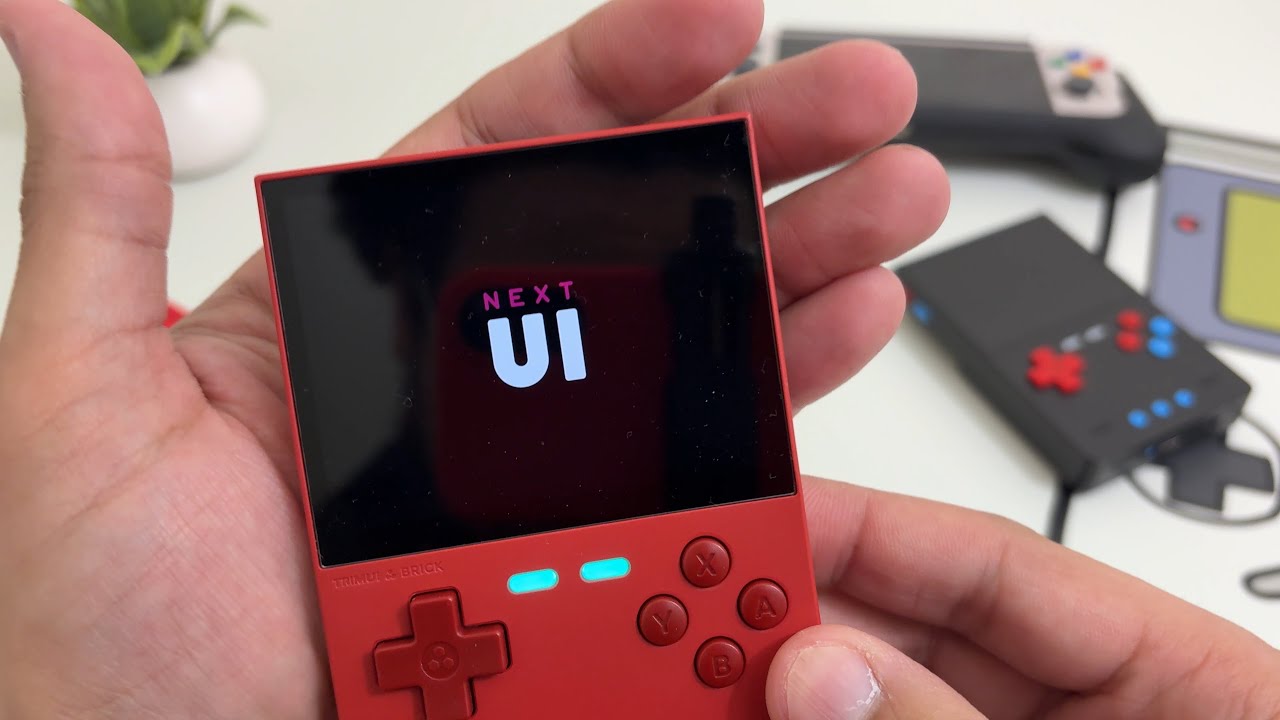


NextUI is based of MinUI which is an amazing CFW and works on many more devices than NextUI currently does, so def check it out!
-
Simple launcher, simple SD card
-
No settings or configuration
-
No boxart, themes, or distractions
-
Automatically hides hidden files and extension and region/version cruft in display names
-
Consistent in-emulator menu with quick access to save states, disc changing, and emulator options
-
Automatically sleeps after 30 seconds or press POWER to sleep (and wake)
-
Automatically powers off while asleep after two minutes or hold POWER for one second
-
Automatically resumes right where you left off if powered off while in-game, manually or while asleep
-
Resume from manually created, last used save state by pressing X in the launcher instead of A
-
Streamlined emulator frontend (minarch + libretro cores)
-
Single SD card compatible with multiple devices from different manufacturers
Base:
- Game Boy
- Game Boy Color
- Game Boy Advance
- Nintendo Entertainment System
- Super Nintendo Entertainment System
- Sega Genesis
- PlayStation
Extras:
- Neo Geo Pocket (and Color)
- Pico-8
- Pokémon mini
- Sega Game Gear
- Sega Master System
- Super Game Boy
- TurboGrafx-16 (and TurboGrafx-CD)
- Virtual Boy
- Arcade (cps, mame etc)