
gh-issue-sync: sync GitHub issues locally and back
gh-issue-sync is a command line tool that syncs GitHub issues to local
Markdown files for offline editing, batch updates, and integration with
coding agents.
Pull issues locally, refine them until you are satisfied, and sync changes back. Also useful for offline access to your issues.
When refining many issues at once, editing them on GitHub can be tedious. It is easier to make changes locally and push them all at once. This is particularly useful when using Claude Code or similar tools to refine issues iteratively.
Agents can work with issues locally until you are ready to push. The tool also supports creating new issues locally with temporary IDs that get replaced with real issue numbers after pushing.
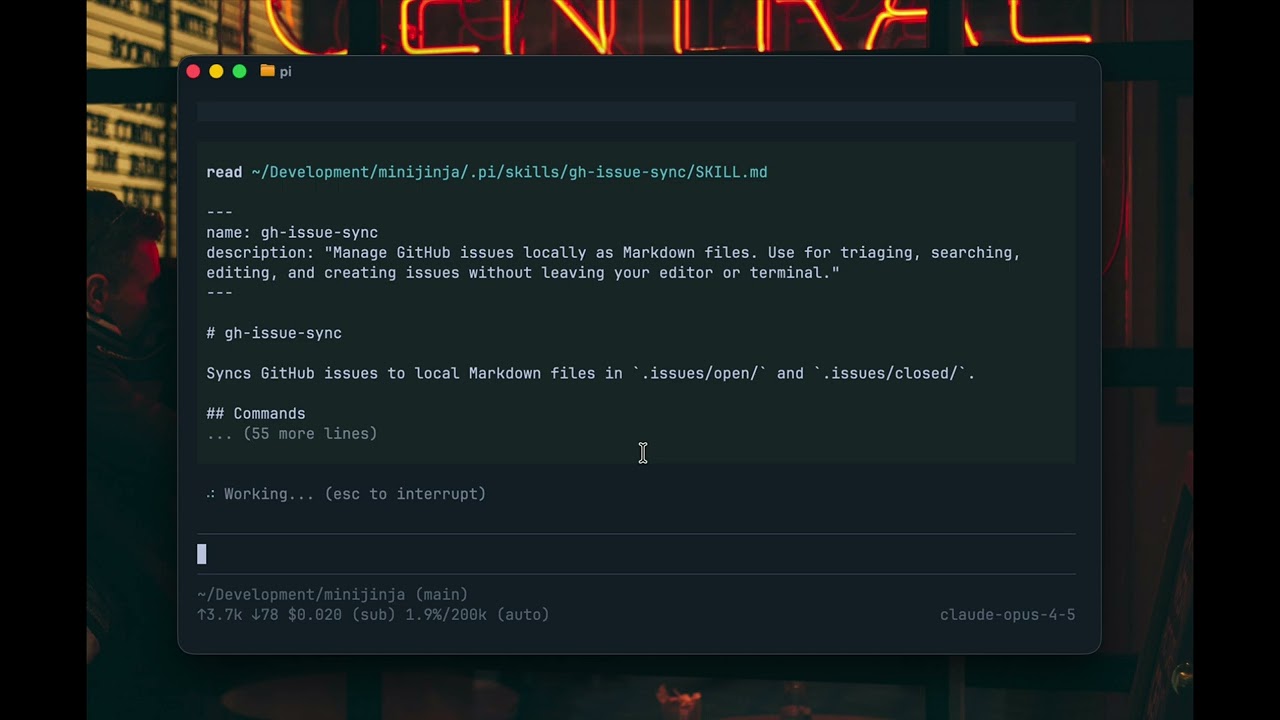
Watch the demo video
gh-issue-sync mirrors GitHub issues into a local .issues/ directory as
Markdown files with YAML front matter. Edit issues in your favorite editor,
create new issues locally, and push changes back to GitHub when ready.
Prerequisites:
- GitHub CLI (
gh) installed and authenticated (gh auth login)
curl -sSfL https://github.com/mitsuhiko/gh-issue-sync/releases/latest/download/install.sh | shgo install github.com/mitsuhiko/gh-issue-sync/cmd/gh-issue-sync@latestDownload the latest binary from GitHub Releases and place it in your PATH.
git clone https://github.com/mitsuhiko/gh-issue-sync.git
cd gh-issue-sync
go build -o gh-issue-sync ./cmd/gh-issue-sync
mv gh-issue-sync ~/.local/bin/# Navigate to your project
cd my-project
# Initialize issue sync (auto-detects repo from git remote)
gh-issue-sync init
# Pull all open issues from GitHub
gh-issue-sync pull
# View your local issues
ls .issues/open/
# Edit an issue
$EDITOR .issues/open/123-fix-login-bug.md
gh-issue-sync edit 123
# Push your changes
gh-issue-sync push
# Or sync both ways (push then pull)
gh-issue-sync syncWhen you run gh-issue-sync init, the .issues directory is created next to
the .git directory (at the repository root), regardless of your current
working directory.
For other commands, gh-issue-sync searches for .issues by walking upward
from the current directory until it finds one or reaches a .git root. This
means you can run commands from any subdirectory within your project.
Set GH_ISSUE_SYNC_DIR to explicitly specify the .issues directory location:
# Use a custom location
export GH_ISSUE_SYNC_DIR=/path/to/my-project/.issues
gh-issue-sync list

# Or inline
GH_ISSUE_SYNC_DIR=~/.issues/work-project gh-issue-sync pull
This is useful when:
- Working with multiple repositories
- Storing issues outside the repository
- Using a shared issues directory across projects
This tool is designed to work with coding agents. Install the skill file so
your agent knows how to use gh-issue-sync:
gh-issue-sync write-skill --agent codex     # Codex
gh-issue-sync write-skill --agent pi        # For Pi
gh-issue-sync write-skill --agent claude    # Claude Code
gh-issue-sync write-skill --agent opencode  # OpenCode
gh-issue-sync write-skill --agent generic   # Amp and others
Use --scope to choose between user-level (default) or project-level installation:
# Install to user home directory (default)
gh-issue-sync write-skill --agent codex --scope user

# Install to current project directory
gh-issue-sync write-skill --agent codex --scope project| Agent | User Scope | Project Scope |
|---|---|---|
codex |
~/.codex/skills/ |
.codex/skills/ |
pi |
~/.pi/skills/ |
.pi/skills/ |
claude |
~/.claude/skills/ |
.claude/skills/ |
opencode |
~/.config/opencode/skill/ |
.opencode/skill/ |
amp, generic |
~/.config/agents/skills/ |
.agents/skills/ |
To install to a custom location:
gh-issue-sync write-skill --output /path/to/skills/gh-issue-sync/You can also read or copy the skill file directly: skill/SKILL.md
Since issue numbers come from GitHub, you can use temporary issue numbers
until then. T42 or TABC are valid temporary issue IDs. They must start
with "T" to mark them as temporary. After syncing, they receive real numbers
and all references are updated.
Push and pull in a single command:
# Push local changes, then pull remote updates
gh-issue-sync sync

# Include closed issues
gh-issue-sync sync --all

# Filter by label
gh-issue-sync sync --label bugThe tool uses three-way comparison (local, original, remote) to detect conflicts.
Original versions are stored in .issues/.sync/originals/.
| Local | Original | Remote | Action |
|---|---|---|---|
| Same | Same | Same | No action |
| Changed | Same | Same | Push local changes |
| Same | Same | Changed | Pull remote changes |
| Changed | Same | Changed | Conflict - skip with warning |
On pull: New issues are saved, unchanged local files are updated, conflicts
are skipped (use --force to overwrite). Deleted local files are restored.
On push: Local issues (T1, T2, etc.) are created and renamed with real numbers.
References like #T1 are updated automatically. Missing labels and milestones
are created. Conflicts with remote changes are skipped.
List and filter local issues:
# List open issues
gh-issue-sync list

# Include closed issues
gh-issue-sync list --all

# Filter by label, assignee, author, milestone
gh-issue-sync list --label bug --assignee alice

# GitHub-style search query
gh-issue-sync list --search "error no:assignee sort:created-asc"
The --search flag supports GitHub issue search syntax:
is:open,is:closed- Filter by statelabel:NAME- Filter by labelno:label,no:assignee,no:milestone- Filter by missing fieldassignee:USER,author:USER,milestone:NAME- Filter by fieldsort:created-asc,sort:created-desc- Sort results- Free text - Search in title and body (case-insensitive)
See what's changed locally:
gh-issue-sync statusCreate issues locally before pushing to GitHub:
# Create with a title
gh-issue-sync new "My new feature idea"

# Create and open in editor
gh-issue-sync new "Fix login bug" --edit

# Create with labels
gh-issue-sync new "Critical bug" --label bug --label urgent

# Create with just the editor (no title required)
gh-issue-sync new --edit
Local issues get temporary IDs like T1, T2. When pushed, they become real
GitHub issues and files are renamed automatically.
# Close an issue (marks for closing on next push)
gh-issue-sync close 123

# Close with a reason
gh-issue-sync close 123 --reason not_planned

# Reopen a closed issue
gh-issue-sync reopen 456
Alternatively, move files manually:
- Move from
open/toclosed/to close - Move from
closed/toopen/to reopen
See Issue Format for details on file structure, front matter fields, and pending comments.
- Skill File
- Issue Tracker
- License: Apache-2.0
This code is entirely LLM generated. It is unclear if LLM generated code can be copyrighted.