CDroid is a android like GUI toolkit base on C++11,It is a cross-platform GUI engine for embedded system.
- Main repository: https://gitee.com/houstudio/cdroid
- Mirrored repository: https://github.com/houstudio/cdroid
- Multi Layer/Multi Window
- Integrated with 50+ UI Components and 20+ Drawables(compatible with android)
- All UI Components(Layouts,Drawables...)can be designed in AndroidStudio or Eclipse
- Vector Graph supported via Cairo
- VM(Ware):https://pan.baidu.com/s/1-v-rLcHxo5W5TXvJ2NUWxA fetchcode:spux (VM Ubuntu User:cdroid password:123456)
- After login pls run git pull to get new version of cdroid
- You'd better remove outXXX and run build.sh to rebuild makefiles after each git pull.


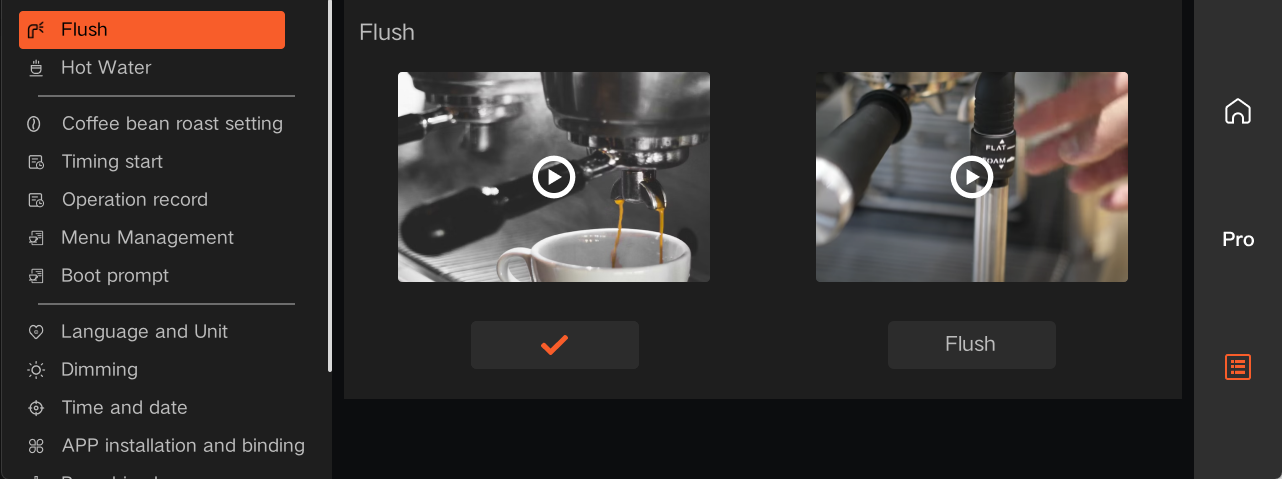
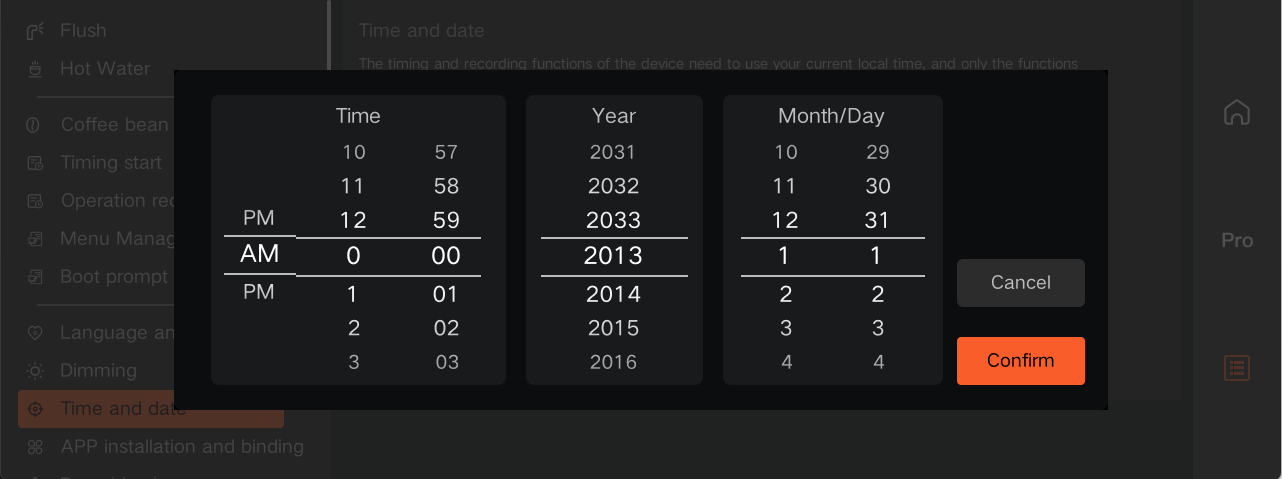
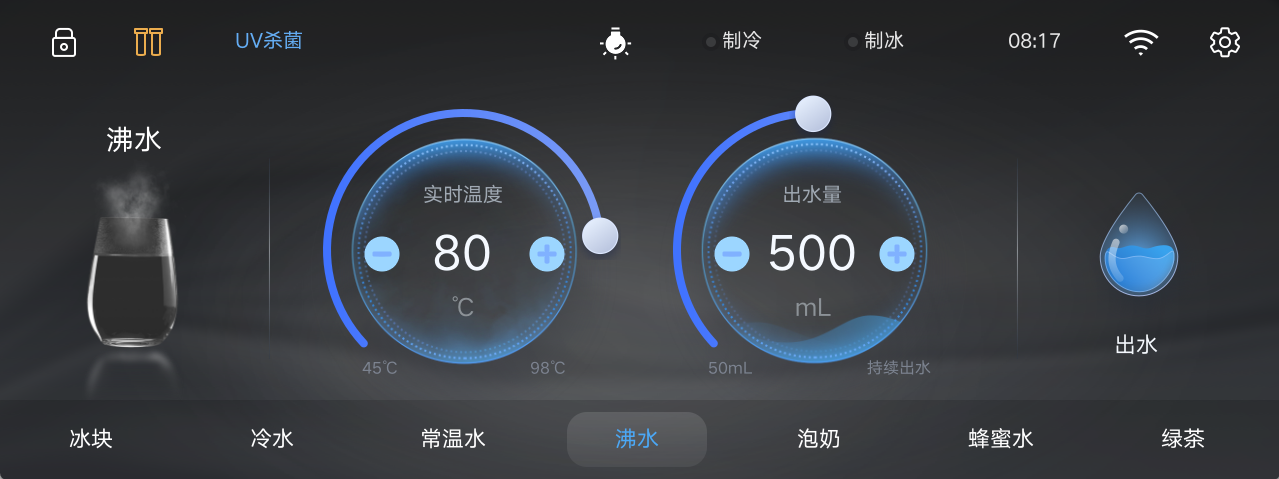
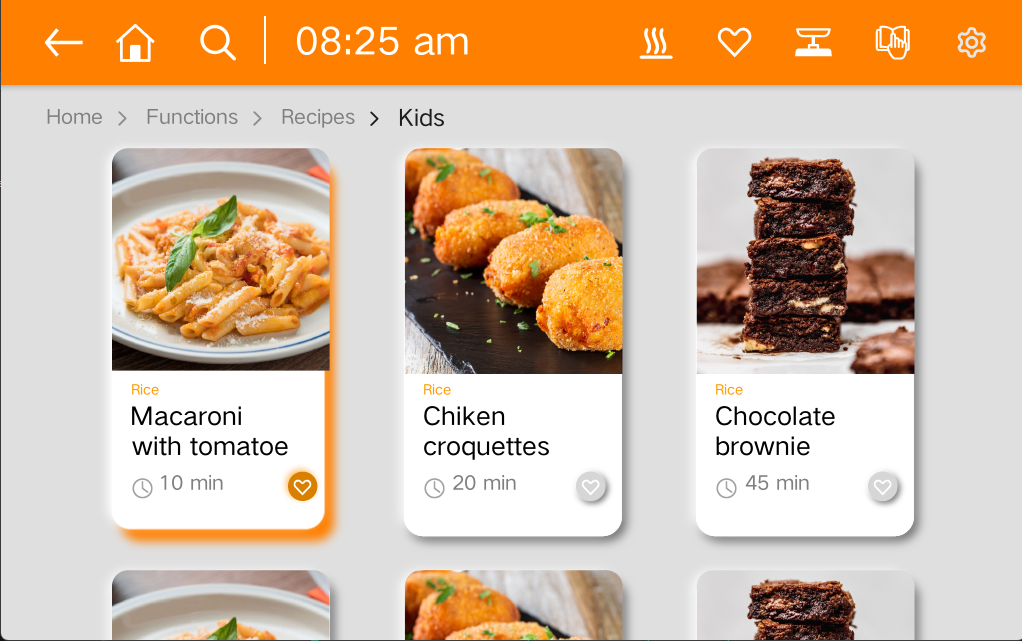

| View | TextView | Button | ImageView | ImageButton |
|---|---|---|---|---|
| CompoundButton | ToggleButton | CheckBox | RadioButton | ProgressBar |
| SeekBar | Chronometer | AnalogClock | ViewGroup | RadioGroup |
| ScrollView | ViewPager | SimpleMonthView | Switch | RatingBar |
| NumberPicker | ListView | GridView | RecyclerView | ViewFlipper |
| ViewAnimator | AdapterViewAnimator | Calendarview | SimpleMonthView | Chronometer |
| ScrollView | NestedScrollView | HorizontalScrollView | DateTimeView | ViewPager2 |
| YearPickerView | WearableRecyclerView | Toolbar | QRCodeView |
| FrameLayout | LinearLayout | RelativeLayout | TableRow | DrawerLayout |
|---|---|---|---|---|
| TableLayout | AbsoluteLayout | GridLayout | GestureOverlayView | CoordinatorLayout |
| ColorDrawable | BitmapDrawable | NinepatchDrawable | InsetDrawable |
|---|---|---|---|
| ShapeDrawable | TransitionDrawable | AnimatedVectorDrawable | StateListDrawable |
| LevelListDrawable | ClipDrawable | AnimatedRotateDrawable | RotateDrawable |
| GradientDrawable | ScaleDrawable | AnimatedImageDrawable | VectorDrawable |
| RippleDrawable | AnimationDrawable | AnimatedStateListDrawable | LayerDrawable |
- 1 A new product porting should be placed to src/porting/xxx(where xxx is you chipset name)
- 2 implement your porting api to xxx directory
- 3 modify build.sh to support your port(you should configure sysroot toolchain...).
- 4 call build.sh --product=xxx
- 5 make you project(SeeAlso Building CDROID)
sudo apt install autoconf libtool build-essential aapt cmake gdb pkg-config zip gettext libx11-dev libxcb1-dev libxcb-image0-dev bison python>=3.7 pip3-python python3-lxml meson
- git clone https://www.github.com/microsoft/vcpkg.git
- cd vcpkg
- ./bootstrap-vcpkg.sh
- cp cdroid/script/vcpkgpatch4cdroid.tar.gz vcpkg/
- cd vcpkg
- tar -zxvf vcpkgpatch4cdroid.tar.gz
- ./cdroid_install_libs.sh --triplet=x64-linux-dynamic
- cd ~
- git clone http://www.gitee.com/houstudio/cdroid.git
- cd cdroid
- ./build.sh --build=debug
- cd outX64-Debug
- make -j
The cdroid.pak and yourapp's pak must be in your working directory
- cp src/gui/cdroid.pak ./
- cp apps/appname/appname.pak ./
- apps/samples/helloworld
- apps/uidemo1/uidemo1