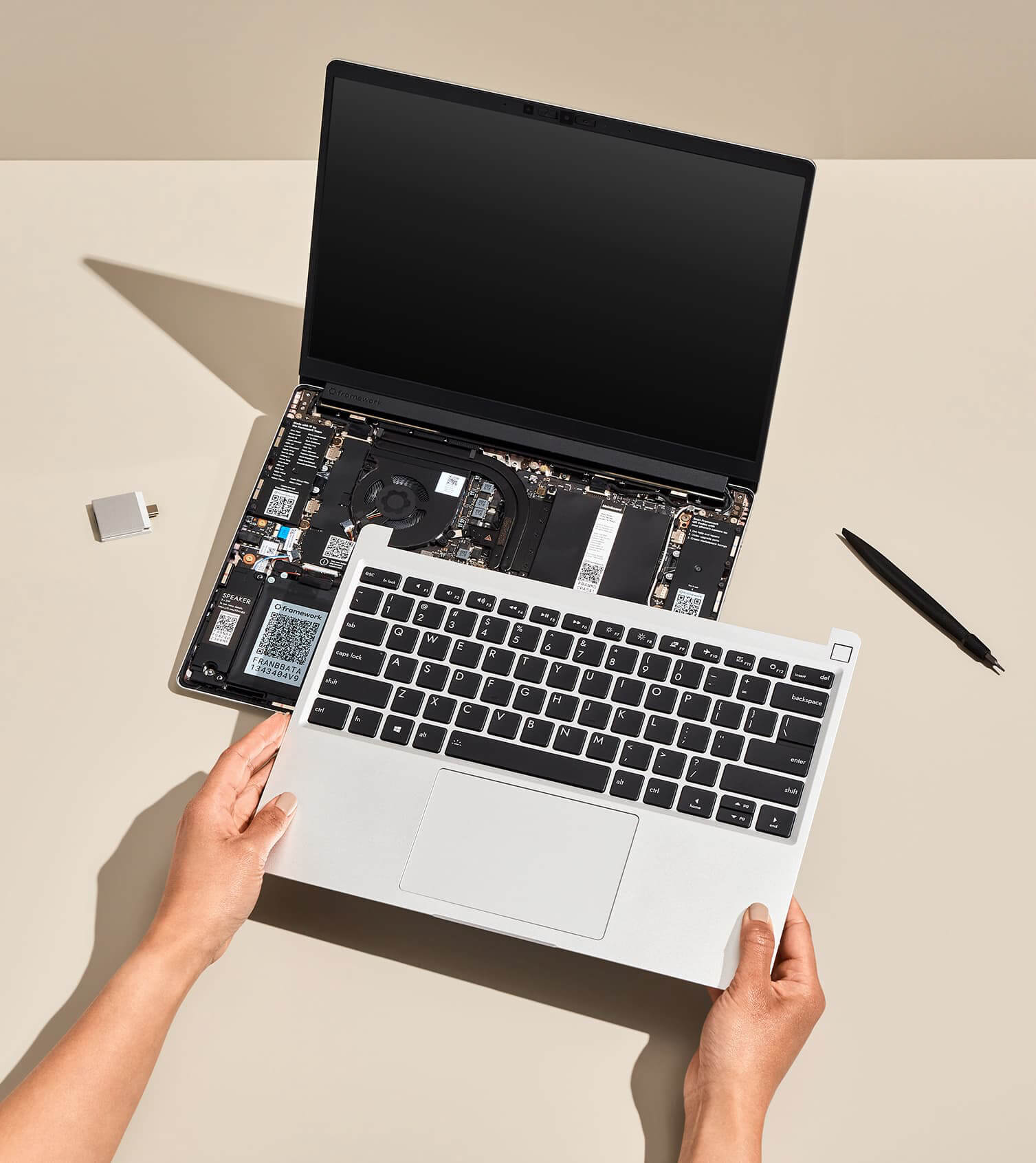
Configurations and scripts for my Framework computer

We should allow the current user to interact with the "framework_tool" command without password :
sudo visudo
user_name ALL=(ALL) NOPASSWD: /usr/bin/framework_tool
Résumé: Stratégie "Race to Sleep" pour Framework 13 (AMD Ryzen 7040). Utilise TLP et le pilote amd-pstate-epp pour laisser le CPU terminer rapidement les tâches puis redescendre instantanément en consommation via l'EPP.
Points clés:
- Installer les outils:
sudo pacman -S tlp tlp-rdw cpupower powertop - Désactiver
power-profiles-daemonet activer TLP:
sudo systemctl mask power-profiles-daemon
sudo systemctl enable --now tlp- Paramètres recommandés (extraits):
CPU_DRIVER_OPMODE_ON_BAT=active,CPU_SCALING_GOVERNOR_ON_BAT=powersave,CPU_ENERGY_PERF_POLICY_ON_BAT=balance_power,CPU_BOOST_ON_BAT=0,SATA_LINKPWR_ON_BAT="min_power",WIFI_PWR_ON_BAT=on,USB_AUTOSUSPEND=1. - Pour la configuration complète, voir Configurations/battery_optimisation.md
Vérifier et appliquer:
sudo tlp start
cpupower frequency-info | grep "energy performance preference"- basic white borders for current window
- french keyboard
- 2 monitors (laptop 2880x1920@120.00Hz & external 2560x1440@120.00Hz)
- fileManager = dolphin
- menu = wofi
- start waybar, discord & kdeconnect-indicator at startup

- Current desktop
- Network connexion => on-click open nmtui
- CPU : temp/ usage / freq
- Power profile switch
- RAM : usage
- GPU : Core & Vram usages / temp
- Screen brightness %
- Sound volume %
- Battery % => on-click toggle to limit to 60% / 100% charge
- Time
When scrolling on trackpad under wayland I experience a scroll factor too high.
Install and configure :
https://gitlab.com/warningnonpotablewater/libinput-config
Create a config file under /etc/libinput.conf:
‘scroll-factor=.2’
https://jackwilsdon.me/libinput-config-silverblue/ Download and build libinput-config:
    $ toolbox enter
    ⬢ $ sudo dnf install -y gcc libinput-devel meson
    ⬢ $ git clone https://gitlab.com/warningnonpotablewater/libinput-config.git
    ⬢ $ cd libinput-config
    ⬢ $ meson build
    ⬢ $ ninja -C build
    ⬢ $ mkdir -p ~/.local/lib64
    ⬢ $ cp build/libinput-config.so ~/.local/lib64
    ⬢ $ exit
Add a unit override to load libinput-config (note this step is specific to Gnome):
    $ mkdir -p ~/.config/systemd/user/org.gnome.Shell@wayland.service.d/
    $ cat <<EOF >> ~/.config/systemd/user/org.gnome.Shell@wayland.service.d/libinput-config.conf
    [Service]
    Environment="LD_PRELOAD=%h/.local/lib64/libinput-config.so"
    EOF
Edit /etc/libinput.conf and set your desired settings (see How to use). Log out and back in again.