Persist token data between scenes and create token templates.
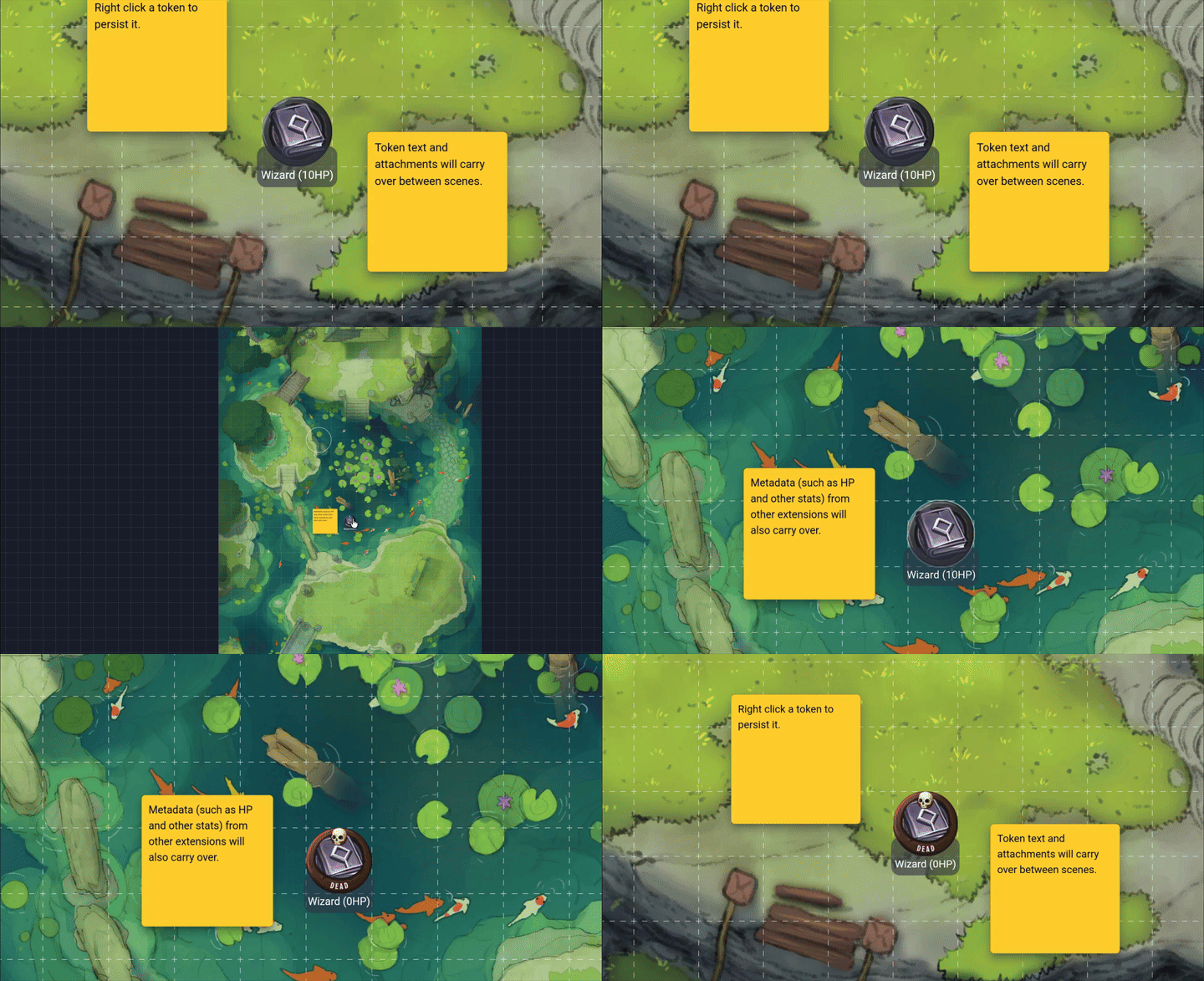
- 💾 Persist token text, metadata, and attachments between scenes.
- ♊️ Create token templates to apply metadata and attachments when tokens are created.
Right click a token to persist it.

After that, you can manage the persisted token in the action window.

Persistence types:
- In unique mode, whenever a token is updated, the persisted version of the token will be updated as well.
- In template mode, you must right click a token and click 'Save to Template' to persist the current state of the selected token. After that, all new versions of the token will use the template.
You can control which aspects of a token, such as its text or attachments, are persisted, by toggling the persistence properties in the action window.
If you need support for this extension you can message me in the Owlbear Rodeo Discord @Nick or open an issue on GitHub.
After checkout, run pnpm install.
This project is a Typescript app with Vite as a bundler, using Material UI React components and a Zustand store.
Icons from https://game-icons.net.
This project uses pnpm as a package manager.
To install all the dependencies run:
pnpm install
To run in a development mode run:
pnpm dev
To make a production build run:
pnpm build
- Some way for template tokens to work even if the GM isn't in the scene?
- 'In Party' setting for tokens, and ability to right click map to insert all party members
- Don't apply unique persisted if there's already a unique token of the same keyin the scene
- Immediate sync after user deletes a token in the scene such that a persisted token is no longer overused
- "original URL" metadata key as ID?
- Apply persisted tokens on rehydrate storage event? For "multi room in different scenes using the same token" cases.
GNU GPLv3