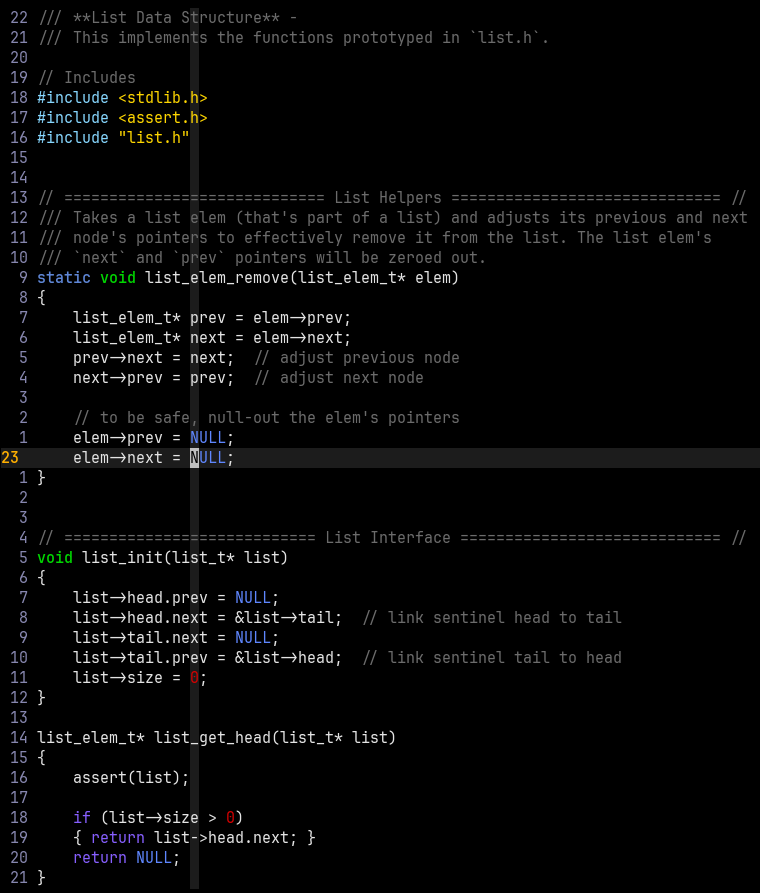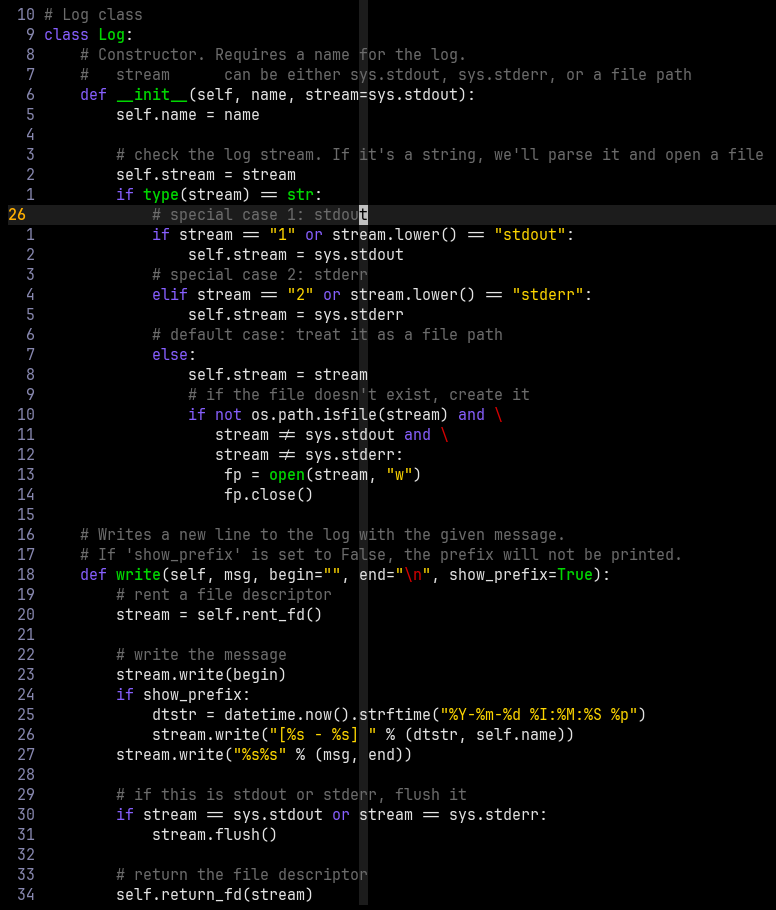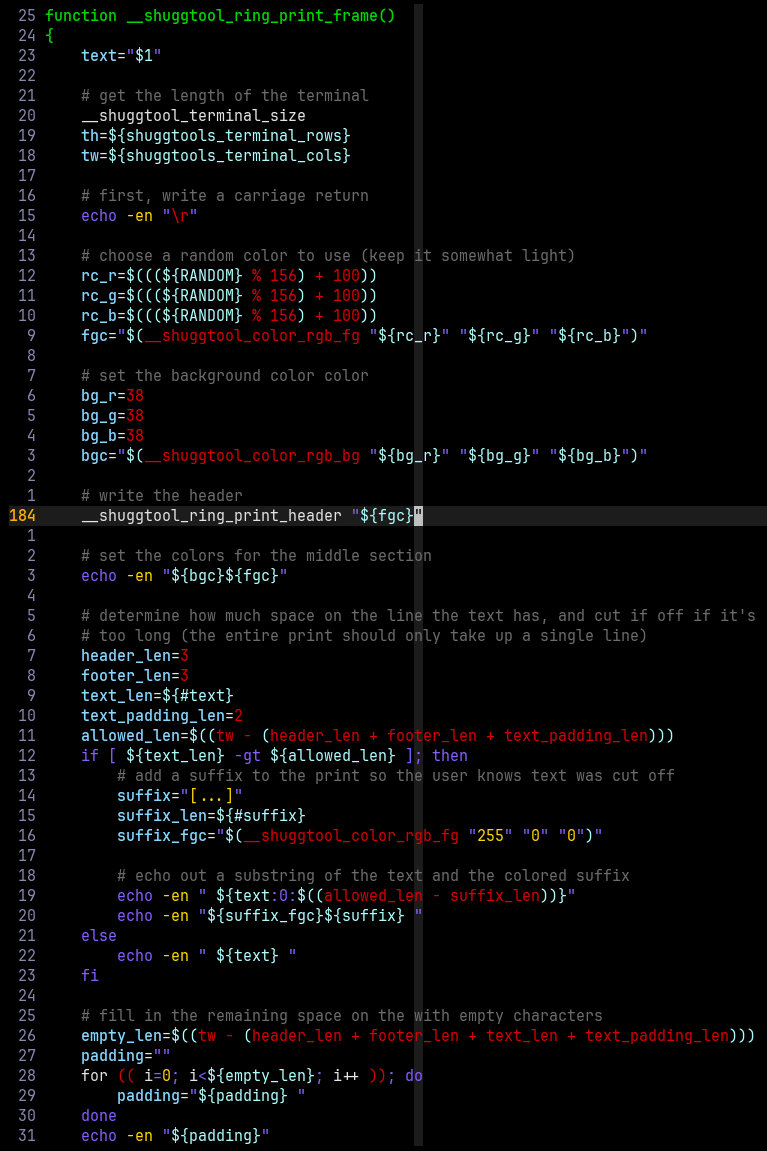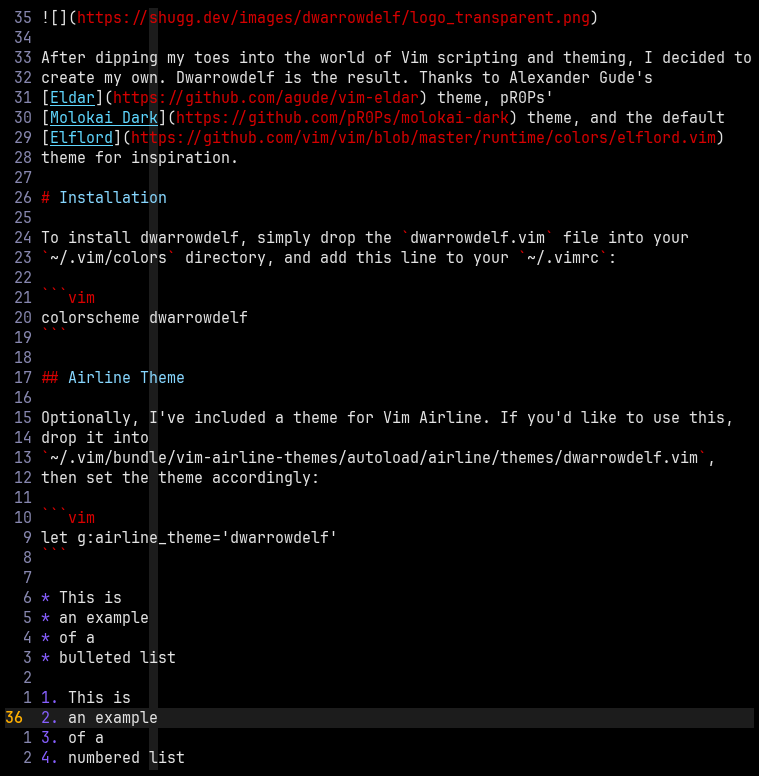
After dipping my toes into the world of Vim scripting and theming, I decided to create my own. Dwarrowdelf is the result. Thanks to Alexander Gude's Eldar theme, pR0Ps' Molokai Dark theme, and the default Elflord theme for inspiration.
To install dwarrowdelf, simply drop the dwarrowdelf.vim file into your
~/.vim/colors directory, and add this line to your ~/.vimrc:
colorscheme dwarrowdelfOptionally, I've included a theme for Vim Airline. If you'd like to use this,
drop it into
~/.vim/bundle/vim-airline-themes/autoload/airline/themes/dwarrowdelf.vim,
then set the theme accordingly:
let g:airline_theme='dwarrowdelf'Here are a few examples to give you a taste of dwarrowdelf's look: