


The ORY Editor is part of the ORY Content Toolchain, a set of tools helping you to build, distribute and manage awesome content. Note: Please be aware that all features and APIs are experimental. Breaking changes will happen with every minor release prior to the 1.0.0 release.
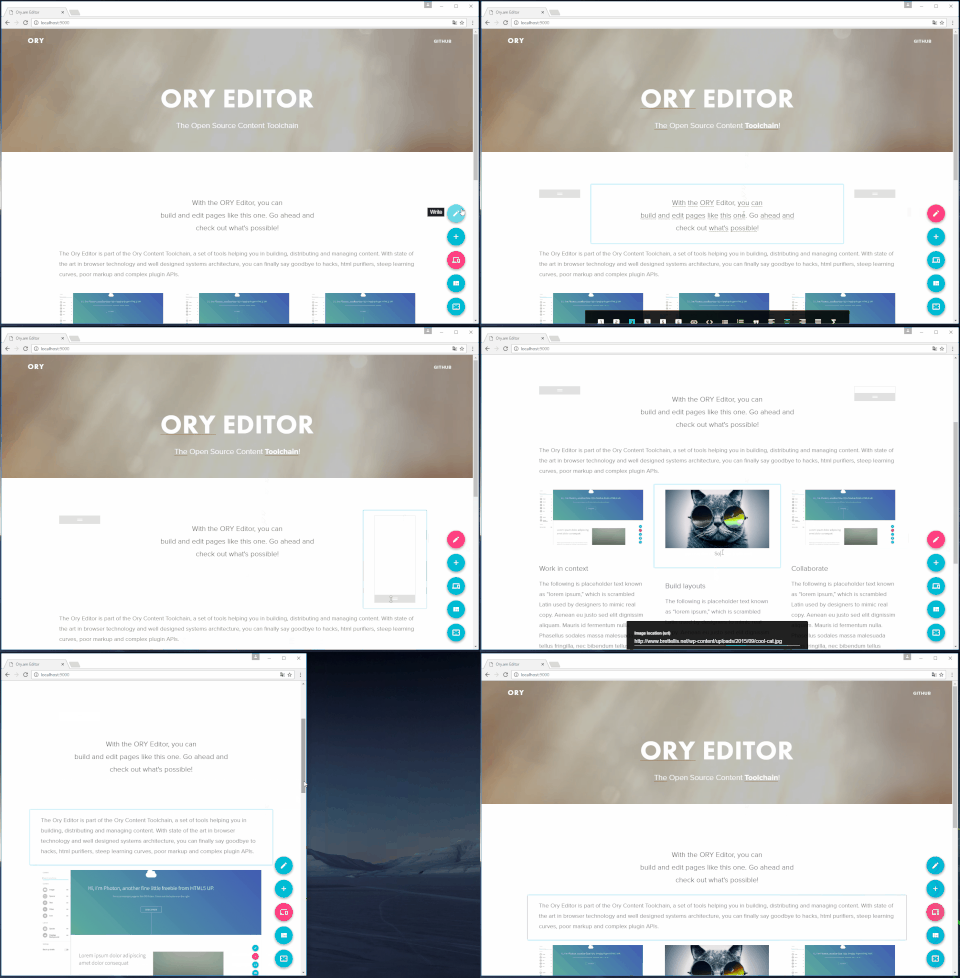
There is a demo available at editor.ory.am, go ahead and try it yourself!
The ORY Editor is part of the ORY Content Toolchain, a set of tools helping you to build, distribute and manage awesome content.
The ORY Editor is different, because it allows you to build responsive layouts. All content is represented by a JSON object and as no HTML is used, you won't have to worry about HTML input sanitation or XSS attacks. You can extend functionality and design by writing React components against a small and clear API. Your content is no longer a snapshot, it is a replayable state machine with deltas. We built the ORY Editor with state of the art technology and development principles - it's test driven, user experience centered, and cloud native.
Install the ORY Editor via npm, support for bower and CDN will follow soon.
$ npm install --save ory-editorNow, run the editor with:
TO BE DONEThere is a user guide on gitbook available, and you can generate it locally with:
$ git clone https://github.com/ory-am/editor.git
$ cd editor
$ npm i -g gitbook-cli
$ gitbook serve -http
You need Node installed on your system. You can check out this repository with:
$ git clone https://github.com/ory-am/editor.git
$ cd editor

# Install depdendencies
$ npm i
Here are tasks we usually use when developing:
# run the tests in watch mode
$ npm run test:watch

# run eslint in watch mode
$ npm run lint:watch

# run dev server
$ npm run dev

# open the editor in your browser
$ open http://localhost:3000/
A developer documentation is in the process of being written.
We keep track of known issues in the issues tab.