### Description The Site Editor crashes when trying to type something in commands after editing blocks. You'll see the black screen. See the instructions below. ### Step-by-step reproduction instructions 1. Go to the Site Editor 2. Edit some blocks, such as changing the text, adding a block, and moving a block 3. Open commands <img width="1358" alt="Screen Shot 2023-08-22 at 13 46 49" src="https://github.com/WordPress/gutenberg/assets/5287479/6ac53c56-e52a-4fae-89ee-12afe7f3da2b"> 4. Start tying and see the crash [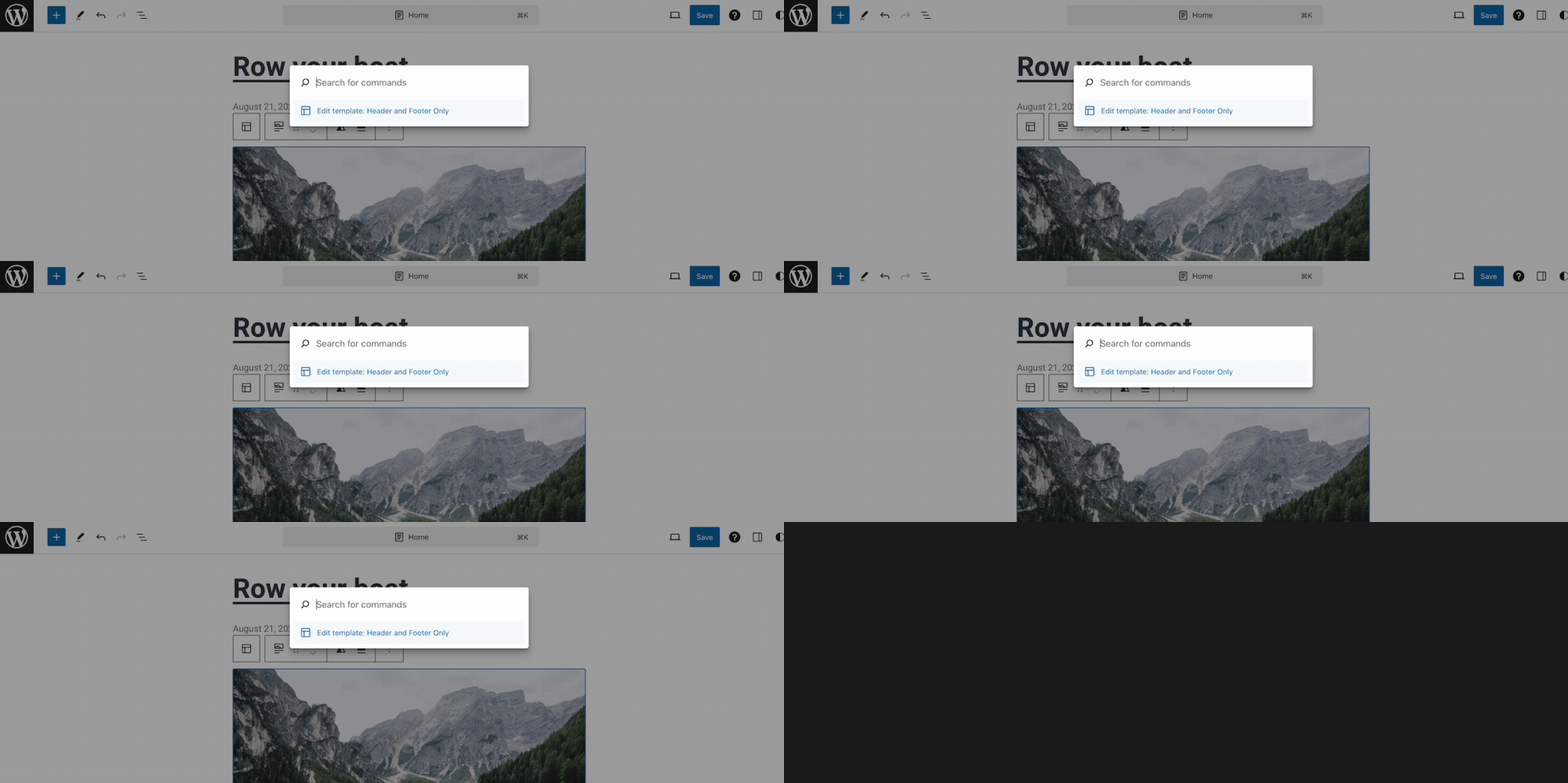](https://gyazo.com/65223a0e3459e61f6a38cde170840387) ### Screenshots, screen recording, code snippet https://github.com/WordPress/gutenberg/assets/5287479/3826ae6e-2d16-40bd-9dbb-62bd4ad37cc9 ### Environment info - Gutenberg v16.5.0-rc.1 - WordPress 6.3 ### Please confirm that you have searched existing issues in the repo. Yes ### Please confirm that you have tested with all plugins deactivated except Gutenberg. Yes ### Related - https://github.com/WordPress/gutenberg/issues/53633


Description
The Site Editor crashes when trying to type something in commands after editing blocks. You'll see the black screen. See the instructions below.
Step-by-step reproduction instructions
Screenshots, screen recording, code snippet
Screen.Recording.2023-08-22.at.15.27.08.mov
Environment info
Please confirm that you have searched existing issues in the repo.
Yes
Please confirm that you have tested with all plugins deactivated except Gutenberg.
Yes
Related