SwiftOverlays is a Swift GUI library for displaying various popups and notifications.
Currently SwiftOverlays provides 5 ways to notify user:
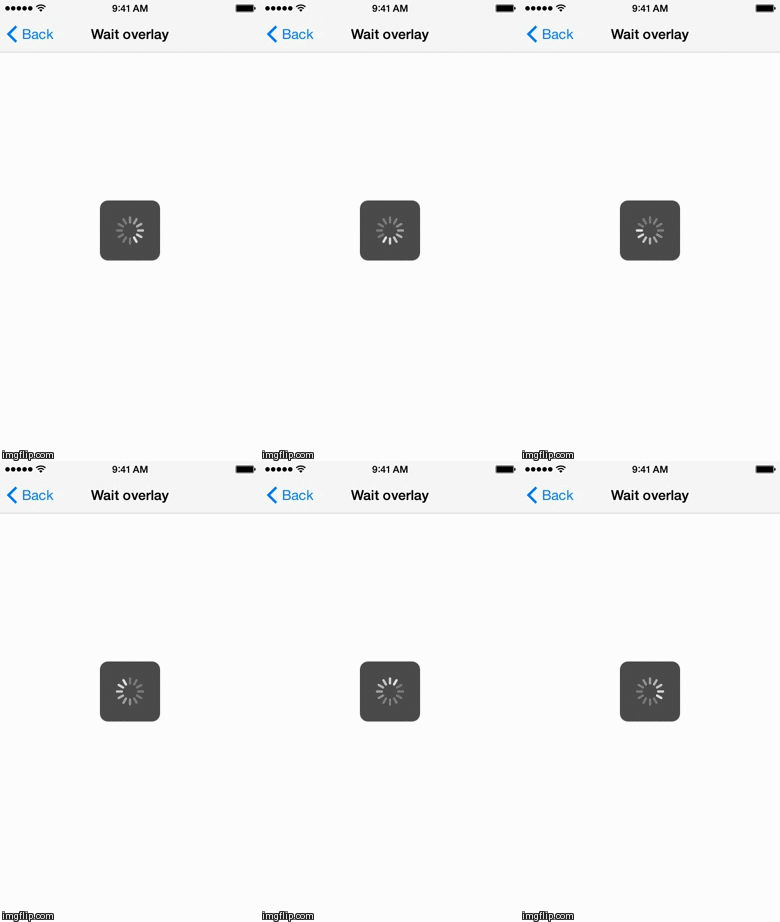
- Wait overlay: a simple overlay with activity indicator
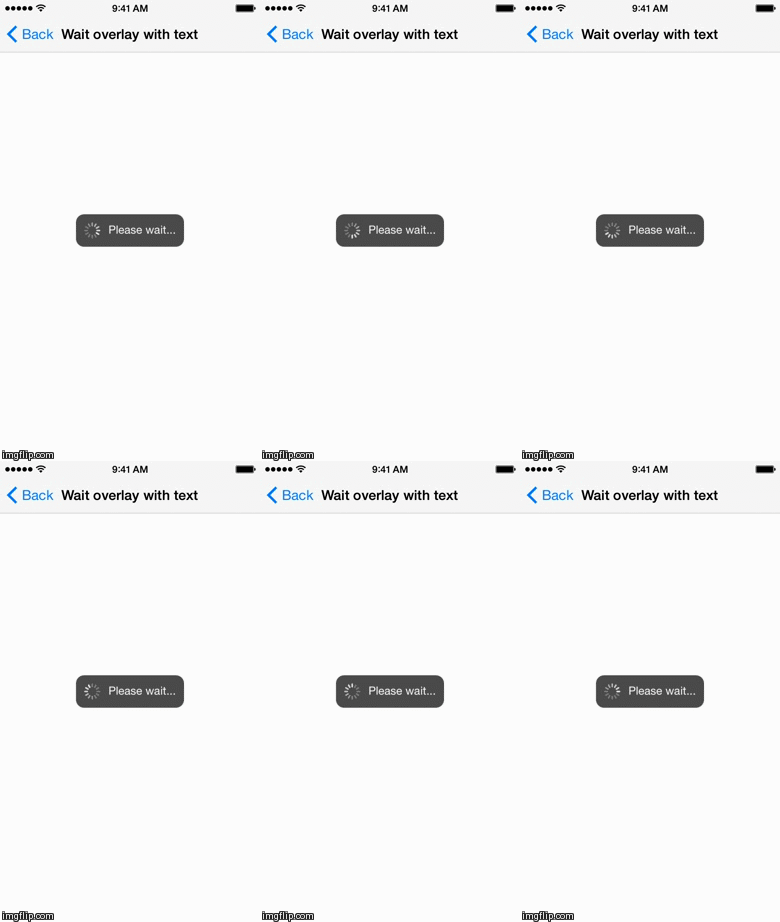
- Wait overlay with text
- Overlay with text only
- Overlay with image and text (can be used with PPSwiftGifs to show custom animated GIF instead of UIActivityIndicatorView)
- Notification on top of the status bar, similar to native iOS local/push notifications

Just add SwiftOverlays.swift to your project.
- iOS 7.0+
- Xcode 6.1
You can use UIViewController convenience methods provided by library:
// In your view controller:

self.showWaitOverlay()
// (Wait overlay)

let text = "Please wait..."
self.showWaitOverlayWithText(text)
// (Wait overlay with text)

let text = "This is a text-only overlay...\n...spanning several lines"
self.showTextOverlay(text)
// (Overlay with text only)

UIViewController.showNotificationOnTopOfStatusBar(annoyingNotificationView!, duration: 5)
// (Notification on top of the status bar)You are welcome to fork and submit pull requests