Database management in a single PHP file.
You should take a look to the official github profile (https://github.com/vrana/adminer).

There are few variants of this adminer image based on Alpine Linux:
- full (mysql, pgsql, sqlite, mongo)
- mysql (only)
- pgsql (only)
- mongo (only)
docker run \
    --rm
    -p 8000:80
    vivienney/adminer:full
By default container is running with MEMORY=256M (memory_limit) and UPLOAD=2048M (upload_max_filesize, post_max_size). You can override it.
docker run \
    --rm
    -p 8000:80
    -e MEMORY=512M
    -e UPLOAD=4096M
vivienney/adminer:full| Image | Technologies | Size | Docker Hub |
|---|---|---|---|
| vivienney/adminer | MySQL / PostgreSQL / MongoDB / Sqlite | 12mb | link |
| vivienney/adminer:full | MySQL / PostgreSQL / MongoDB / Sqlite | 12mb | link |
| vivienney/adminer:mysql | MySQL | 9mb | link |
| vivienney/adminer:pgsql | PostgreSQL | 8mb | link |
| vivienney/adminer:mongo | MongoDB | 9mb | link |
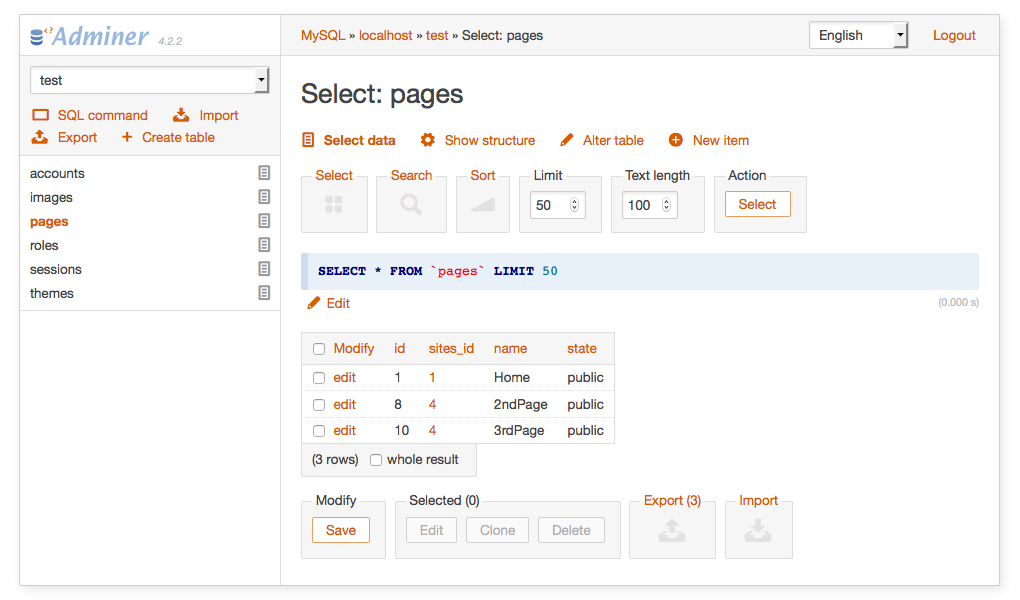
Custom all-in-one configuration for Adminer with a responsive touch-friendly theme.
You should take a look to the official github profile (https://github.com/pematon/adminer-custom).
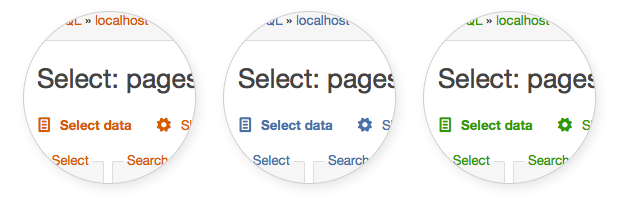
Three color variants included.
docker run \
    --rm
    -p 8000:80
vivienney/adminer:pm| Image | Technologies | Size | Docker Hub |
|---|---|---|---|
| vivienney/adminer:pm | MySQL / PostgreSQL / MongoDB / Sqlite | 16mb | link |
Upgrade Adminer version to 4.7.X.
find . -type f -name Dockerfile -exec sed -i '' 's/ENV ADMINER_VERSION=.*/ENV ADMINER_VERSION=4.7.X/g' {} +Upgrade Adminer Editor version to 4.7.X.
find . -type f -name Dockerfile -exec sed -i '' 's/ENV ADMINER_EDITOR_VERSION=.*/ENV ADMINER_EDITOR_VERSION=4.7.X/g' {} +