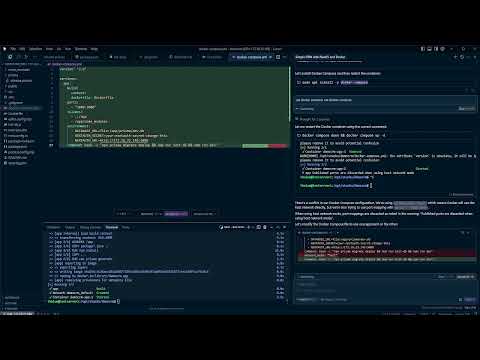
- Cursor
- Remote Development Environment
- Ability to permanently run your apps
- Github account ( Not required, but will simplify and secure your setup )
- Ability to run a vm, and install it from an iso
- Download Ubuntu Server ISO Ubuntu Server
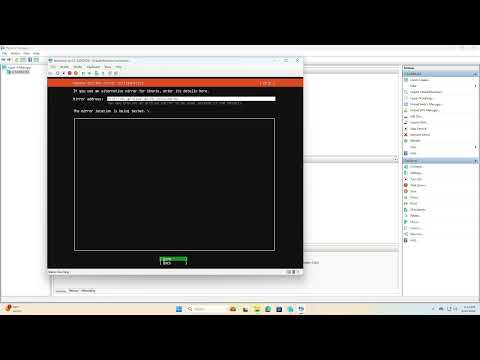
- Create a VM and start the install
- ssh into the new server and Install the setup script Setup Level1 Script
curl -s https://raw.githubusercontent.com/CouleeTechlinkInc/tutorial-devsetup/refs/heads/main/setup_level1.sh | bash - Generate an ssh key, and save it to authorized_keys
- signup and install Cursor
- setup ssh key authentication In your Windows Desktop
ssh-keygennotepad .ssh<key_file>.pub
in your dev server, ( you can get to this by ssh @ )
read YOUR_SSH_KEY
echo $YOUR_SSH_KEY >> ~/.ssh/authorized_keys- Install the SSH extention on cursor
- Add the devserver to your ssh config
- Create a project and run it