This repo is a modification of Vladimir Limarchenko's slay-the-spire-map-in-unity project.
- Clone the repo to your local machine.
- Open the Unity Project you want to install the package in.
- Open the StsMap.unitypackage file in your OS's file browser.
- Unity will prompt you to install the package.
Note: DOTween is required for this project to run properly.
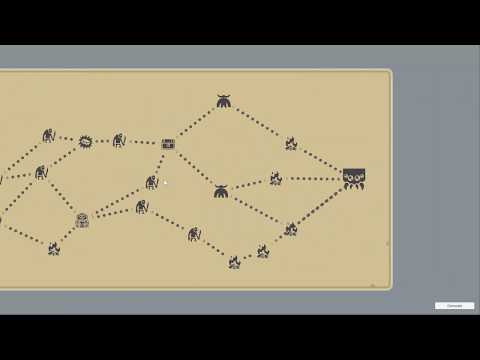
Demo video:
Longer video with some how-to info:
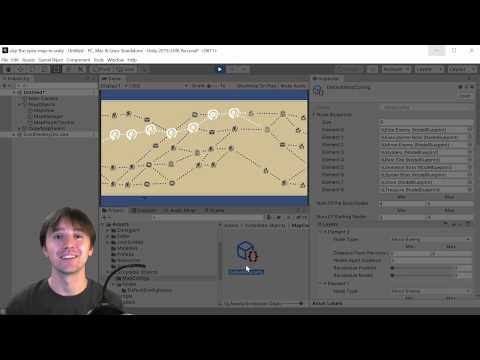
This repo contains an implementation of the Slay the Spire Map in Unity3d. Key features:
- Pick any orientation (left to right, right to left, top to bottom, bottom to top)
- Map appearance and player position get saved between game sessions
- Node position randomization
- Cross nodes elimination
- Scrolling map content for long maps
Free resources and assets used in the project:
- DOTween
- Icons from Game-icons.net. You can find a full list of credits in the folder with icons
- Newtonsoft.JSON for Unity