DevToolset is an open-source database-free developer tools navigator
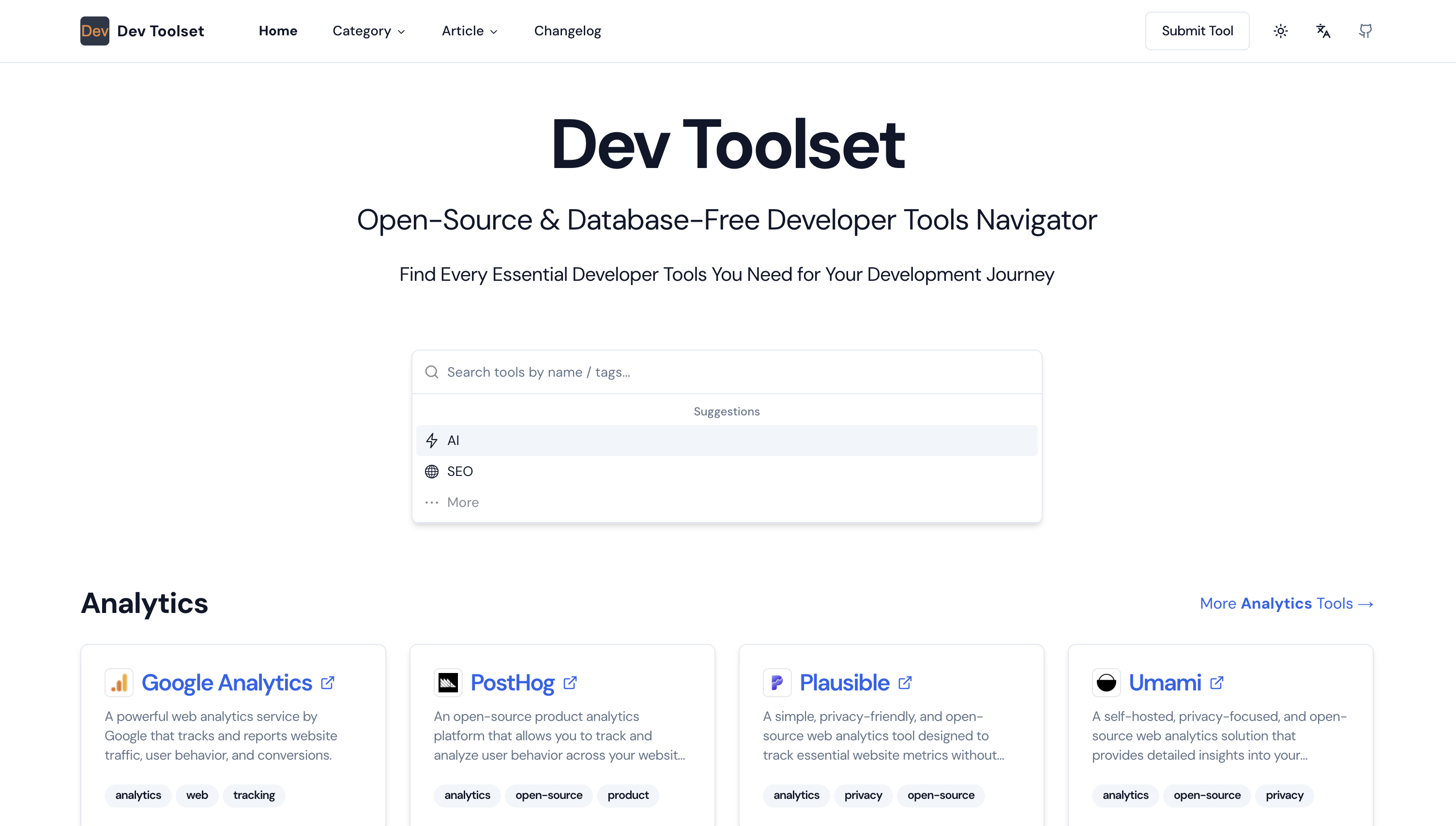
Follow these steps to add new developer tools to DevToolset.
- Open the relevant JSONC file in
/data/json/tools/{category}.jsonc. - Insert the new developer tool into the file.
- If the
{category}.jsoncfile doesn’t exist, follow these steps:- Add the new category to
/data/json/tools/category.jsonc. - Copy
/data/json/tools/example.jsoncto the new location/data/json/tools/{category}.jsonc. - Add the developer tool to this newly created file.
- Add the new category to
Before submitting your PR, please ensure you have completed the following:
- name: Provide a brief title describing the tool or data you added.
- description: Clearly state what tool or data was added and in which category.
- url: Provide the url of the tool.
- Data Sorting: Ensure all data in the modified JSON file is sorted alphabetically.
- No Affiliate Links: Confirm that no affiliate links have been added.
- Relevant Tools Only: Ensure that only development-related tools are included.
- Ensure all entries are sorted alphabetically; they will be displayed in this order on the site.
- Please do not submit tools unrelated to development.
- Do not include affiliate links.
- If adding a new category, follow the instructions provided in the contribution guidelines.
- Database-free Architecture: Utilizes GitHub for content storage and management.
- Dynamic Content: Renders content dynamically using Next.js server-side rendering.
- Markdown Support: Write your content in Markdown format for easy editing and version control.
- Admin Interface: Built-in admin panel for content management.
- Responsive Design: Fully responsive design using Tailwind CSS.
- SEO Friendly: Optimized for search engines with dynamic metadata.
- Easy Deployment: Simple deployment process to Vercel.
- Node.js (version 14 or later)
- npm/pnpm/yarn (comes with Node.js)
- Git
- GitHub account
- Vercel account (for deployment)
-
Clone the repository:
git clone https://github.com/iAmCorey/devtoolset cd devtoolset -
Install dependencies:
npm install pnpm install -
Create a
.env.localfile in the root directory and add the following:GITHUB_TOKEN=your_github_personal_access_token GITHUB_OWNER=your_github_username GITHUB_REPO=your_repo_name ACCESS_PASSWORD=your_secure_access_password JWT_SECRET=your_secret_key_here NEXT_PUBLIC_GOOGLE_ANALYTICS_ID=your_google_analytics(G-xxx)(Optional) NEXT_PUBLIC_PLAUSIBLE_URL=your_plausible_data_domain(Optional) -
Set up your GitHub repository:
- Create a new repository on GitHub
- Create two folders in the repository:
data/jsonanddata/md - In
data/json, create related jsonc file with an empty array:[]
-
Run the development server:
npm run dev
pnpm dev
Visit http://localhost:3000 to see your DevToolset instance running locally.
- Push your code to GitHub.
- Log in to Vercel and create a new project from your GitHub repository.
- Configure the environment variables in Vercel:
GITHUB_TOKENGITHUB_OWNERGITHUB_REPOACCESS_PASSWORDJWT_SECRETNEXT_PUBLIC_GOOGLE_ANALYTICS_ID(Optional)NEXT_PUBLIC_PLAUSIBLE_URL(Optional)
- Deploy the project.
For a detailed deployment guide, please refer to our Installation and Deployment Guide.
- Access the admin panel by navigating to
/adminand using yourACCESS_PASSWORD. - Create and edit articles through the admin interface.
- Manage resources in the admin panel.
- All changes are automatically synced with your GitHub repository.
We welcome contributions to DevToolset! Please read our Contributing Guide for details on our code of conduct and the process for submitting pull requests.
DevToolset is open-source software licensed under the MIT license.
If you find this project helpful, please consider giving it a ⭐ on GitHub!
Feel free to reach out if you have any questions or suggestions:
- Email: iamcoreychiu@gmail.com
- GitHub: iamcorey
- jike:
阿邱很行阿邱很行 - Wechat:
iAmCor3y(Please add a note when sending a friend request)
Thank you for your support!
DevToolset is built with the following tools and libraries:
We are grateful to the maintainers and contributors of these projects.