
A lightweight, privacy-first alternative to Google Photos — powered by Telegram. Unlimited backups • Zero subscriptions • Your data, your control
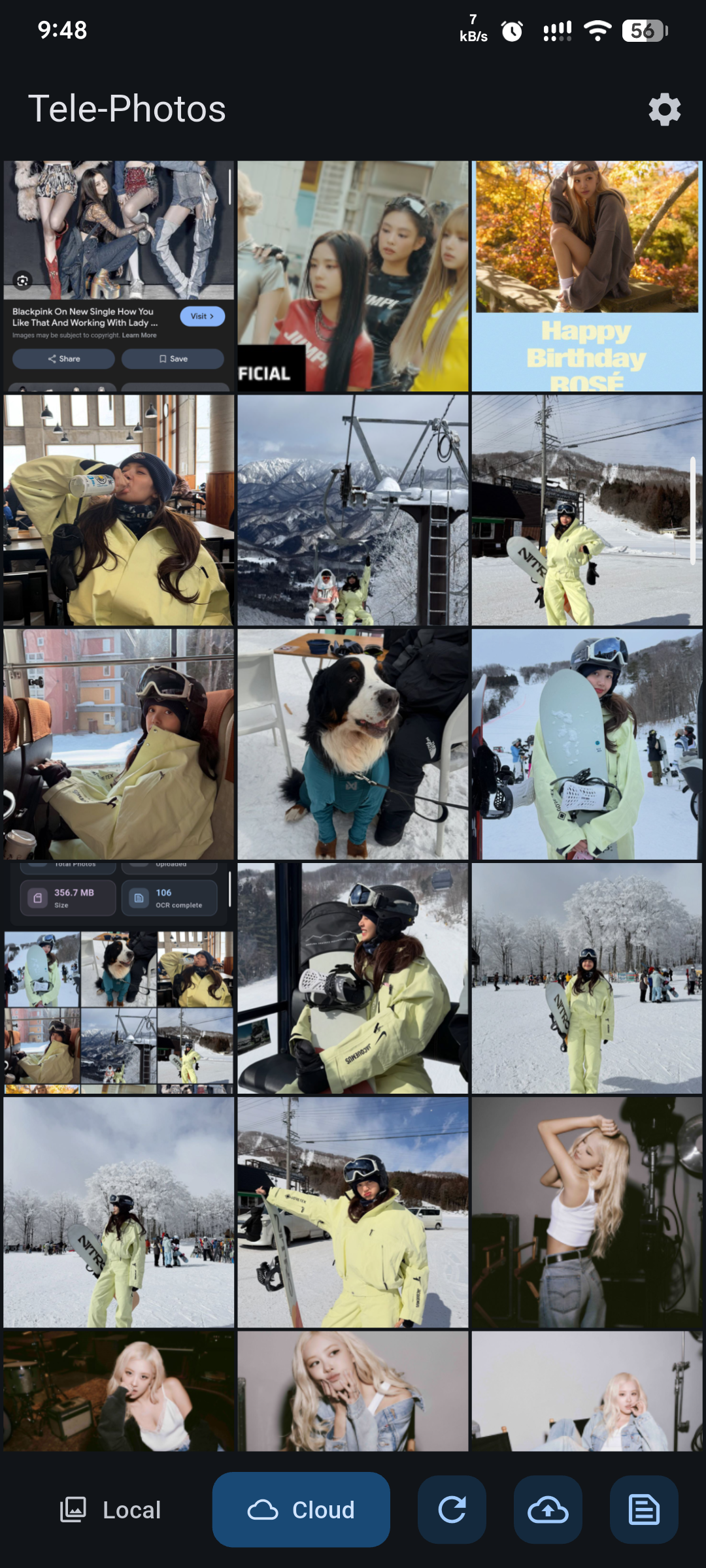
Telephoto is a simple, privacy-focused Android app that backs up your photos to Telegram using a bot you control.
Unlike traditional cloud services, your images go directly to your own Telegram chat — giving you unlimited storage, fast access, and full ownership of your data.
Key capabilities include:
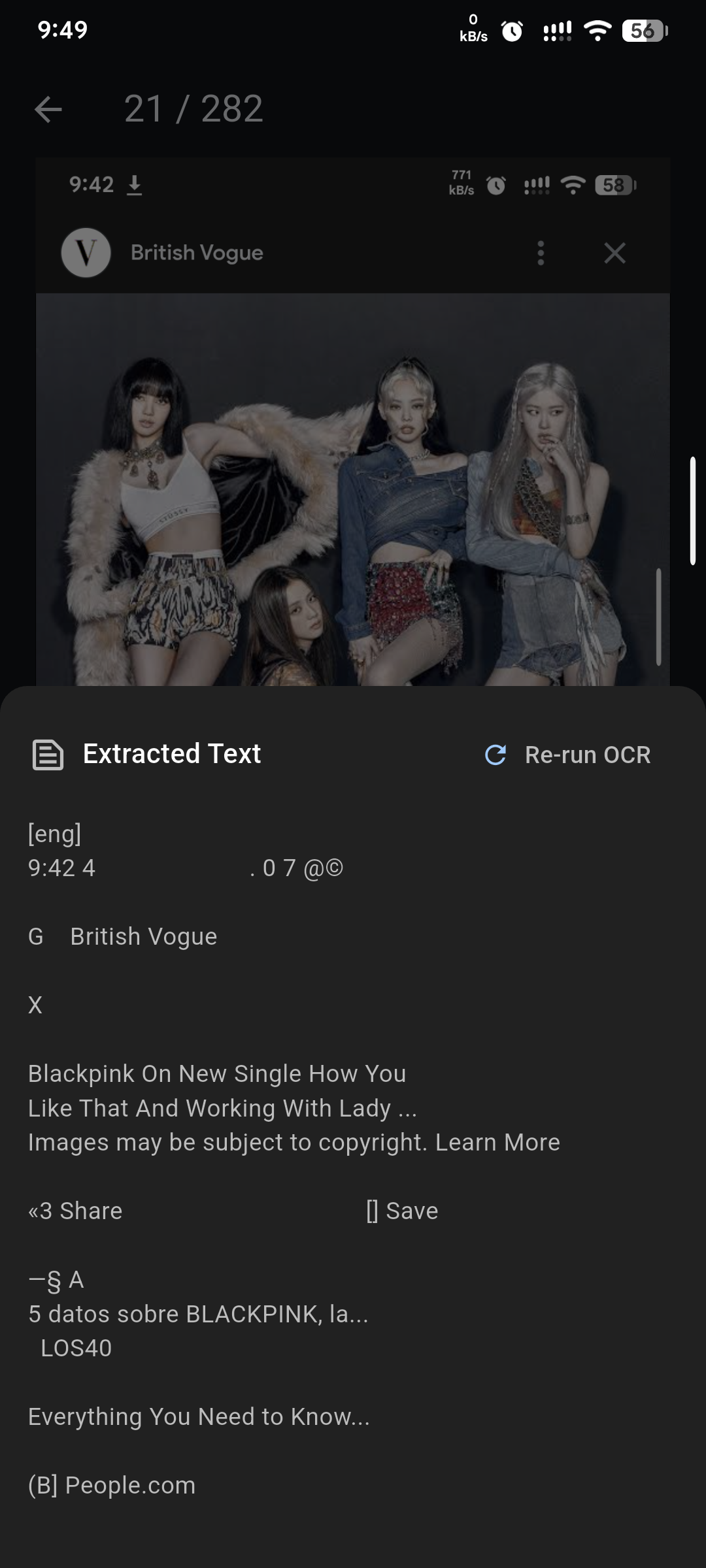
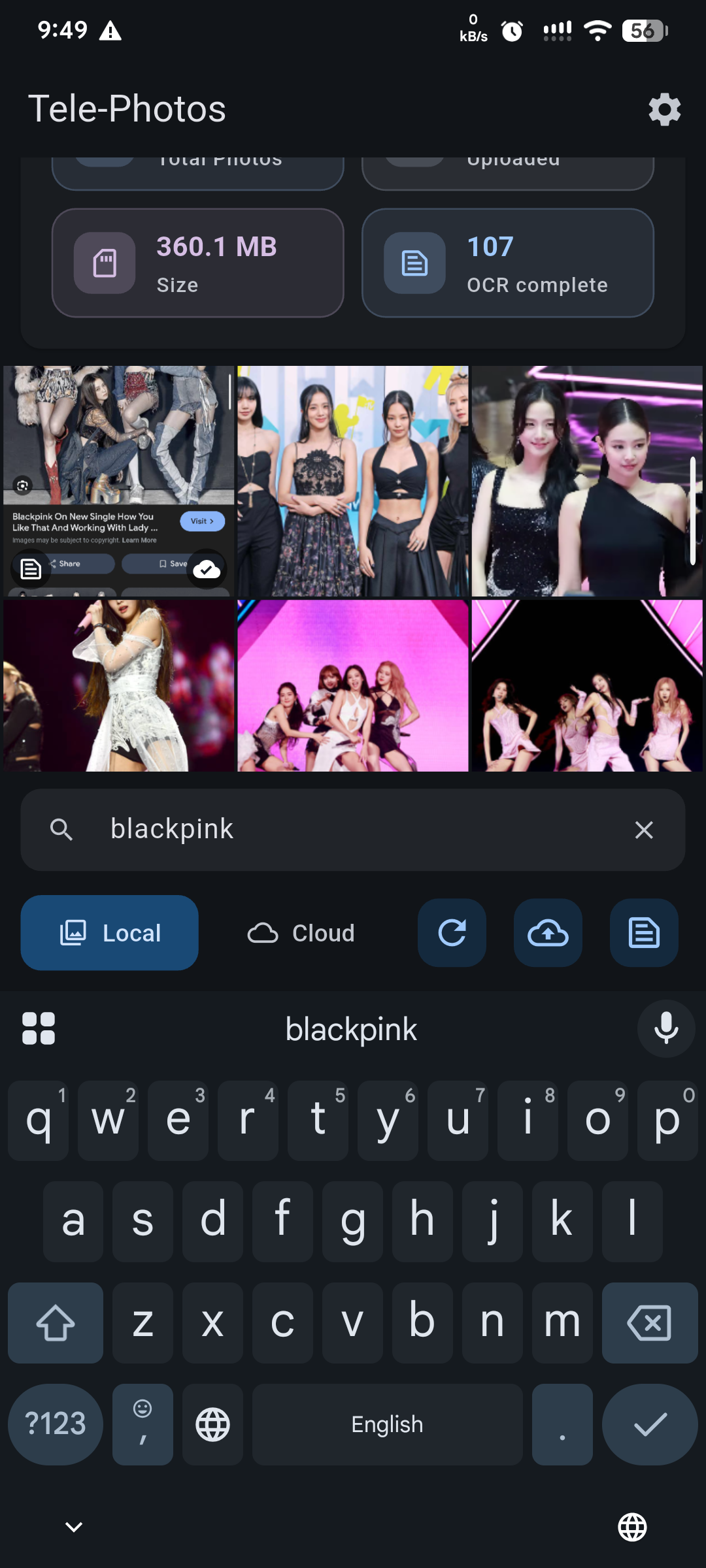
- Offline OCR / Text Recognition — find photos by text in 100+ languages
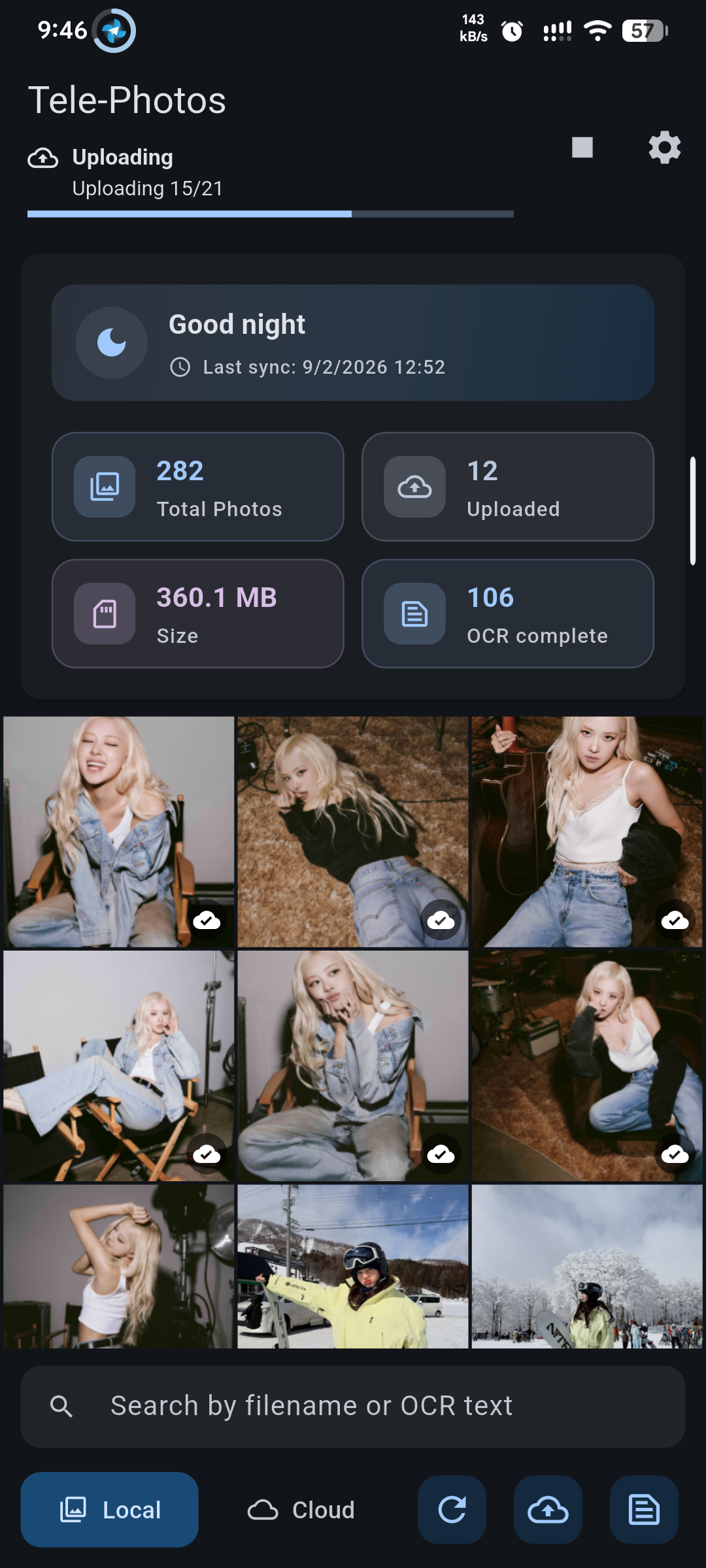
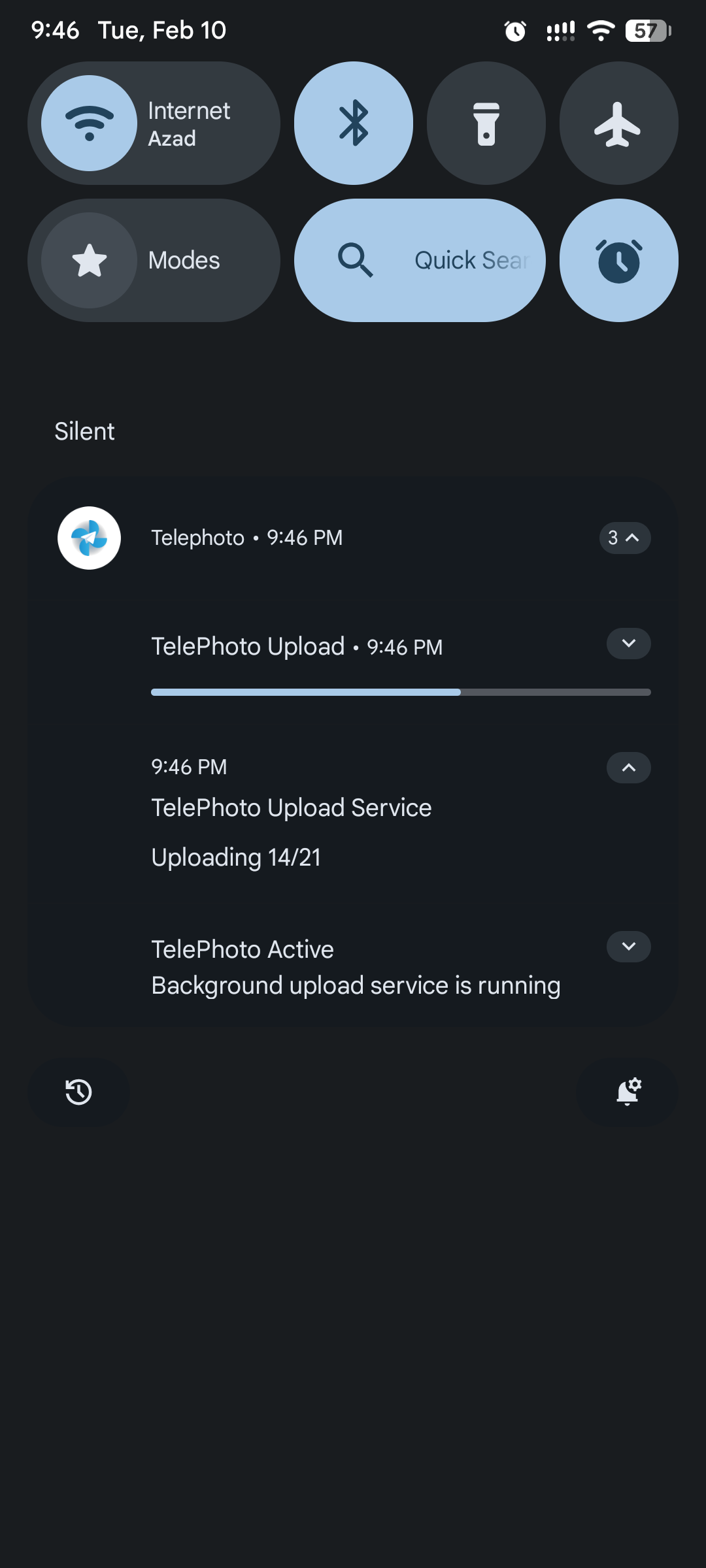
- Smart sync — only uploads new or missing photos
- High-resolution backups — supports images up to 10 MB each
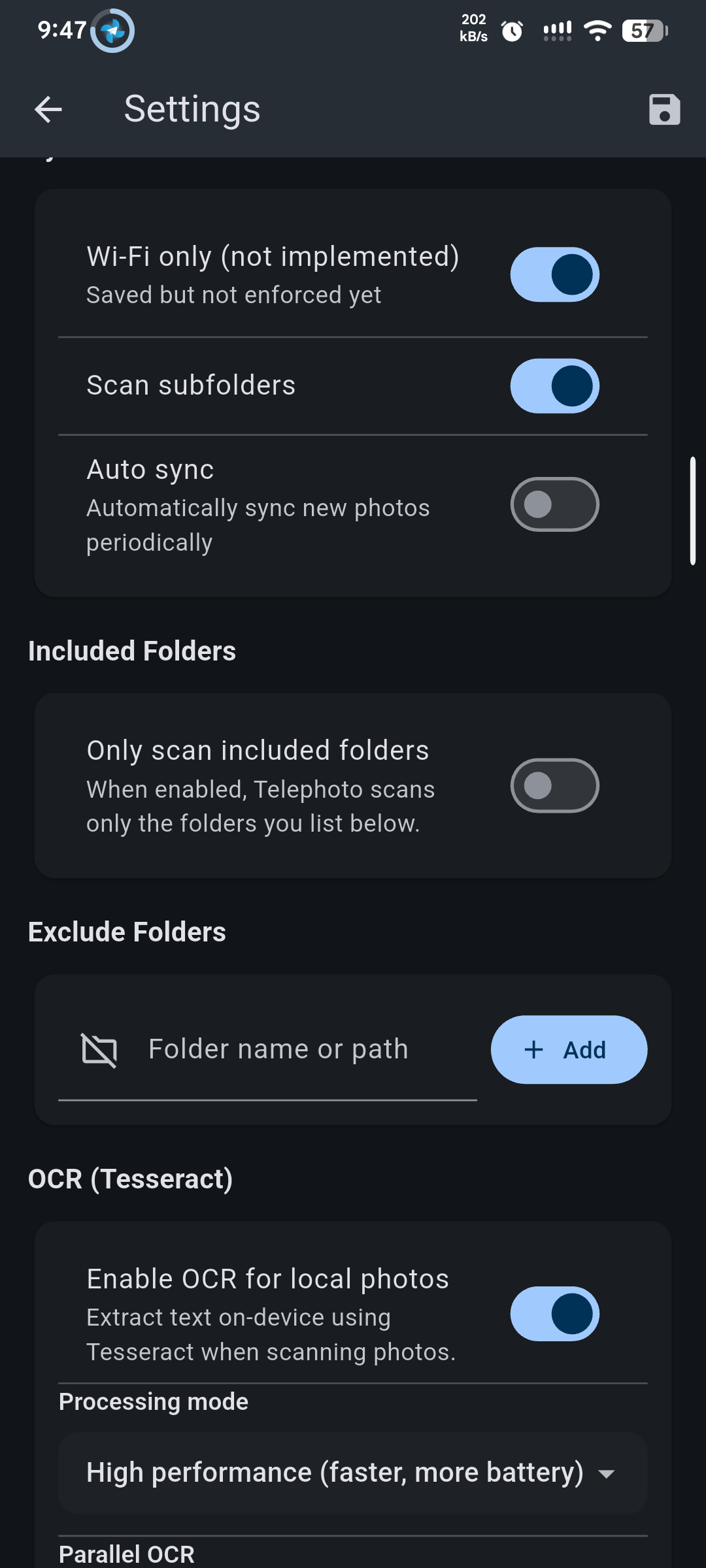
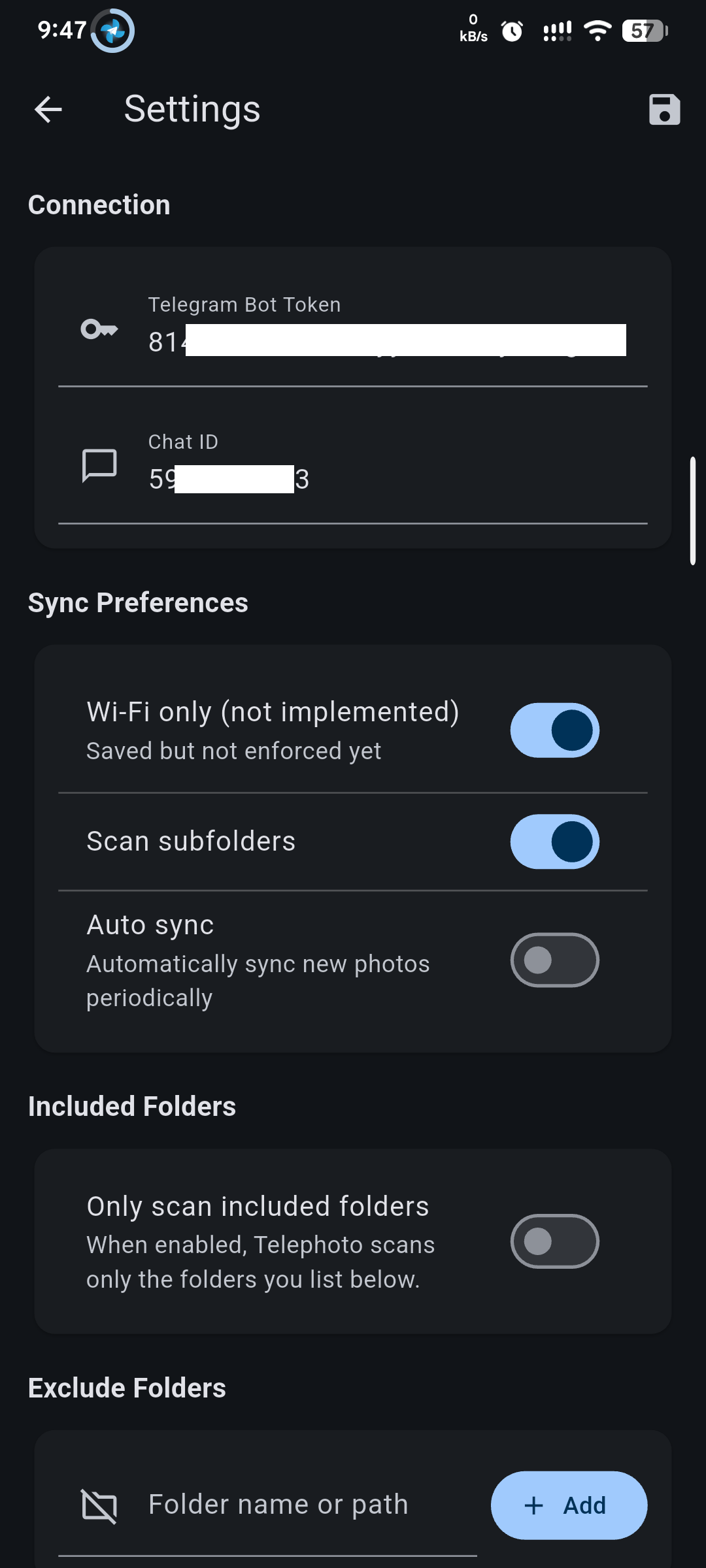
- Folder selection — choose which folders to back up or exclude
- Parallel OCR — faster batch processing
- Custom Telegram bot — only you can access your files
- Auto Light & Dark Theme — follows your system theme automatically
- Improved OCR — sharper recognition and better accuracy
- Optional included folders — scan only selected folders
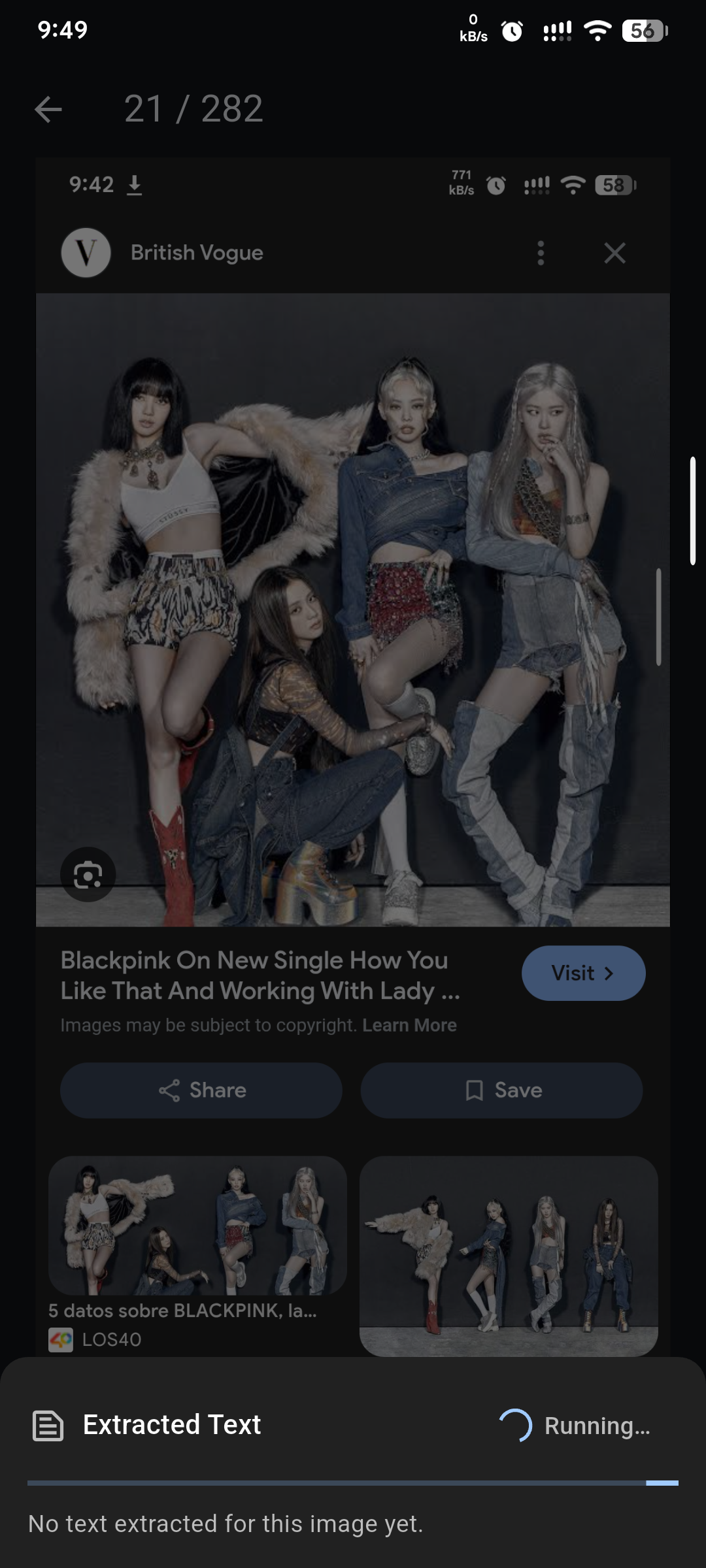
- Per-image re-OCR — update OCR results for specific photos
- Rotate images before backup — handle orientation easily
- UI fixes — smoother experience when searching photos
Install the APK on your Android device using the Download button above.
- Message @BotFather and create a new bot
- Copy the Bot API Token
- Start a chat with your bot (
/start) - Retrieve your Chat ID using @Check_Telegram_IDBot
- Paste both values into the app settings
🛑 Telephoto does not auto-request permissions. You must grant them manually:
Storage / Files Access is required — photos & videos permission is not.
Grant permission:
Settings > Apps > Special app access > All files access
- Manual Backup — upload everything immediately
- Sync Mode — upload only new or missing photos
Smart scanning saves battery and bandwidth. First-time OCR may take some minutes depending on image content.
- Automatically detect text inside images
- Search screenshots, documents, and photos containing text
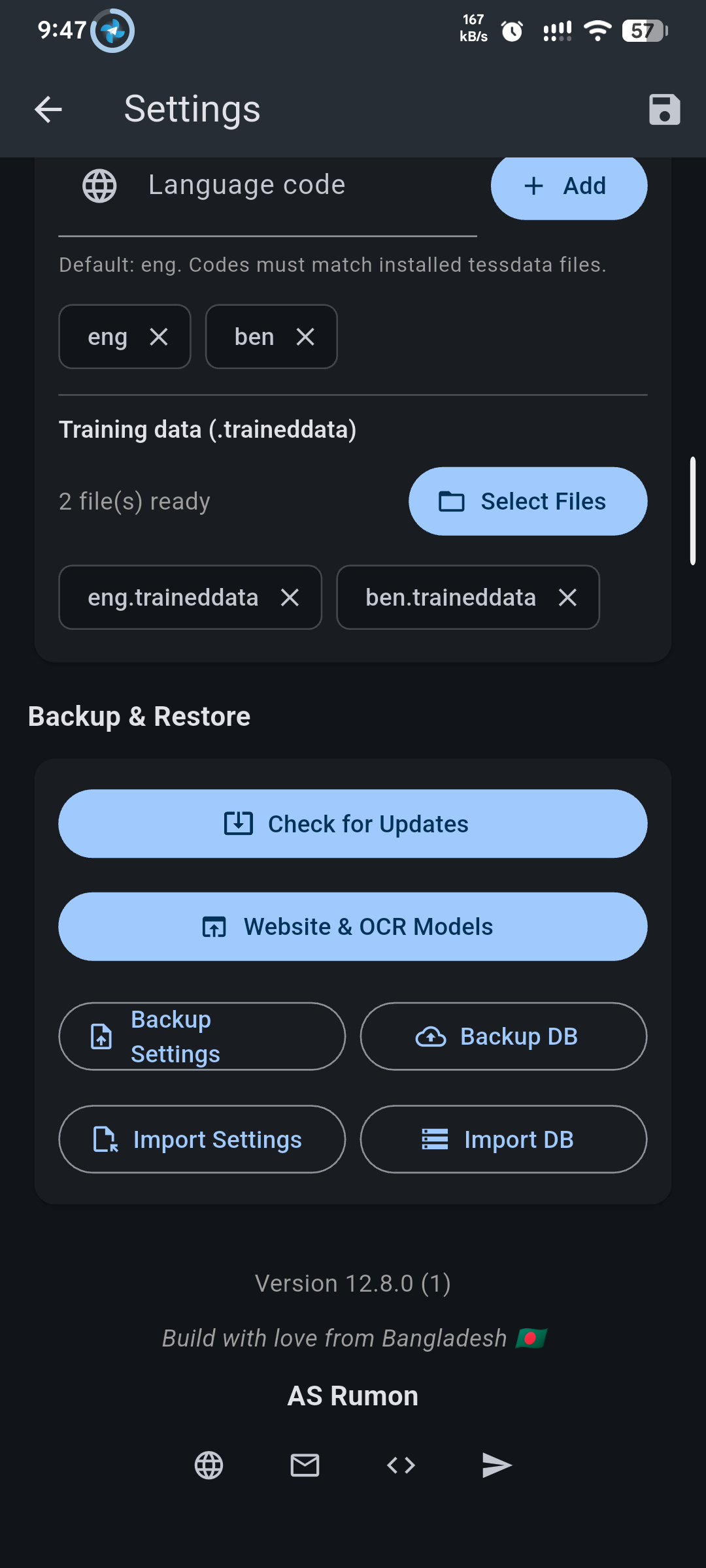
- Offline, multi-language support (100+ languages)
- Re-run OCR on specific images when needed
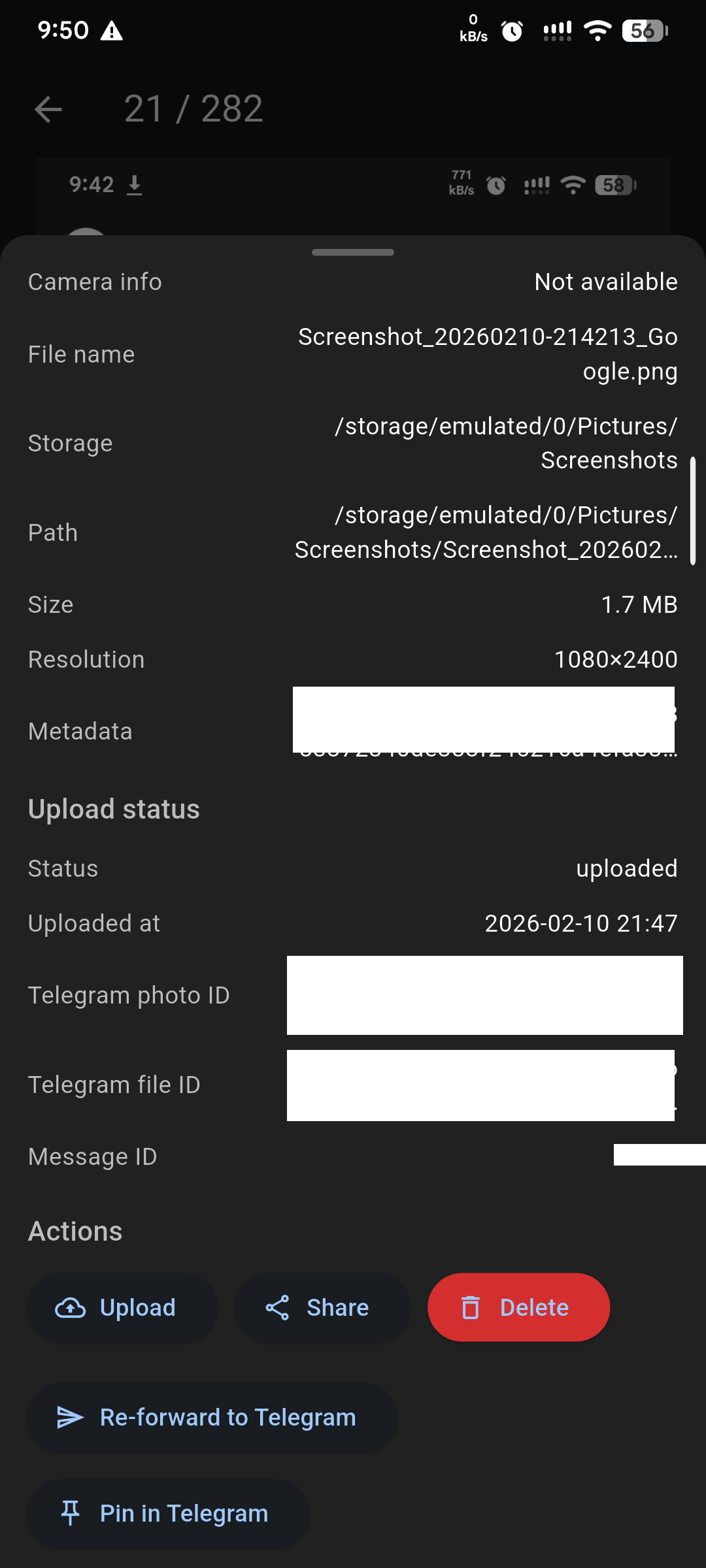
- Back up photo metadata (for sync tracking & OCR)
- Save app settings and configuration
- Flutter & Dart
- Telegram Bot API
- On-device OCR (Tesseract)
🌐 Website • 📢 Telegram Channel • 💬 Discussion Group • 📥 Download APK