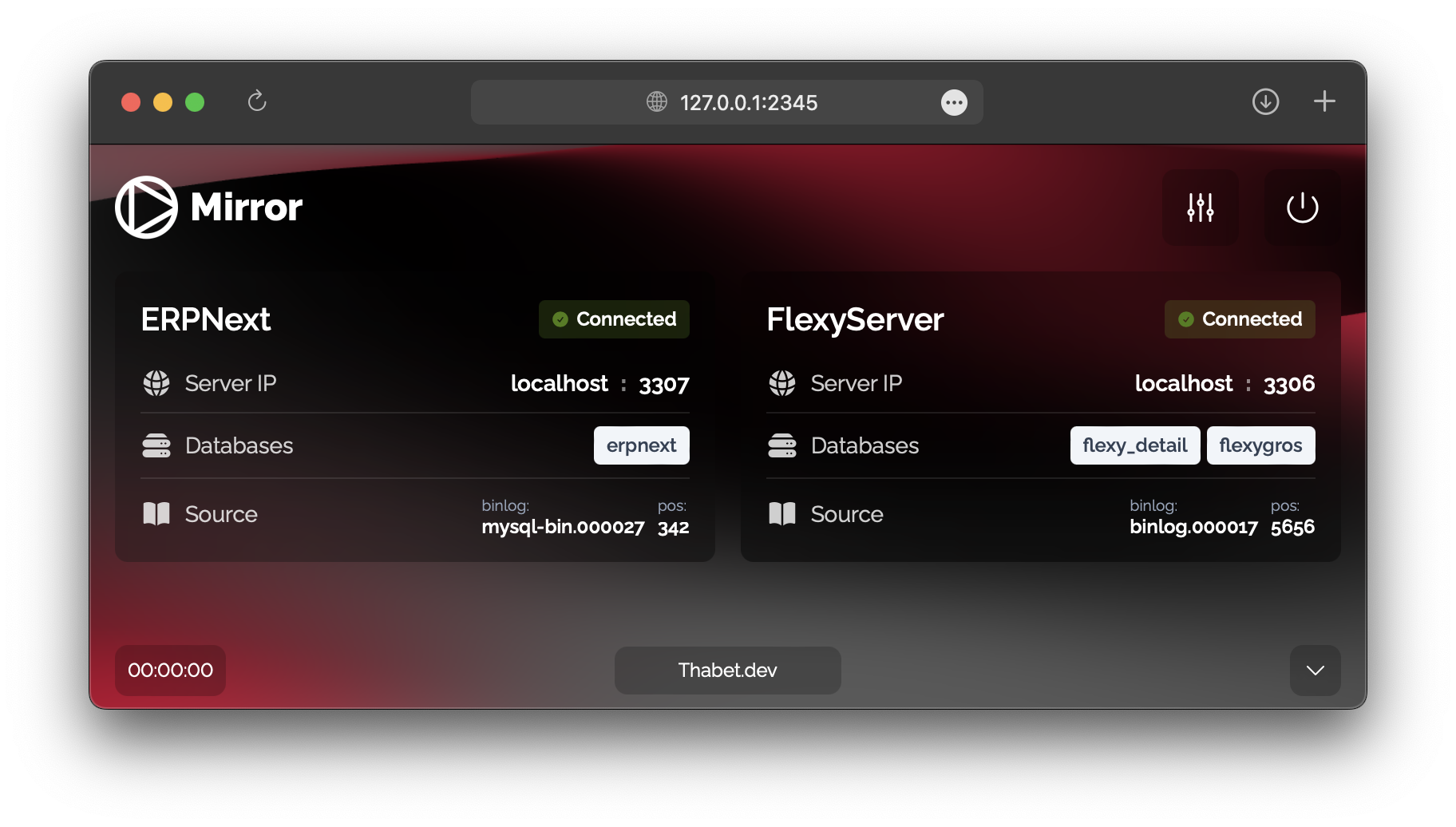
This Go application is designed to read MySQL binlog files and write the extracted data to a custom log format. The log files generated by this application serve dual purposes: they can be utilized for generating MySQL query backup files, ensuring real-time data backup capabilities, and also serve as a data source for the frontend UI. With its efficient binlog parsing mechanism, this application provides a reliable solution for ensuring data integrity and facilitating data analysis through its web-based user interface.
- read latest Binlog file and capture changes.   <──┐
- put the new events to custom daily log file.   continue
- when the day is changed it perform full backup.  ─┘
- MySQL ✅
- MariaDB ✅
- PostgreSQL (soon)
- install Go
- clone this repo
git clone https://github.com/t01t/Mirror.git - cd to repo
cd Mirror - rename
servers.yml.exampletoservers.yml(remove.example) - edit
servers.ymlwith your (MySQL or MariaDB only) credentials like shown below 👇
edit servers.yml file and add your servers like this:
serverName:       < name your server
  host: 127.0.0.1
  port: 3306
  user: thabet
  pass: *****
  dbs:
    - database1   < your databases
    - database2   <
you can add multiple servers like this
serverName1:
  host: 127.0.0.1
  port: 3306
  user: thabet
  pass: *****       🫲 first server
  dbs:
    - database1
    - database2

serverName2:
  host: 127.0.0.2
  port: 3306
  user: thabet
  pass: *****       🫲 second server
  dbs:
- database1after configuring your servers.yml file, run this command in your terminal go run main.go your browser will open the frontend window on 127.0.0.1:2345.
you can also download the executable file in the releases section.
or build the executable file using this command go build
you can get realtime update from the SSE (Server-Sent Events) server on http://127.0.0.1:2345/events?stream=log and use it for any task that require latest updates