An application to get all your coding and tech doubts cleared by your own peeps!
To get started download the apk and install the application in your mobile.
To use the application follow the given steps:
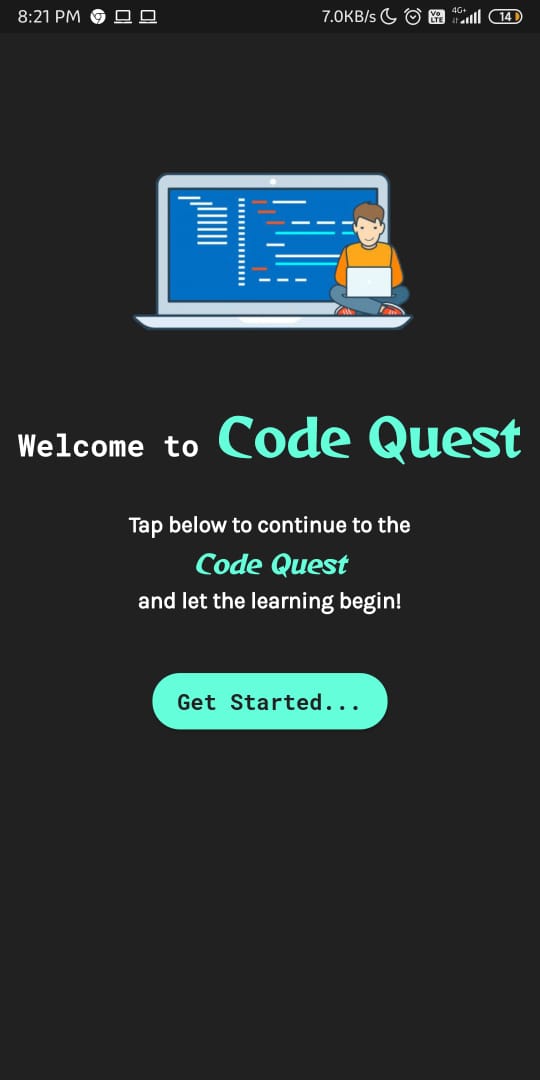
This screen will open up in the begining. Tap on Get Started ... and let the venture begin!
If you already have an account then fill your credentials in the form and tap Log In.
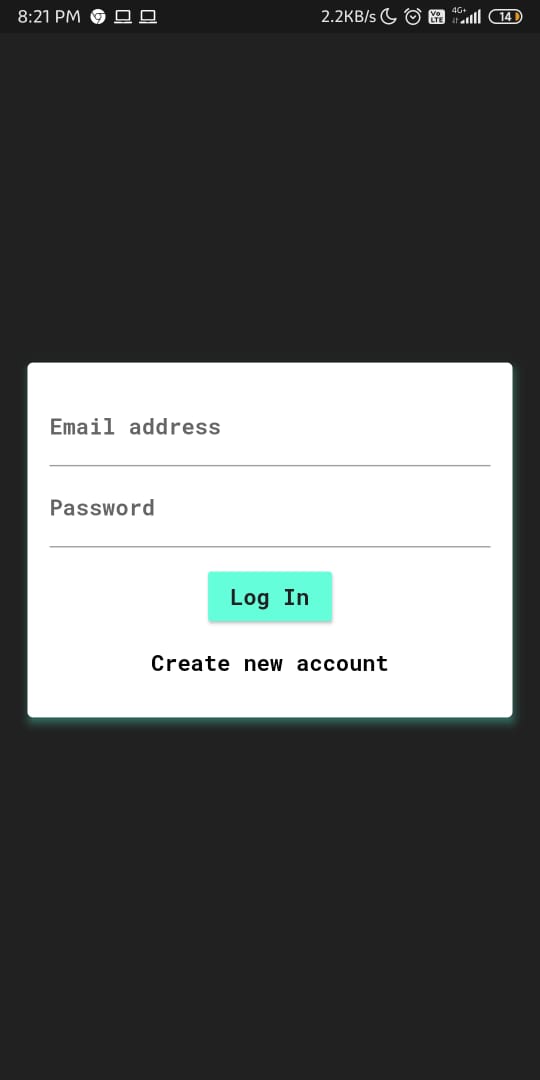
In case you dont have an account then tap on Create new account and register.
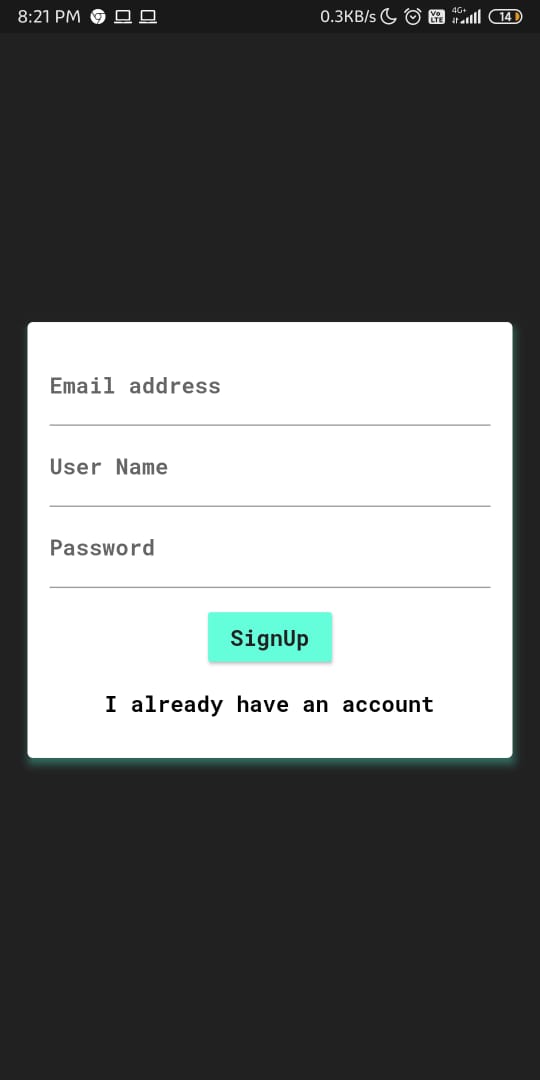
Press back from your mobile once after signing in or creating a new account. It will redirect you to the home screen.
After signing in or registering, you will be directed to the home screen. To continue the quest of doubts solving and learning new technologies, tap on the top left icon on the appbar and a drawer will open up.

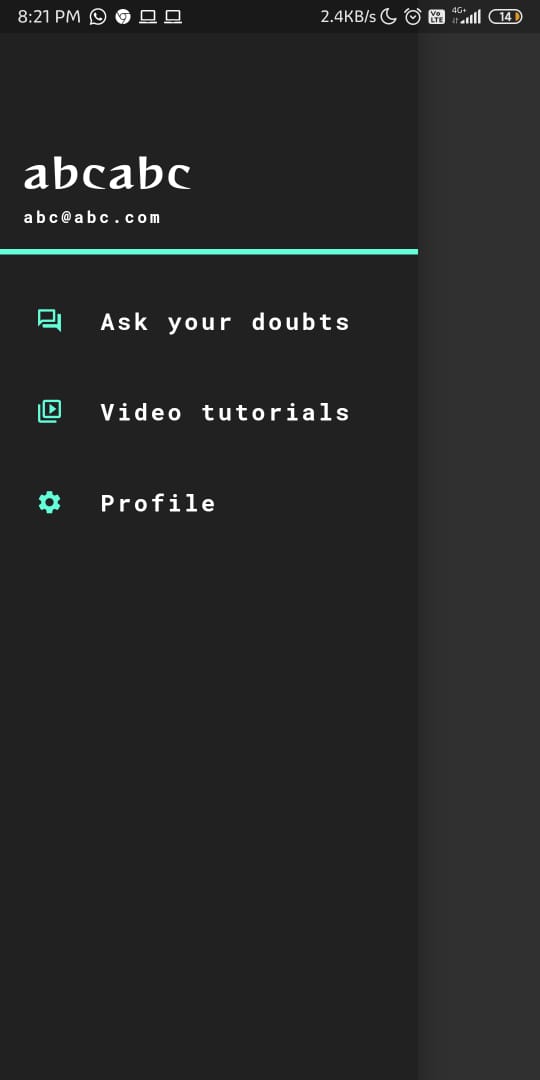
Choose the option which you wanna explore first and dive straight into it...
You will see the glimpses of all the questions that have been asked by your friends on your screen.
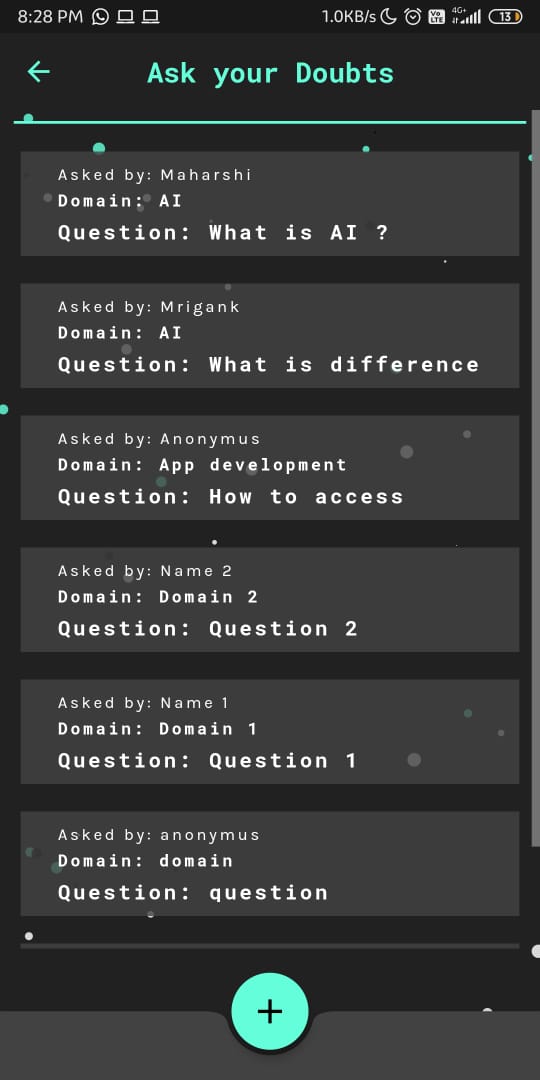
Tap on the tile and the question along with the answers that have been submitted by others will pop up.

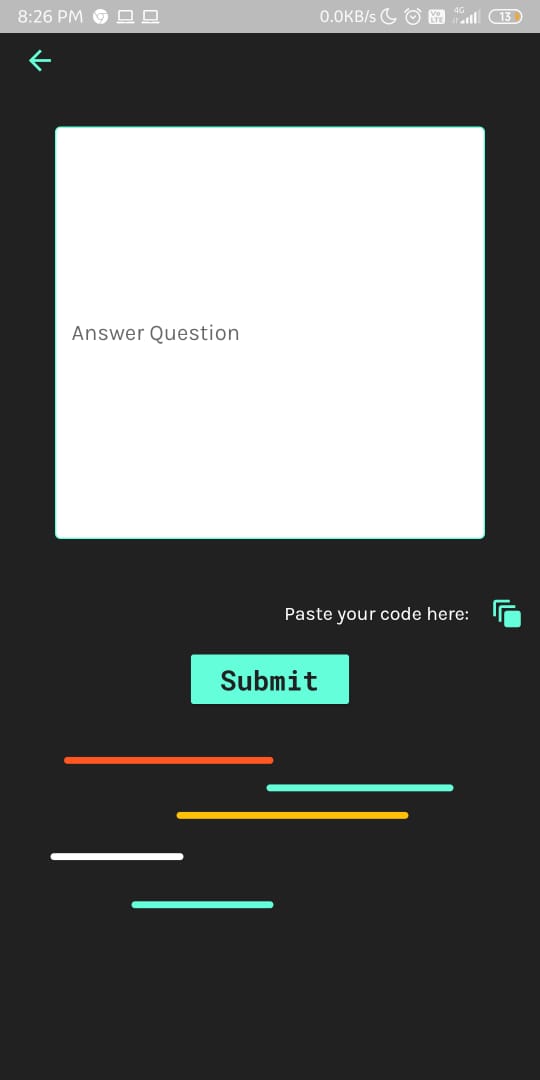
Tap on Add Answer and a new screen will open where you can type your answer. In case you want to paste your code in the text field given, tap on the button Paste your Code here, and you will be redirected to pastebin where you can paste the code without your syntax getting disturbed. Copy the URL of pastebin where you pasted your code and paste it in the text field of the application.
Press Submit.
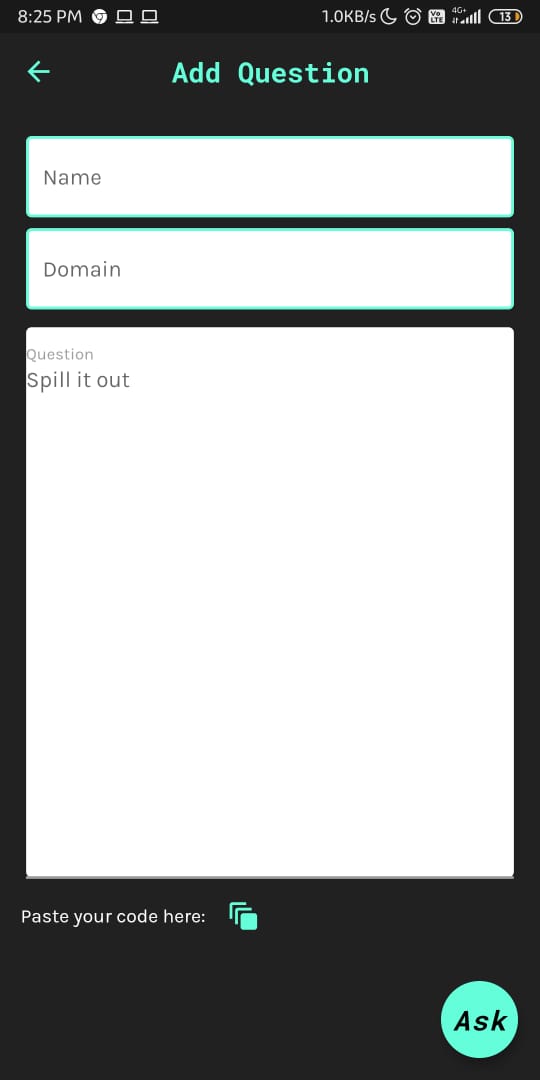
On the Ask your Doubts screen, tap on the plus icon given and a new screen will pop up. Mention your name, domain and the question. In case you want to paste your code in the text field given, tap on the button Paste your Code here, and you will be redirected to pastebin where you can paste the code without your syntax getting disturbed. Copy the URL of pastebin where you pasted your code and paste it in the text field of the application.
Press Ask and voila! Your question will be added in the list.
Here you will find various tech videos which your friends found knowledgable and wanted to share with you!. Tap on the video and it will be played on your screen!
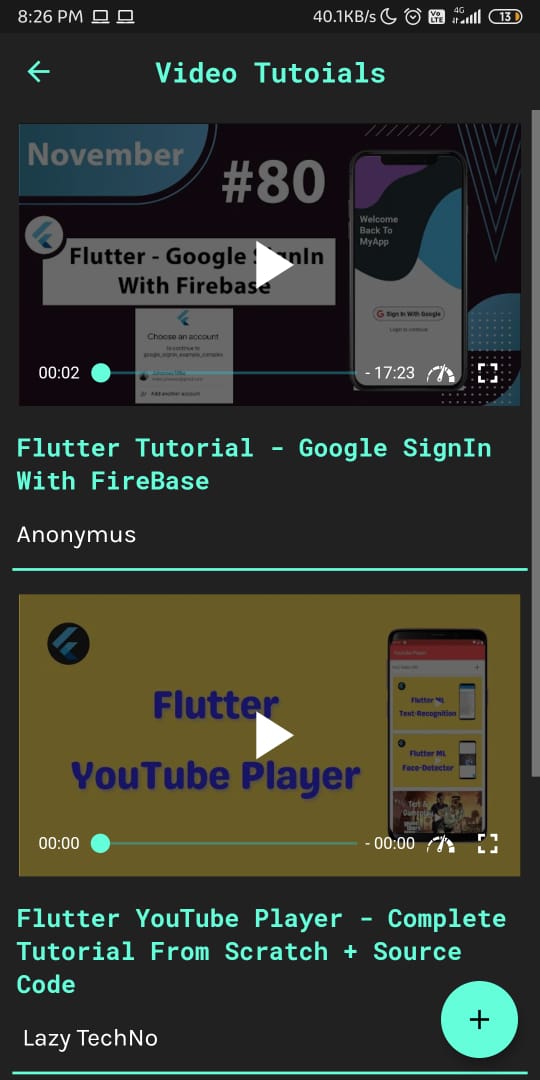
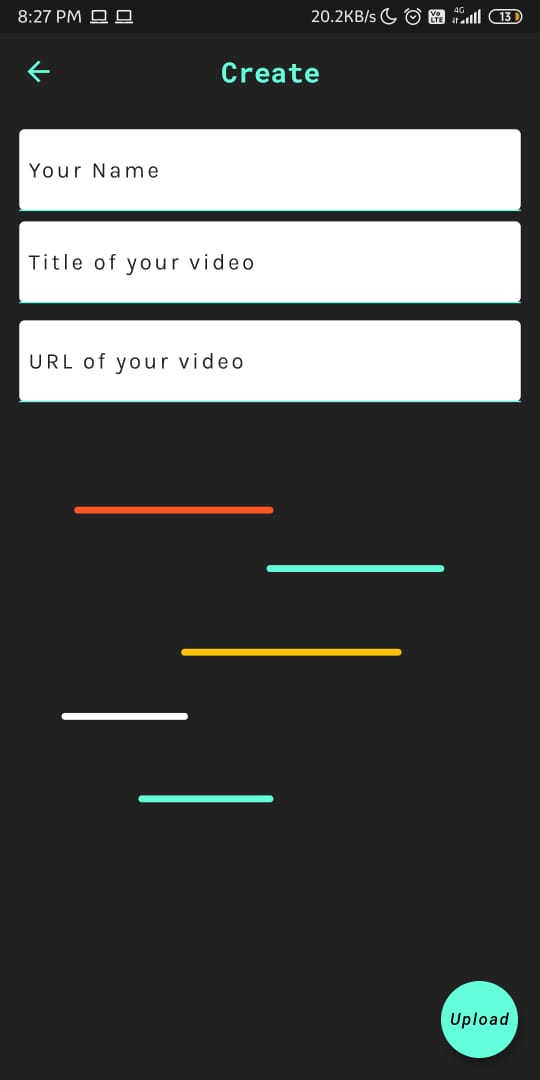
Tap on the plus icon and a new screen will open up. Mention your name, the title of the video and paste the URL in the respective forms given. Tap Upload and voila! Your video will be added in the list.
You can view your username, email id and your tech level in the profile screen.
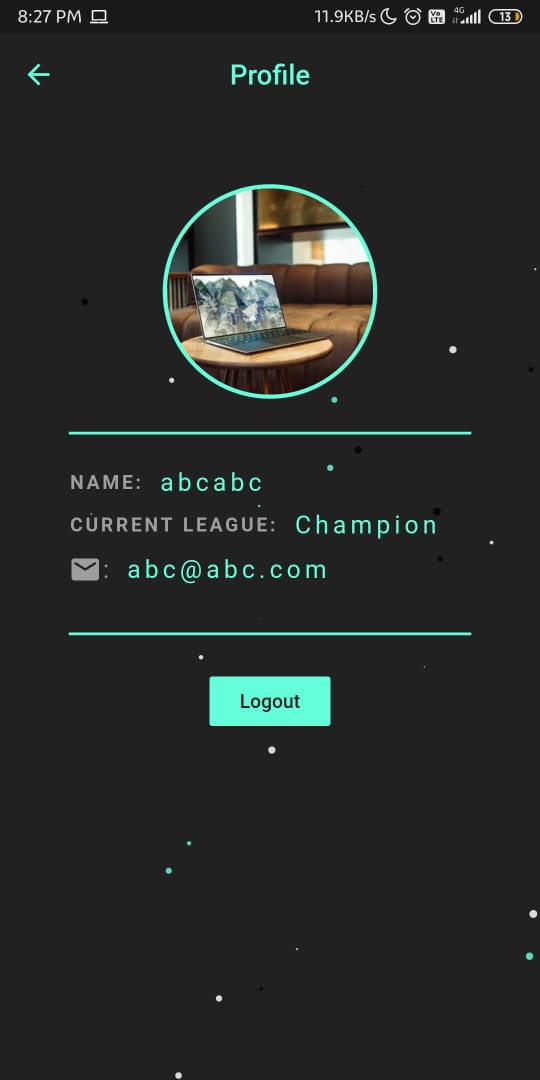
This is a feature which lets you know what is your level in technology and motivates you to constantly interact with the world in the language of tech and always improve your skills!
Tap the Logout button.
- Having to press back button after tapping Log In or SignUp is a bug we will fix very soon.
- The video player used is seems inefficient and will be improved soon.
- The user will be able to choose his profile photo and it will be visible in the profile screen.
- If you find any more bugs or issues, or you have some suggestions, then feel free to add them here.