HTML QR Code generator

Generate QR codes on your HTML website for links, contacts, files, coupons, and more, giving visitors fast, mobile-friendly access in one scan.
4.8 rating
10,000+ reviews
Free plan available
Create Widget for Free
No credit card needed
HTML QR Code generator

Create your QR Code widget

Configure your QR Code and add it to your HTML website for free!

Screenshots

HTML QR Code generator
1 / 6

Description

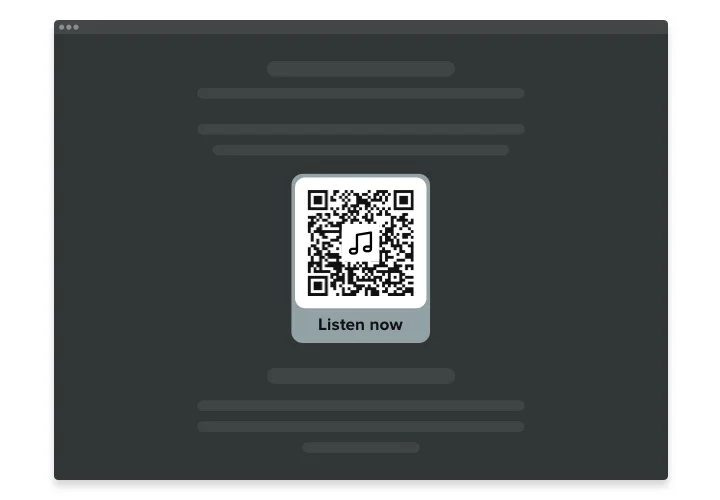
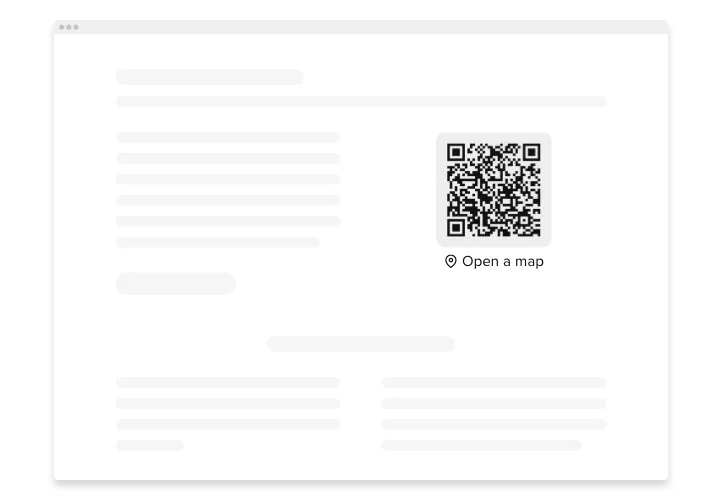
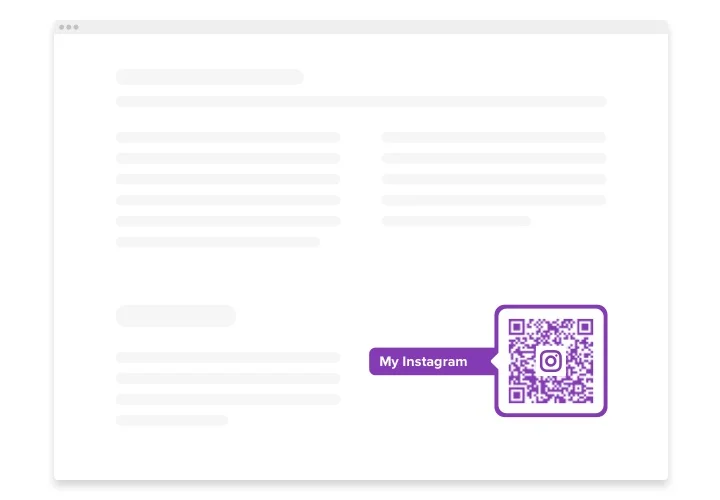
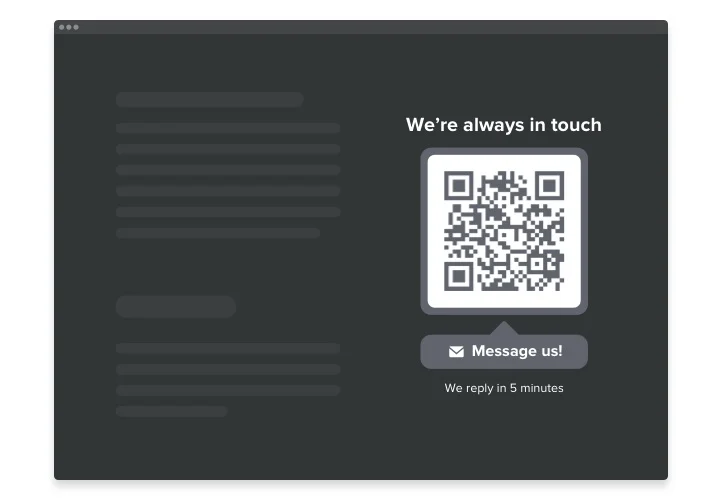
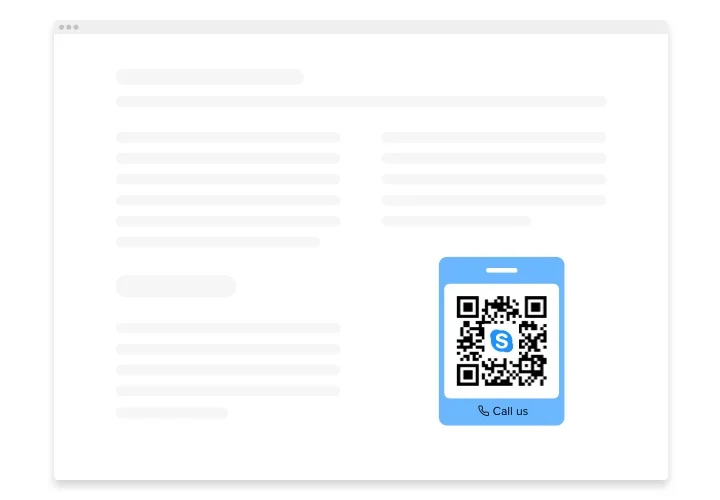
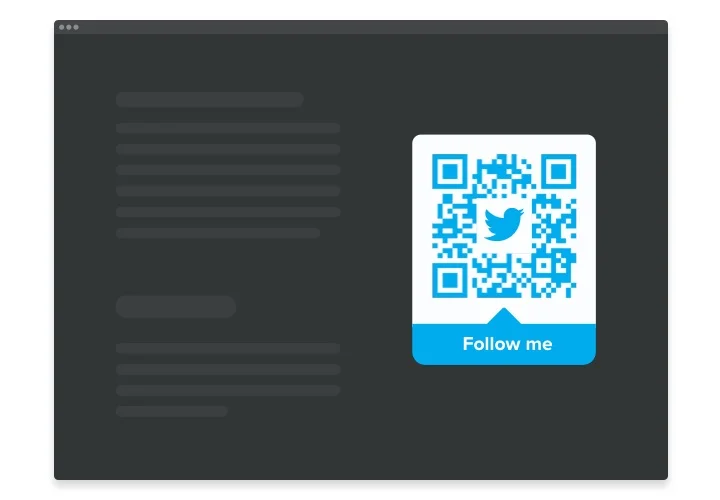
Elfsight QR Code is an impressive option allowing you instantly redirect users to any website, share an URL, location, email, file and many more. The plugin is remarkably adjustable: you can adjoin a title, caption, pick the icon and logo – from our library or create your own, recolor the text, the background, the frame and change the widget’s size the way it suits your website. All is left to do is simply start shaping the feature – the installation is unsophisticated and won’t require coding skills from you.

Integrate Elfsight QR Code generator into your HTML website and get visitors straight where you want them to be and simplify the content usage

We offer handy and easy features, view some of them:

  • Immediate access to content you’ve uploaded
  • Adjoin any text
  • 8 swappable logos
  • Fifteen switchable icons available
  • Recolor all the widget’s elements

You can explore the full functionality of the widget in the editor on this page

How can I add QR Code on my HTML website?

Simply follow the following steps presented below to activate the plugin.

  1. Open our free editor and start forming your customized generator.
    Find the preferable design and specifications of the plugin and apply the modifications.
  2. Receive the unique code revealed in the box on Elfsight Apps.
    After the establishing of your tool is complete, copy the individual code from the appearing popup and save it for further use.
  3. Start using the tool on HTML homepage.
    Embed the code copied recently in your website and save the improvements.
  4. The installation is fully ended.
    Visit your page to take a look at how’s the widget running.

On condition of confronting inquiries or encountering any obstacles, don’t hesitate to reach out to our support team. Our people will be delighted to resolve all the difficulties you might have with the product.

Do I need special hosting to use QR Code on HTML?

No special hosting plan is required. As long as your HTML website supports JavaScript, the widget will display and function properly.

Can I add the QR Code widget to a static HTML website?

Yes, Elfsight works on any static HTML website. Simply paste the installation code into your page source where you want your widget to appear.

What kind of data can I turn into a QR code?

Elfsight lets you generate QR codes for URLs, plain text, phone numbers, emails, Wi-Fi credentials, and other structured data types, making it easy to share information directly from your HTML website.

Does the QR code update automatically if I edit the content?

Yes, whenever you modify the linked data in the widget settings, the QR code refreshes instantly, ensuring scans from your HTML website always point to the most current information.

Can I customize the design without affecting scanning?

You can safely adjust colors, corner shapes, frames, and styles. Elfsight preserves scannability so your website visitors can scan it with standard devices.

Can I add my logo inside the QR code?

Yes, Elfsight allows you to place a logo or icon in the center. Smart contrast adjustments help maintain reliable scanning performance on your HTML website.

Will the QR code work with any scanner app?

The widget generates standard-compliant QR codes that work with smartphone cameras and most third-party scanner apps without compatibility issues.

Pricing

14-day money back guarantee. Risk-free, you can cancel at anytime.
Elfsight Apps
Multi-platform solution that suits for any site
from $0 / month
start with free plan
Unlimited domains
Professional customer support
Free installation assistance
Special offer for multiple apps
Easy to edit