1. Go to Settings -> Network -> HTTPS Filtering 2. Enable a switch filter Blacklist only 3. Tap on a Whitelist <details><summary>Screenshot:</summary> <!--- drag and drop, upload or paste your screenshot to this area--> 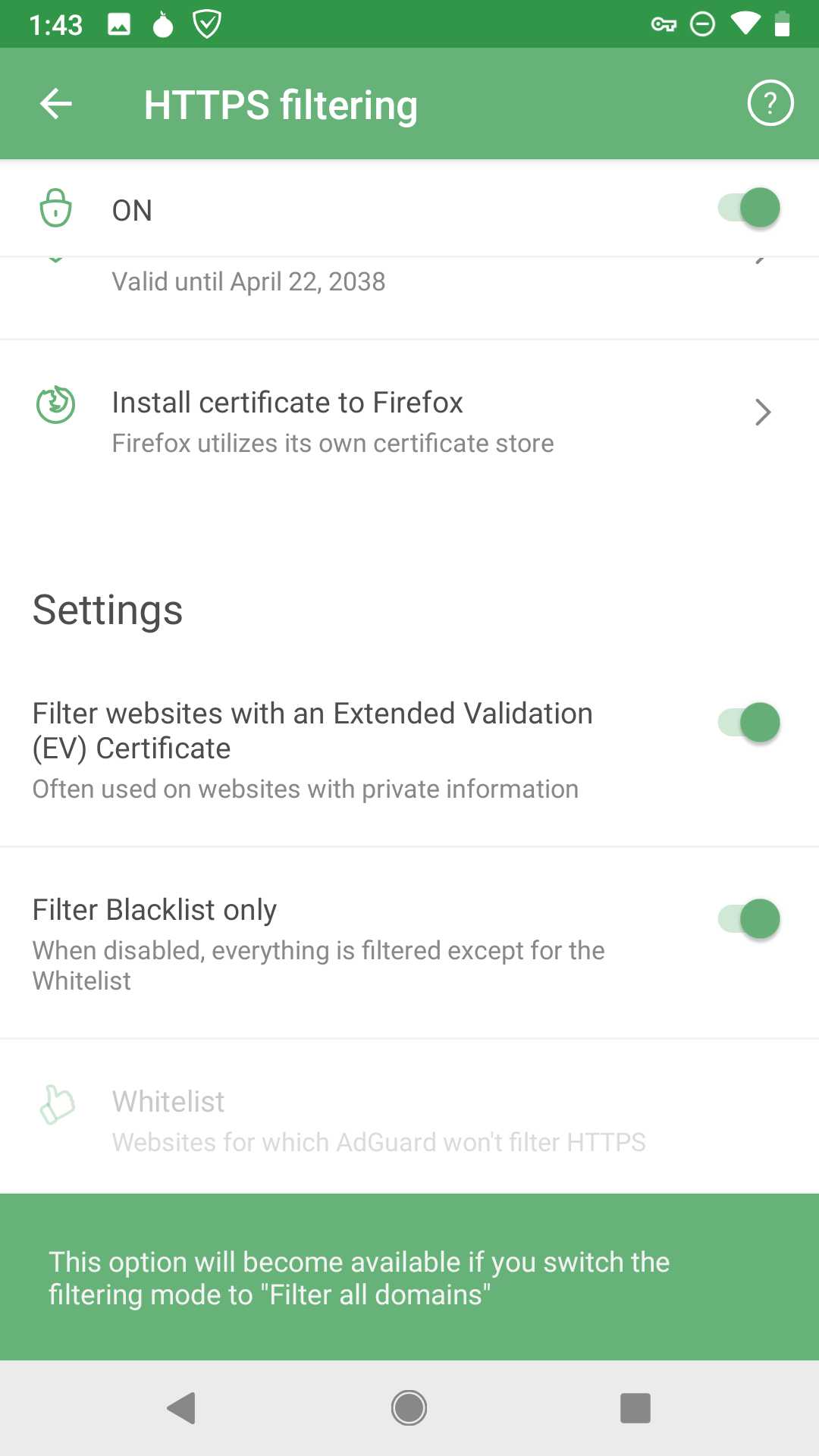 </details> For all testing devices


