
Wordpress Visitor Counter plugin

Create your Visitor Counter plugin
Screenshots
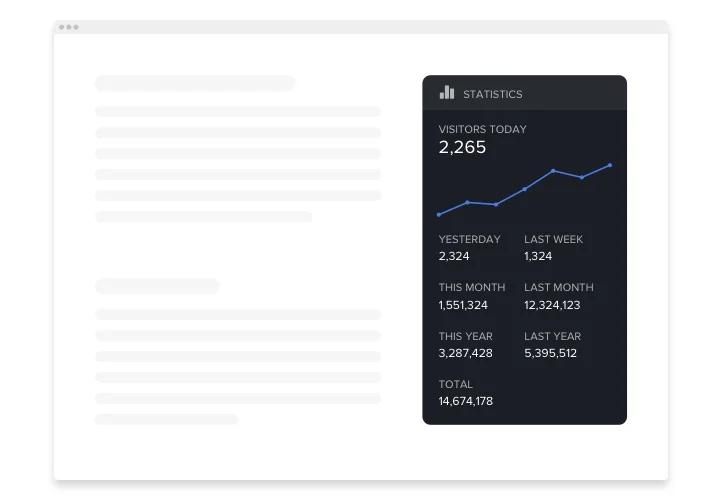
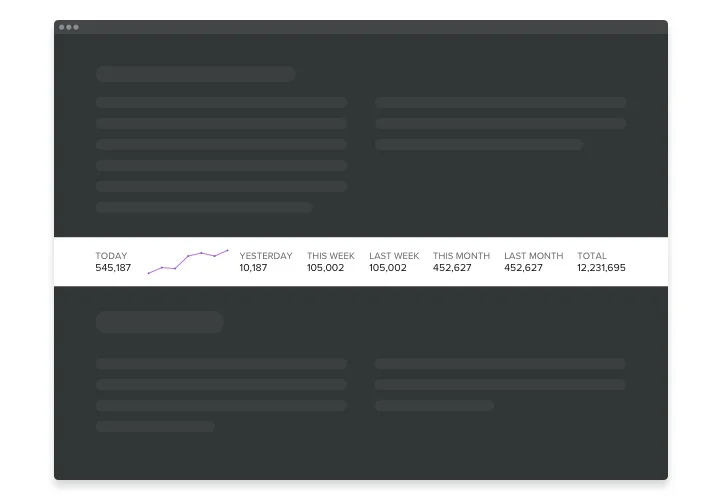
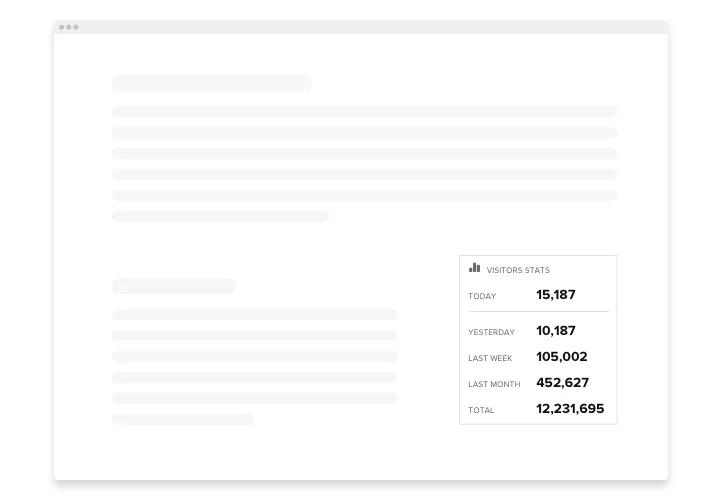
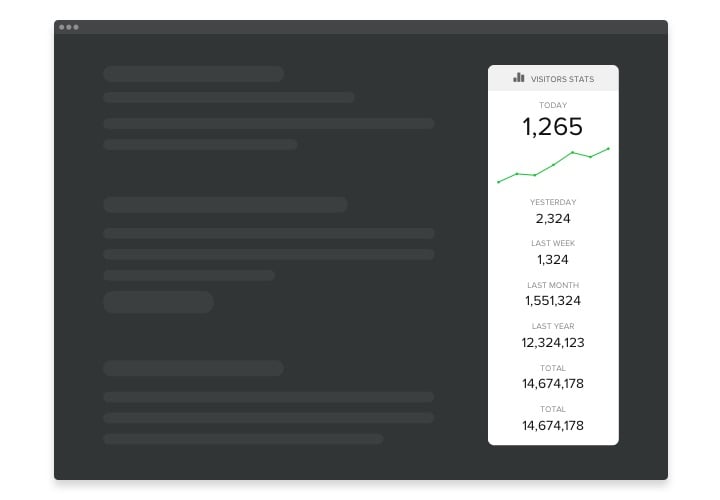
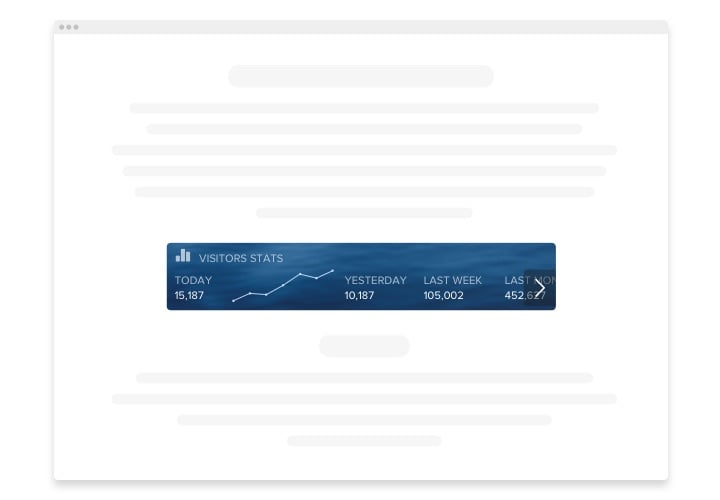
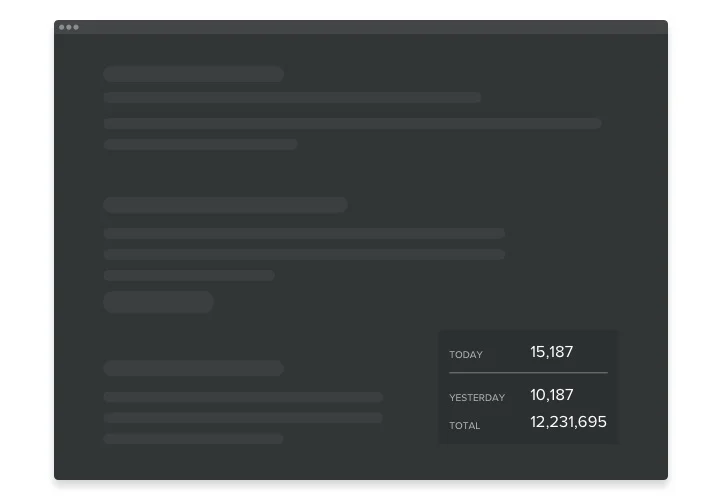
Embed Visitor Counter on WordPress with the Elfsight widget
Visitor Counter for WordPress is an easy-to-manage plugin which lets you monitor an amount of visitors and the most popular content viewed within specific interval of time. Basic metrics are now easy to check with no demand of specific skills of data analytics. By means of it you can easily ensure the users you are a reputable company and have more new customers and clients. With our user-tailored stylish opportunities and handy layouts, you can create the plugin into your page just in a few clicks.
Make your business tactics more effective and have more leads with the help of page View Counter!
The most important widget features are:
- Easy to manage with no demand professional competence of analytics and coding required
- A wide diversity of time duration to check your metrics
- Handy layouts to manage all points the most practical way
- Light, Dark and Customizable color schemes to make the tool stylish
- Set the font size and weight
- Simply to embed even without coding
How to add Visitor Counter on my WordPress web page?
Just apply the instructions below to insert the plugin:
- Open our free editor and start working with your unique plugin.
Choose the custom form and performance of the plugin and apply all the edits. - Get the individual code shown in the box on Elfsight Apps.
When the generation of your plugin is complete, copy your code in the appeared popup and keep it for future use. - Commence usage of the plugin on your WordPress website.
Insert the code you’ve saved recently into your website and save the modifications. - Done! The setup is fully performed.
Visit your website to examine how’s the plugin working.
Supposing you deal with some difficulties, do not be afraid to address our customer service team. Our consultants are longing to resolve all the issues you might have with the tool.