Elementor QR Code widget

Generate QR codes on your Elementor website for links, contacts, files, coupons, and more, giving visitors fast, mobile-friendly access in one scan.
4.8 rating
10,000+ reviews
Free plan available
Create Widget for Free
No credit card needed
Elementor QR Code widget

Create your QR Code widget

Configure your QR Code and add it to your Elementor website for free!

Screenshots

Elementor QR Code widget
1 / 6

Embed QR Code on Elementor with the Elfsight widget

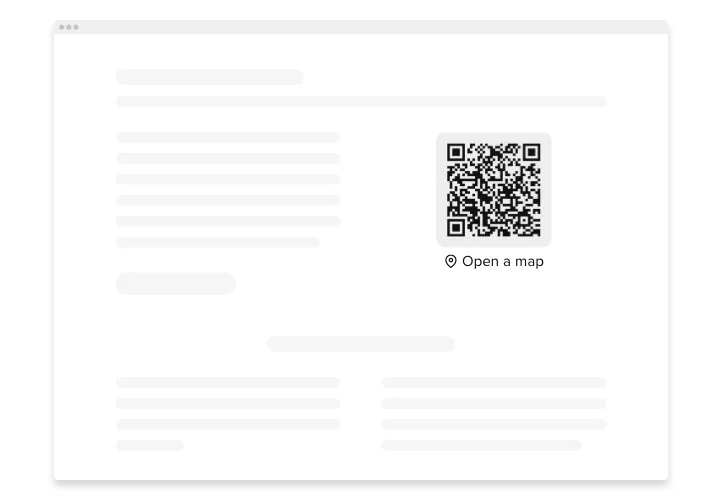
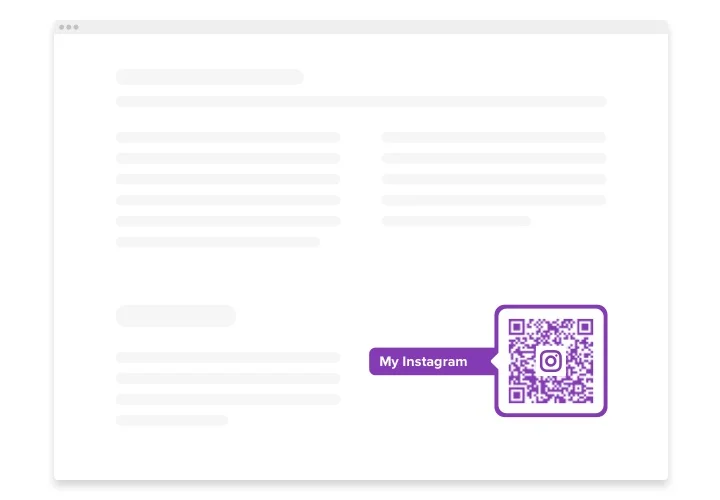
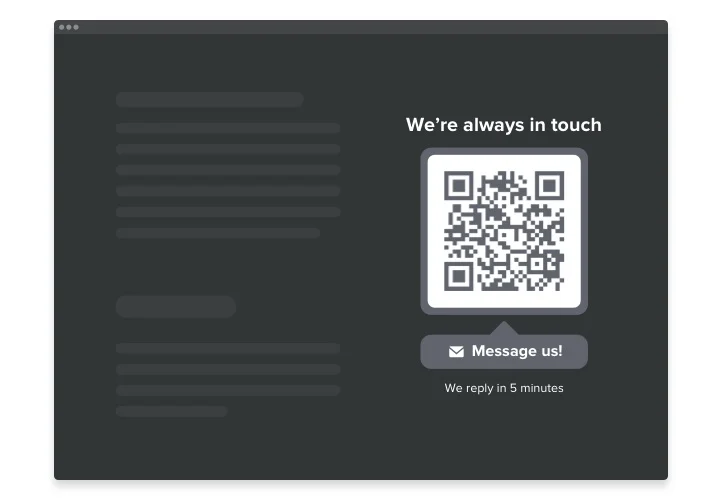
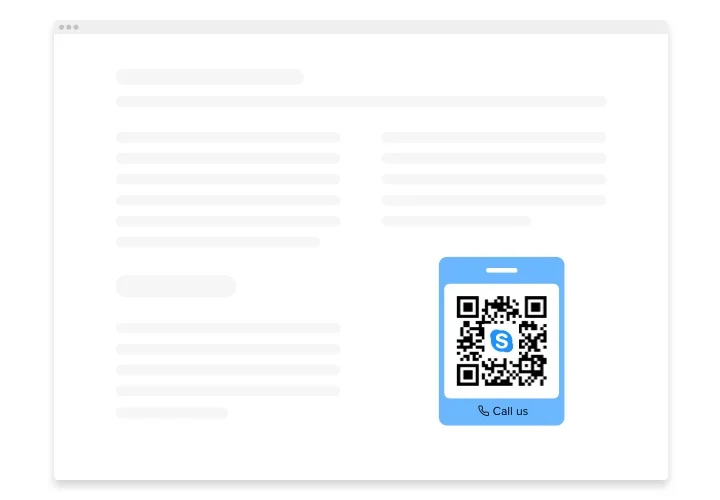
The QR Code generator is an impressive solution for Elementor websites allowing you immediately redirect your visitors to any web page, share an URL, your location, email, any file and more. The widget is exceedingly adjustable: you may add a title, an explicative caption, choose the most suiting icon and logo using our library or create your own, repaint the text, background, the frame and change the widget’s size the way it suits your website. All you need to do is start building the widget – the installation is a breeze and won’t require coding skills.

Embed the QR Code generator into your web page and get visitors directly where you want them to be and streamline the content consumption

Here are central features of the widget:

  • Immediate access to your content
  • Add any text
  • 8 switchable logos
  • Fifteen swappable icons for you to choose
  • Recolor all the elements

Merely try this editor to see what the widget is worth

How can I add QR Code to my Elementor website?

Just follow the guidelines below to add the tool.

  1. Launch our free configurator and start building your custom-made plugin.
    Choose the desirable interface and aspects of the plugin and apply the modifications.
  2. Copy the unique code appearing in the special form on Elfsight Apps.
    When the establishing of your personal plugin is done, copy the personal code in the emerged window and save it for later need.
  3. Commence employment of the widget on your Elementor web page.
    Place the code copied before into your homepage and save the adjustments.
  4. The installation is fully ended.
    Go your website to see the work of the plugin.

On condition of experiencing questions or confronting some problems, don’t hesitate to contact our customer service staff. Our specialists will be happy to resolve all the questions you might have with the product.

Do I need Elementor Pro to use the QR Code?

You can add the widget using Elementor Free while some advanced display and layout options may require Elementor Pro.

Is Elfsight QR Code compatible with Elementor layouts?

Elfsight integrates smoothly with Elementor sections, columns, and templates, adapting automatically to responsive designs.

What data formats can I convert into a QR code?

Elfsight allows you to create QR codes for website links, plain text, phone calls, email addresses, Wi-Fi credentials, and other predefined data types directly within your Elementor website.

Will the QR code update if I change the content?

Yes, any edits made in the widget settings automatically regenerate the QR code, ensuring Elementor visitors always scan the most up-to-date information.

Can I customize the QR code appearance safely?

You can modify colors, shapes, and frames without compromising scan reliability, while maintaining full scannability across modern devices.

Can I place a logo in the center of the code?

Yes,Elfsightt supports inserting a custom logo or icon in the center while automatically adjusting contrast for reliable scanning on your Elementor website.

Will the QR codes work with standard scanner apps?

The widget generates QR codes that comply with common standards, ensuring compatibility with smartphone cameras and popular QR scanning apps.

Pricing

14-day money back guarantee. Risk-free, you can cancel at anytime.
Elfsight Apps
Multi-platform version that works on any website
from $0 / month
start with free plan
Unlimited domains
Premium customer support
Charge-free installation support
Special price for multiple apps
Fully customizable